

Create an Airtable record for every new Krisp transcript
Each meeting transcript Krisp creates is saved as a new Airtable record, so you have one table of calls you can search, tag and link to clients or projects.
 Krisp
 Airtable
2 steps Setup ~5 min Used on 432 sites Free to import
What this workflow does
Krisp produces a transcript for your meetings, but those transcripts stay inside Krisp, separate from the rest of your client or project data. If your team already tracks work in Airtable, keeping transcripts there lets you link each call to the account or project it belongs to. This workflow copies each new transcript across as it is created.
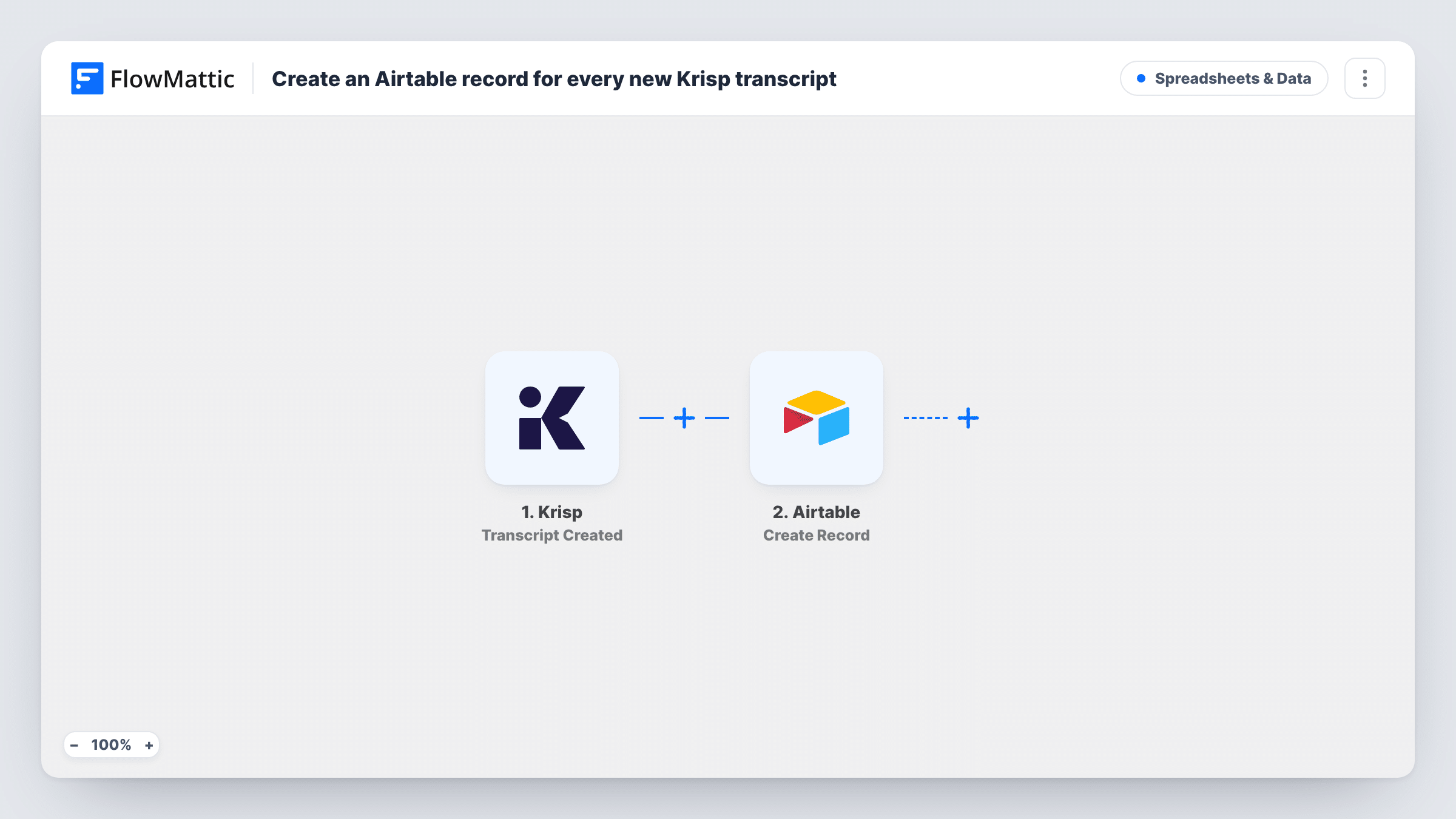
The Krisp trigger is Transcript Created. It fires when a meeting transcript is created in Krisp. FlowMattic passes the transcript data to Airtable, where Create Record adds a record to the base and table you pick. You map values such as the meeting title, date and transcript text into fields.
One transcript gives one record. The workflow does not summarize or edit the text. It copies what Krisp sends. Task History lists each run, which is handy if a long transcript does not look right in Airtable.
Client call archive for an agency
Every client call transcript lands in an Airtable table. Account managers link each record to the client and find what was agreed weeks later.
User research interviews
Product researchers run interviews with Krisp running. Each transcript becomes an Airtable record they can tag by theme as they review.
Sales call review
A sales lead keeps a table of transcribed calls and adds a notes field to each record for coaching sessions with the team.
How this workflow runs
What happens at each step once the workflow is on, and what you need before you import it.
 Krisp Transcript Created
Runs when Krisp creates a transcript for one of your meetings. The transcript and its meeting details are passed on for mapping.
- Airtable Create Record
Adds a record to the Airtable table you select. Connect Airtable, choose the base and table, and map the Krisp meeting values and transcript into its fields.
What you need
- FlowMatticCore
- Krisp AccountAccount
- Airtable AccountAccount
After importing, map your own data. To keep the template universal, not every step is pre-filled. Open each step in the builder and connect your accounts and fields (channels, lists, sheets, recipients) before you switch the workflow on.
Make it yours
Changes worth making after you import it.
- Use a long text field in Airtable for the transcript, so longer calls fit in the record.
- Add a linked-record or single-select field for the client and fill it in by hand after each call, so you can group transcripts by account.
- Krisp also has Notes Generated and Outline Generated triggers in FlowMattic. Build a second workflow from one of them to keep shorter meeting notes in the same base.
Questions about this workflow
Does the Airtable record hold the full Krisp transcript?
It holds whatever Krisp sends with the event and you map into a field. Run a test after a short meeting and check the captured values before relying on it.
Will older Krisp transcripts be added to Airtable?
No. Only transcripts created after the workflow is on make records.
Does this send Krisp meeting notes too?
No. The trigger is Transcript Created. Krisp's notes and outlines come through separate triggers you can use in other workflows.
What do I need in Airtable before importing the Krisp workflow?
A base with a table ready for the transcripts, with fields for the values you plan to map, and an Airtable account to connect in FlowMattic.
More Spreadsheets & Data workflows
Other ready-to-import templates from the same category.





Import this workflow into your WordPress site
Download the JSON, import it from the Workflows screen and connect your accounts. Every run stays on your server, with no per-task fees.
30-day money-back guarantee Unlimited workflows and runs Self-hosted