

Add user to FluentCommunity space if request to join is approved
When someone asks to join a FluentCommunity space, FlowMattic emails an approver through Human in the Loop and adds the user to the space once the request is approved.
 Fluent Community
 Human in the Loop
3 steps Setup ~5 min Used on 309 sites Free to import
What this workflow does
Private or paid spaces in FluentCommunity often need a person to say yes before a member gets in. Moderators may not live in the community dashboard, though. This workflow sends each join request to an approver's inbox and acts on the answer.
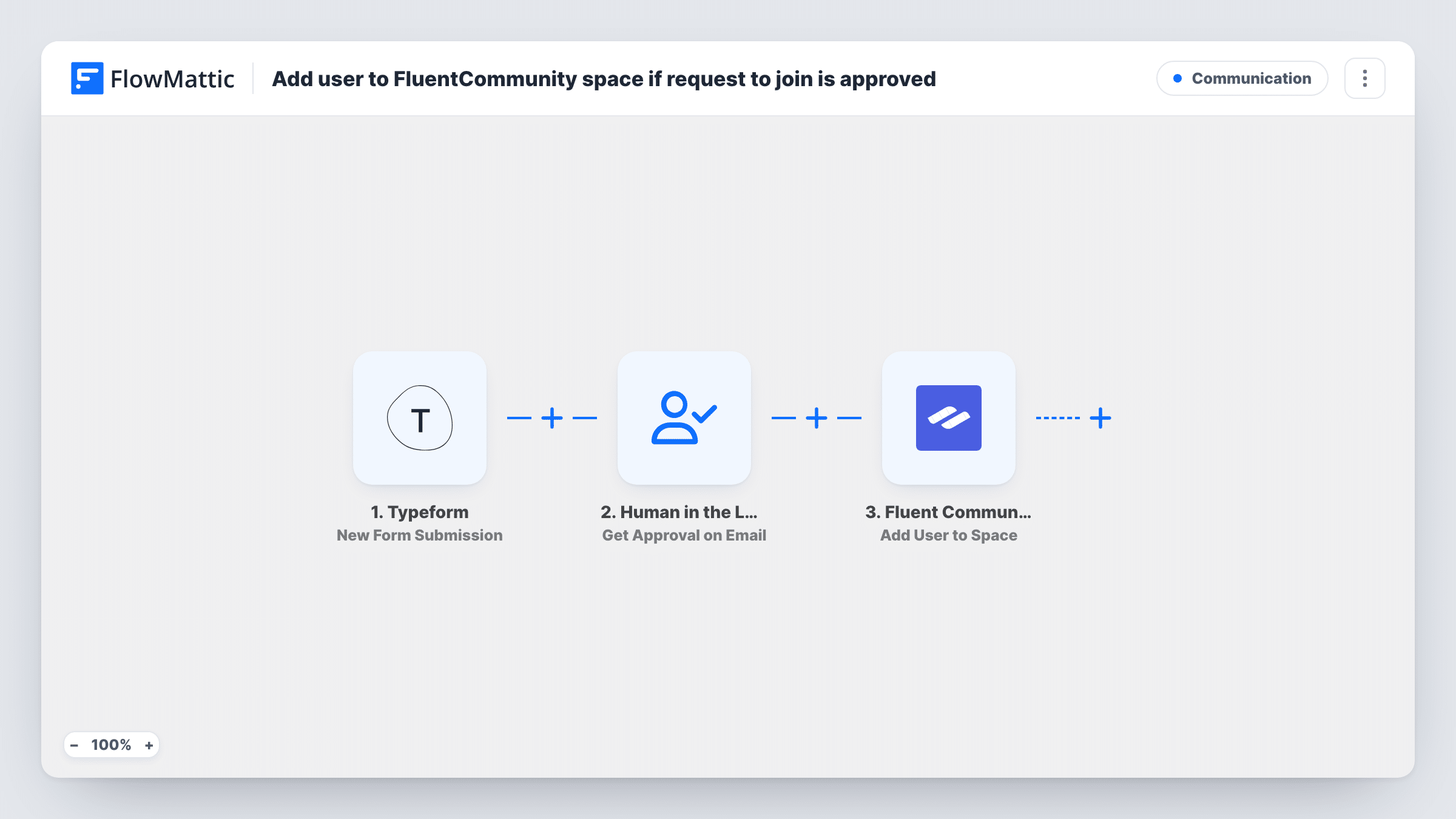
The trigger fires when a user requests to join a space. The Human in the Loop step, Get Approval on Email, then emails an approval request and waits for a response. It ships unmapped, so after import set who receives the email and write the request, mapping the user's name and the space from the trigger so the approver knows who is asking.
If the approver rejects the request, the run ends and the user is not added. If they approve, Add User to Space adds the user to the space. Map the user ID and space from the trigger into that step. Watch the timeout setting: if nobody answers in time, the default timeout action is Skip and Continue to Next Step, which would add the user without approval. Set the timeout action to End Workflow so unanswered requests add no one.
Request to join a test space with a second account, approve it from the email, and check Task History for each step.
Paid mastermind group
A coach reviews every request to join the members-only space from her inbox and approves only people who have paid for the programme.
Customer-only support space
A software company's support lead approves join requests after checking the requester is a customer, without logging in to the community.
Moderated local chapter
A professional association lets each chapter organiser approve requests for their regional space by email.
How this workflow runs
What happens at each step once the workflow is on, and what you need before you import it.
 Fluent Community User Requests to Join Space
Starts the workflow when a user requests to join a FluentCommunity space. The requesting user and the space are passed on for the approval email and the add step.
- Human in the Loop Get Approval on Email
Emails an approval request and waits for a response. The template leaves it blank, so add the approver's email and the message after import, and set the timeout action to End Workflow so unanswered requests stop.
- Fluent Community Add User to Space
Adds the user to the space after the request is approved. The step ships unmapped, so map the user ID and the space from the trigger.
What you need
- FlowMatticCore
- FluentCommunity PluginPlugin
After importing, map your own data. To keep the template universal, not every step is pre-filled. Open each step in the builder and connect your accounts and fields (channels, lists, sheets, recipients) before you switch the workflow on.
Make it yours
Changes worth making after you import it.
- Set the Human in the Loop timeout action to End Workflow, because the default, Skip and Continue to Next Step, adds the user when nobody answers.
- Put the user's name, email and the space name in the approval email, so the approver can decide without opening FluentCommunity.
- Add FluentCommunity's Create Notification action after the Add User to Space step to welcome the new member inside the community.
- Route requests for different spaces to different approvers by duplicating the workflow and setting each copy's approver email.
Questions about this workflow
What happens when the approver rejects the FluentCommunity request?
A rejection ends the run, so Add User to Space doesn't run and the user stays outside the space. No Filter or Router is needed for that.
Does an unanswered approval email still add the user to the FluentCommunity space?
As shipped, it can. The default timeout action, Skip and Continue to Next Step, carries on and adds the user. Choose End Workflow if nothing should happen without an answer.
Who receives the approval email?
Whoever you set in the Get Approval on Email step after import. The template leaves it empty, so add a moderator's or owner's address.
More Communication workflows
Other ready-to-import templates from the same category.






Import this workflow into your WordPress site
Download the JSON, import it from the Workflows screen and connect your accounts. Every run stays on your server, with no per-task fees.
30-day money-back guarantee Unlimited workflows and runs Self-hosted