

Send a Twilio SMS reminder when a CalendarFix booking is confirmed
As soon as a CalendarFix booking is confirmed, this workflow texts the attendee through Twilio with the appointment details, so they have the date and time on their phone from the moment it’s booked.
 CalendarFix
 Twilio
2 steps Setup ~5 min Used on 1.8k sites Free to import
What this workflow does
Some people would rather have appointment details as a text than dig for an email. This workflow sends a Twilio SMS to the attendee each time a CalendarFix booking is confirmed.
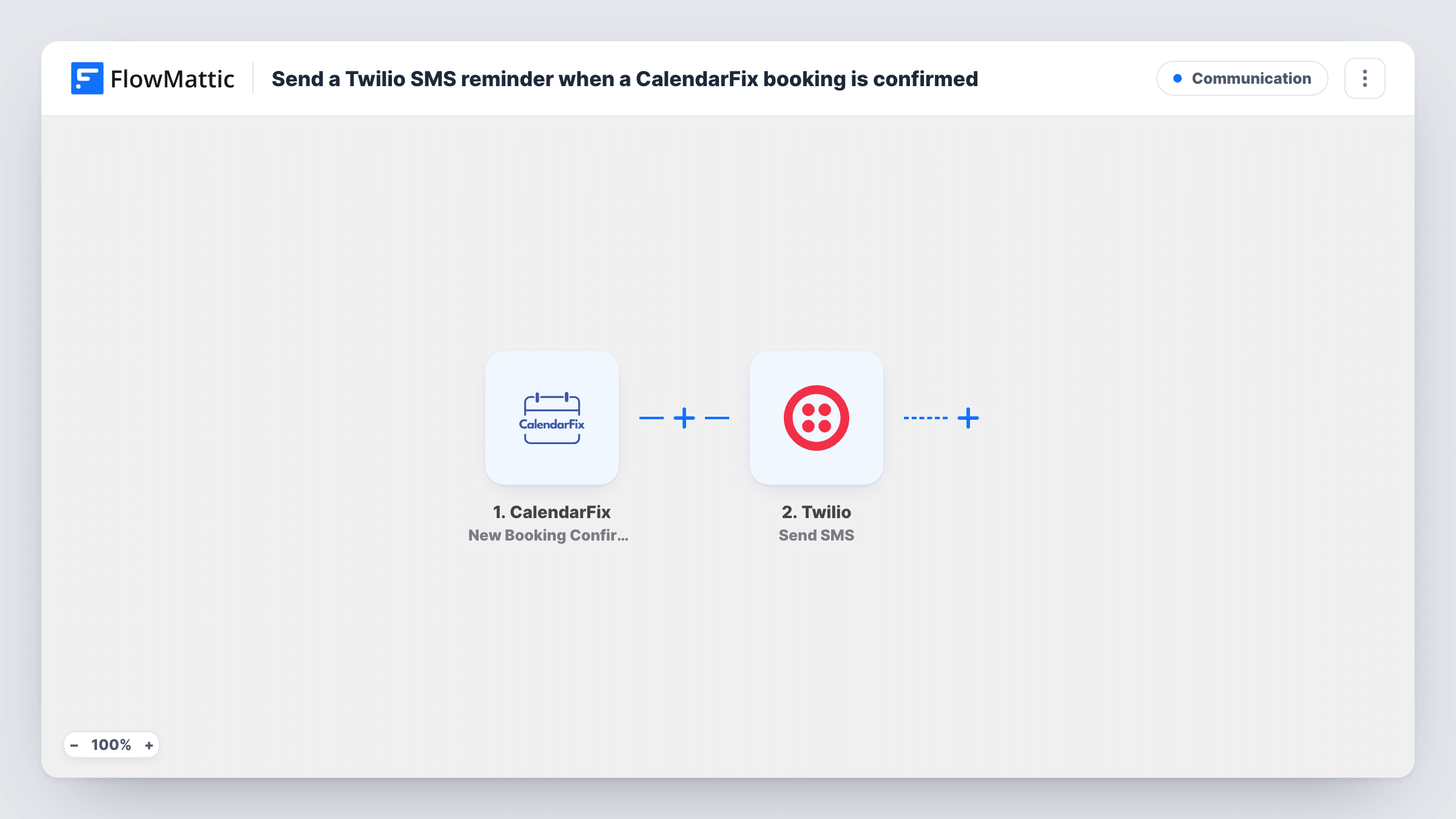
The CalendarFix trigger fires when a new booking is confirmed and passes the booking details to FlowMattic. The Twilio step then sends an SMS from your Twilio number. You set the recipient to the attendee's phone number from the booking and write the message, with the date, time and anything else they need to know.
As imported, the text goes out at the moment of confirmation, not shortly before the appointment. If you want a true day-before reminder, add a Delay step, as the tips explain. The SMS can only reach people whose booking includes a phone number, so make sure your CalendarFix booking page collects one.
Physiotherapy clinic appointments
Patients book sessions in CalendarFix. Each confirmation sends a text with the date, time and clinic address, so patients keep the details on their phone.
Home service visits
A cleaning company confirms visits in CalendarFix. The customer gets an SMS with the arrival window, so they know when to be home.
One-to-one coaching calls
A coach confirms calls booked through CalendarFix. The client receives a text with the call time and how to join.
How this workflow runs
What happens at each step once the workflow is on, and what you need before you import it.
 CalendarFix New Booking Confirmation
Runs once CalendarFix confirms a new booking. The booking details, including any phone number the booking holds, become available for the SMS.
- Twilio Send SMS
Sends a text message through your Twilio account to the attendee. Map the phone number from the booking as the recipient and write the message, mapping in the booking date and time.
What you need
- FlowMatticCore
- CalendarFix AccountAccount
- Twilio AccountAccount
After importing, map your own data. To keep the template universal, not every step is pre-filled. Open each step in the builder and connect your accounts and fields (channels, lists, sheets, recipients) before you switch the workflow on.
Make it yours
Changes worth making after you import it.
- To send the text the day before instead, add Date/Time Formatter's Add/Subtract Time to take one day off the booking time, then a Delay Until step set to that result before the Twilio step.
- If attendees enter phone numbers in different formats, add Number Formatter's Format Phone Number step before Twilio and map its result as the recipient.
- Confirm one test booking with your own phone number after import, so you can check that the text arrives and reads the way you want.
Questions about this workflow
When does the Twilio SMS go out for a CalendarFix booking?
Right after the booking is confirmed, as imported. Add a Delay Until step before the Twilio step if you want the text sent closer to the appointment.
What happens if a CalendarFix booking has no phone number?
Twilio has no number to send to, so the SMS step fails for that booking and Task History shows the error. Set up your CalendarFix booking page so it asks every attendee for a phone number.
Do I need my own Twilio number?
Yes. The SMS goes out through your Twilio account and a number in it that can send texts to your attendees' country.
Does a cancelled CalendarFix booking send a text?
No. CalendarFix's only FlowMattic trigger is New Booking Confirmation, so cancellations don't start this workflow.
More Communication workflows
Other ready-to-import templates from the same category.




Import this workflow into your WordPress site
Download the JSON, import it from the Workflows screen and connect your accounts. Every run stays on your server, with no per-task fees.
30-day money-back guarantee Unlimited workflows and runs Self-hosted