

When a new lead is captured in 99 Acres, send a WhatsApp template message using WhatsApp Cloud API
When 99 Acres posts a new property lead to your FlowMattic webhook URL, this workflow sends that lead a WhatsApp template message through the WhatsApp Cloud API, so the enquirer hears from you on WhatsApp.
 Webhook
 WhatsApp Cloud API
2 steps Setup ~5 min Used on 996 sites Free to import
What this workflow does
Property enquiries from 99 Acres arrive while you are out showing flats or on calls. A buyer who sent an enquiry may contact other brokers before you get back to them. This workflow sends each new lead an approved WhatsApp template message as soon as the lead data reaches your site.
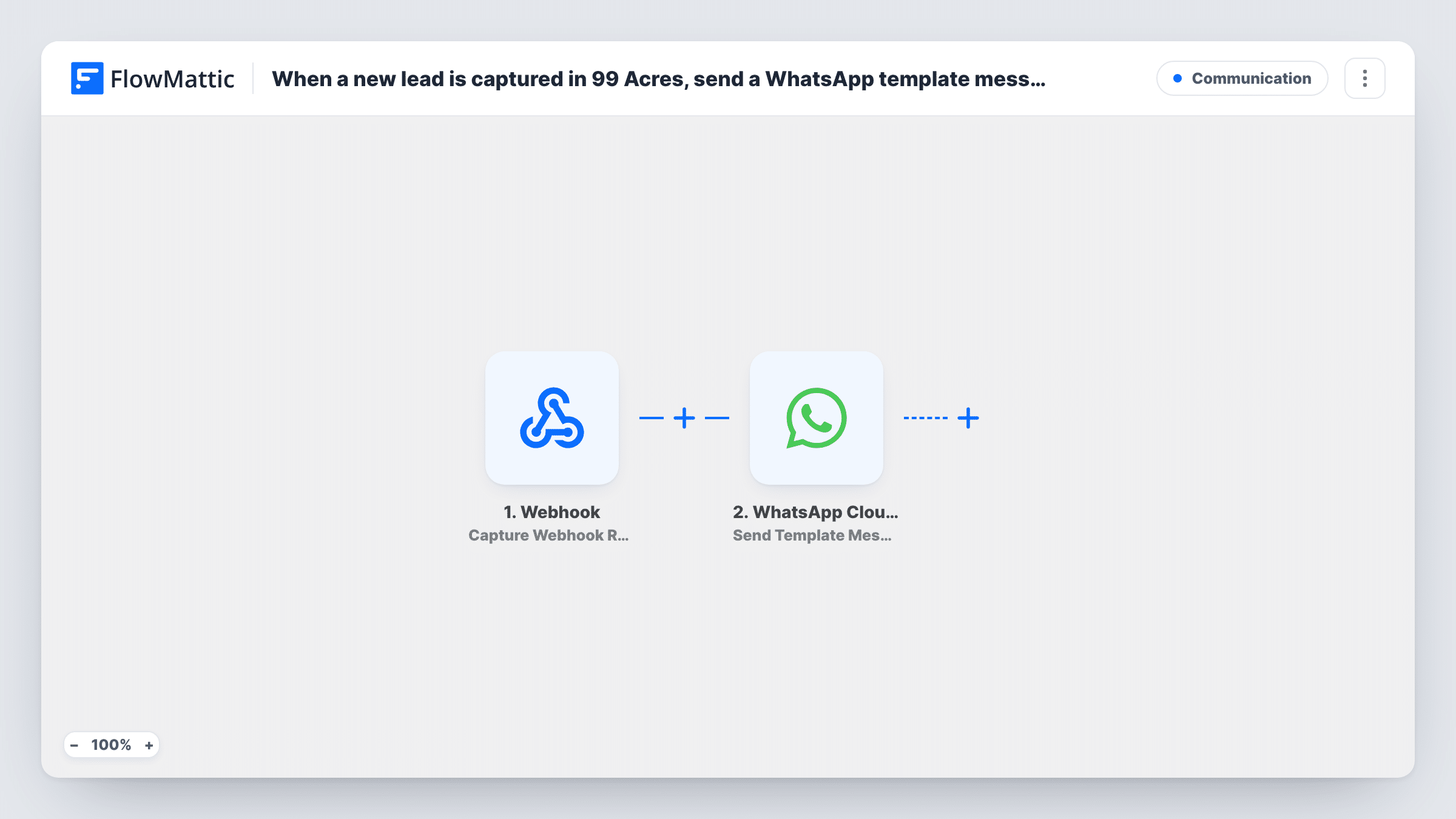
The workflow starts at a Webhook trigger that waits for 99 Acres data. FlowMattic gives you a webhook URL, and you set 99 Acres to post its leads to that URL. FlowMattic's own 99 Acres trigger works the same way, catching leads sent to a webhook URL, so the generic Webhook does the same job here. Whatever lead details 99 Acres includes in the post, such as the enquirer's name and phone number, become data you can map.
The second step uses WhatsApp Cloud API to send a template message. You map the lead's phone number into the step and choose the template to send. Every lead that arrives at the URL gets the message, because there is no Filter in between. Task History shows each run, including the reply from WhatsApp if a send fails.
Broker replying to flat enquiries
A buyer enquires about a 2BHK listing on 99 Acres. The lead reaches your webhook URL and the buyer gets your WhatsApp template with your name and a line asking when they would like to visit.
Builder sales desk after office hours
Leads for a new project keep arriving at night. Each one receives your approved template message on WhatsApp, and your sales team picks up the conversation in the morning.
Rental listings with many enquiries
A popular rental flat draws a stream of 99 Acres leads. Every enquirer gets the same template message with the next steps, without anyone typing it out.
How this workflow runs
What happens at each step once the workflow is on, and what you need before you import it.
 Webhook Capture Webhook Response
Listens on a unique FlowMattic URL and starts a run whenever 99 Acres posts a lead there. Set 99 Acres to send its new leads to this URL, then send one test lead so FlowMattic captures the fields 99 Acres includes.
- WhatsApp Cloud API Send Template Message
Sends a WhatsApp template message through your WhatsApp Cloud API account. Map the lead's phone number from the webhook data and choose an approved template. Send a test lead to confirm the message arrives.
What you need
- FlowMatticCore
- WhatsApp Cloud API AccountAccount
After importing, map your own data. To keep the template universal, not every step is pre-filled. Open each step in the builder and connect your accounts and fields (channels, lists, sheets, recipients) before you switch the workflow on.
Make it yours
Changes worth making after you import it.
- Add a Filter after the webhook that continues only when the phone number field is not empty, so posts without a number do not reach the WhatsApp step.
- If your template has variables, map the lead's name or the listing details from the webhook data into them so each message reads as written for that buyer.
- Add a Google Sheets Add New Row step after the WhatsApp step to keep a log of every 99 Acres lead the workflow has messaged.
Questions about this workflow
Why does this 99 Acres workflow start with a generic Webhook?
FlowMattic's 99 Acres trigger, New Leads, fires when a lead is captured at a webhook URL. The generic Webhook trigger does the same thing. Either way, 99 Acres has to be set to post its leads to the URL FlowMattic gives you.
Which WhatsApp template does the lead receive?
The one you pick in the WhatsApp Cloud API step after import. It has to be a template approved for your WhatsApp Business account. Send a test lead to check which options the step offers and how the message looks.
Does the phone number from 99 Acres need a country code?
WhatsApp delivers to numbers written with the country code in front. Look at the number in your captured test lead. If it lacks the country code, add the code in front of the number when you map the field.
Will older 99 Acres leads get the WhatsApp message?
No. The workflow only runs for data posted to the webhook URL after you turn it on. Leads you received before that are not sent anything.
More Communication workflows
Other ready-to-import templates from the same category.






Import this workflow into your WordPress site
Download the JSON, import it from the Workflows screen and connect your accounts. Every run stays on your server, with no per-task fees.
30-day money-back guarantee Unlimited workflows and runs Self-hosted