

When a new lead is captured in Convertbox, send a WhatsApp template message using WhatsApp Cloud API
Each new lead captured by a Convertbox form gets an approved WhatsApp template message from your business number through the WhatsApp Cloud API, sent as soon as the lead comes in.
 Convertbox
 WhatsApp Cloud API
2 steps Setup ~5 min Used on 2.8k sites Free to import
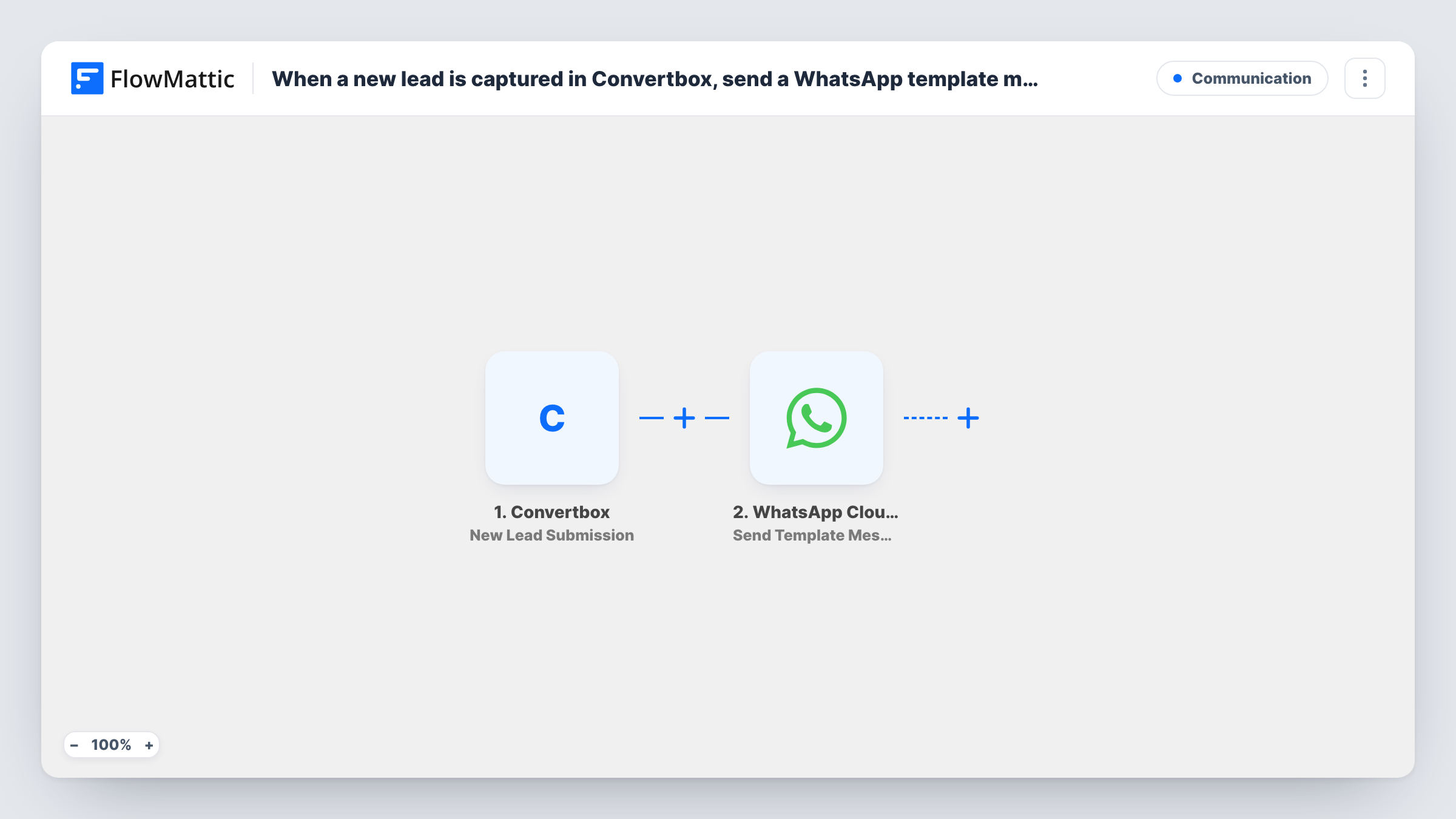
What this workflow does
Convertbox collects leads on your site through on-page forms and offers. The quickest way to start a conversation with those people may be WhatsApp, but writing to each new lead by hand takes time you may not have. This workflow sends a WhatsApp message the moment Convertbox reports a lead.
The Convertbox trigger fires when a new lead is submitted. FlowMattic receives the lead's answers, including the phone number if your Convertbox form asks for one. Those values move on to the WhatsApp Cloud API step, which sends a template message to the number from the lead.
A template message is one you have created and had approved in your WhatsApp Business account. WhatsApp allows these to reach people who have never written to your number, which fits fresh leads. Every lead runs the workflow once, and the result of each send, including any WhatsApp error, is visible in Task History.
Delivering a lead magnet on WhatsApp
A Convertbox offer promises a guide or checklist. The approved template thanks the lead and tells them how to get it, right on their phone.
Booking follow-up for service businesses
A clinic, studio or agency collects enquiries through Convertbox and sends a template inviting each lead to reply and book a time.
Confirming a discount sign-up
Visitors who opt in for a store discount through a Convertbox form receive a template message confirming they are on the list.
How this workflow runs
What happens at each step once the workflow is on, and what you need before you import it.
 Convertbox New Lead Submission
Fires when a new lead is submitted through Convertbox. Every answer from the form, including any phone number field, becomes data you can map in the WhatsApp step.
- WhatsApp Cloud API Send Template Message
Delivers one of your approved WhatsApp templates to the lead's phone number through the Cloud API. Map the number from the Convertbox data, set up the template, and confirm with a test lead.
What you need
- FlowMatticCore
- Convertbox AccountAccount
- WhatsApp Cloud API AccountAccount
After importing, map your own data. To keep the template universal, not every step is pre-filled. Open each step in the builder and connect your accounts and fields (channels, lists, sheets, recipients) before you switch the workflow on.
Make it yours
Changes worth making after you import it.
- Make the phone field required in your Convertbox form and ask for the country code. WhatsApp needs a full international number to deliver the message.
- Add a Filter after the trigger that continues only when the phone value is not empty, so leads who skipped that field do not cause failed sends.
- Submit a test lead with your own number after import. You see the captured Convertbox data for mapping and receive the template to check how it reads.
Questions about this workflow
Why a template message rather than plain text to Convertbox leads?
WhatsApp only lets businesses send free-form text to someone who has messaged them within the last 24 hours. New Convertbox leads usually have not, so an approved template is the message that gets through.
Does my Convertbox form need a phone number field?
Yes. The WhatsApp step needs a number to send to, and it can only use what the Convertbox lead data contains.
What happens if a Convertbox lead enters an invalid number?
The workflow still runs, and WhatsApp returns an error for that send. You can see the error on the WhatsApp step in Task History.
Do I need a Meta business setup for the WhatsApp Cloud API step?
Yes. The step connects to your WhatsApp Cloud API account, which runs through a Meta business account with a WhatsApp business number and at least one approved template.
More Communication workflows
Other ready-to-import templates from the same category.






Import this workflow into your WordPress site
Download the JSON, import it from the Workflows screen and connect your accounts. Every run stays on your server, with no per-task fees.
30-day money-back guarantee Unlimited workflows and runs Self-hosted