

Post a Discord announcement when an Aha! release is updated
Whenever a release is updated in Aha, this workflow posts a message to the Discord channel you pick, so your community or team hears about release changes without someone writing each announcement.
 Aha!
 Discord
2 steps Setup ~5 min Used on 725 sites Free to import
What this workflow does
Release plans move: dates shift, scope changes and releases get shipped. People following along in your Discord server want to know, but copying each change from the roadmap into a channel is a chore that gets skipped. This workflow posts to Discord every time a release is updated in Aha.
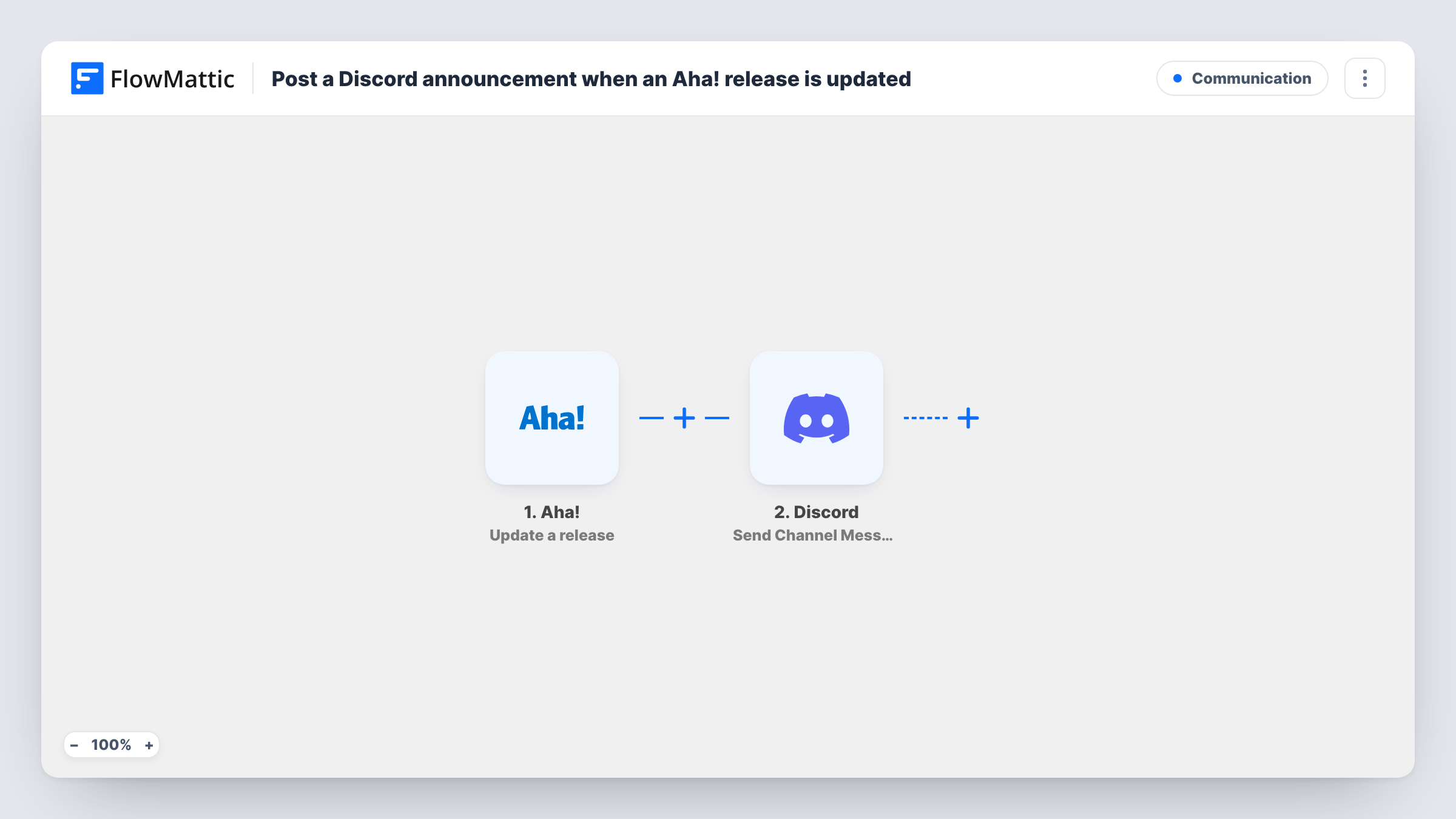
The Aha Update a release trigger fires when a release is updated. FlowMattic passes the release data to Discord, and Send Channel Message posts to the channel you choose. You write the announcement once and map in release details, such as its name and date, so each post reflects the change.
Any update to a release fires the trigger, and there is no Filter in the template. A release that is edited several times in a day will produce several posts, including for small internal edits. If that is too noisy for a public channel, add a Filter as described in the tips, or post to an internal channel first.
Product team updating a beta community
Testers in a Discord server see a post whenever the release they are waiting for changes, such as a new date or a status change in Aha.
Internal release channel for engineers
Developers who don't use Aha day to day get release updates in their Discord channel and can open the roadmap for the details.
Game studio keeping players informed
A studio that plans patches in Aha posts each release update to its announcements channel, so players follow progress in one place.
How this workflow runs
What happens at each step once the workflow is on, and what you need before you import it.
 Aha! Update a release
Runs when a release is updated in Aha. The updated release's data is passed to the Discord step so you can use it in the announcement.
- Discord Send Channel Message
Posts the announcement to the Discord channel you choose. Write the message and map in release details from Aha, then check the first post in your server.
What you need
- FlowMatticCore
- Aha! AccountAccount
- Discord AccountAccount
After importing, map your own data. To keep the template universal, not every step is pre-filled. Open each step in the builder and connect your accounts and fields (channels, lists, sheets, recipients) before you switch the workflow on.
Make it yours
Changes worth making after you import it.
- Update a test release in Aha after import so FlowMattic captures the release data, then build the Discord message from the fields you see.
- Add a Filter after the trigger so only meaningful changes post, for example continue only when the release's status or date field matches what you want to announce.
- Point the workflow at an internal Discord channel first. Once the messages look right, switch the step to your public announcements channel.
Questions about this workflow
Does every Aha release edit post to Discord?
Yes, as imported. The trigger fires whenever a release is updated and no Filter narrows it, so each update produces a post.
Will new Aha releases be announced?
Not by this trigger. Aha has a separate Create a release trigger in FlowMattic; use it in a second workflow if you want new releases announced as well.
What Aha release details can the Discord post include?
Whatever Aha sends with the update. Run a test and look at the trigger's captured data in FlowMattic to see which fields you can map.
More Communication workflows
Other ready-to-import templates from the same category.






Import this workflow into your WordPress site
Download the JSON, import it from the Workflows screen and connect your accounts. Every run stays on your server, with no per-task fees.
30-day money-back guarantee Unlimited workflows and runs Self-hosted