

Add new row to Google Sheet when new Bricksforge pro form submission is received
Each time a visitor submits a Bricksforge Pro Forms form on your Bricks site, this workflow writes the answers to a new row in a Google Sheets spreadsheet you pick, so entries pile up in one shared sheet.
 Bricksforge
 Google Sheets
2 steps Setup ~5 min Used on 1.1k sites Free to import
What this workflow does
Bricksforge Pro Forms lets you build forms right inside your Bricks pages, but reviewing entries still means opening WordPress or digging through notification emails. A spreadsheet is easier to sort, share with a colleague, or hand to a client. This workflow keeps one up to date for you.
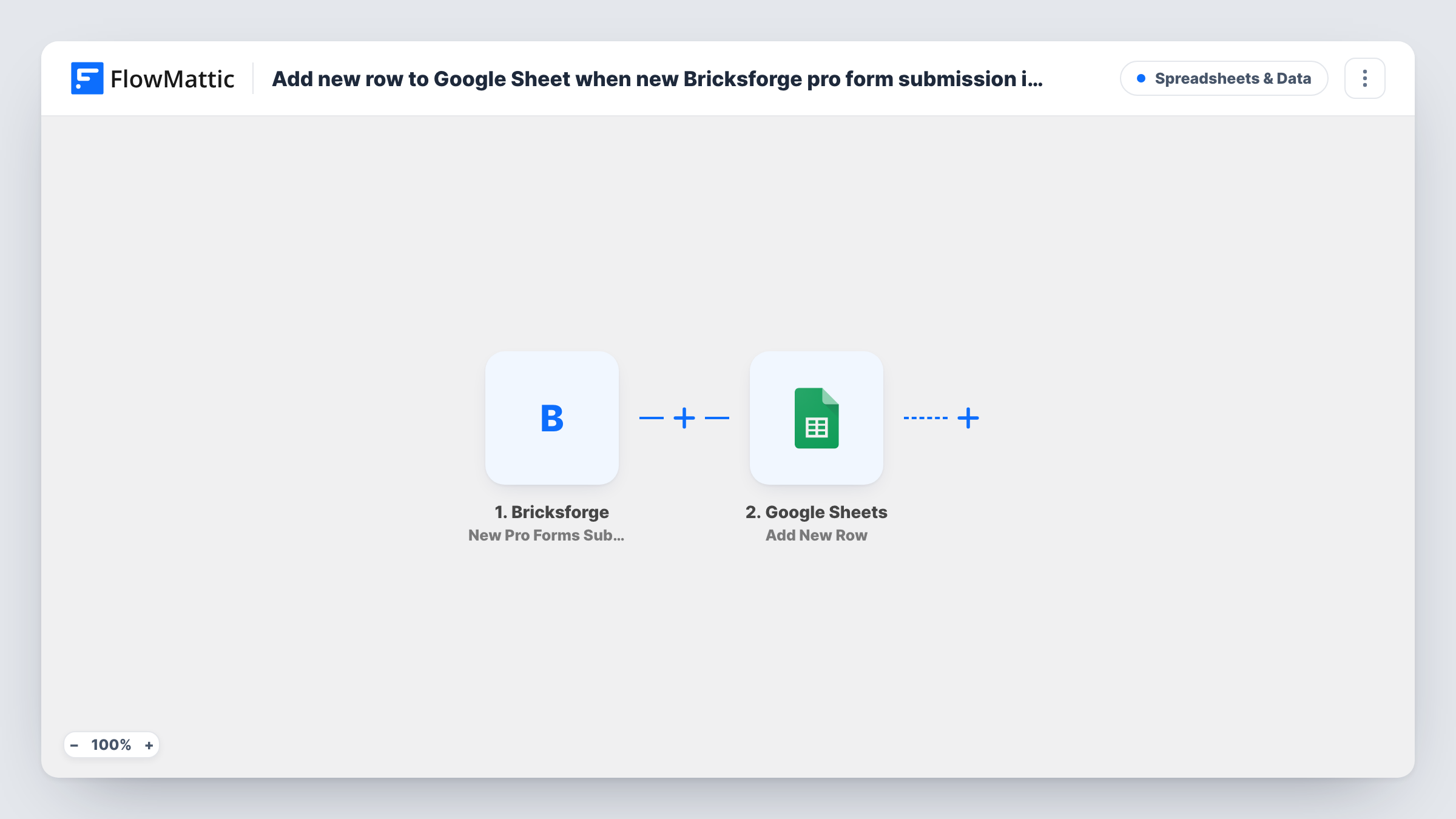
The Bricksforge trigger fires when a Pro Forms submission arrives on your site. FlowMattic receives the submitted values and passes them to Google Sheets, where the Add New Row action appends a row to the spreadsheet and sheet you choose. You decide which answer goes in which column when you map the step.
There are only two steps and no conditions, so every submission gets its own row, including test entries and repeat visitors. The form itself keeps working as you configured it in Bricksforge. Task History logs each run, so you can see the values that reached the sheet and spot a run that returned an error from Google.
Booking requests from a Bricks landing page
A service business collects booking requests with a Pro Forms form. Each request becomes a sheet row the office manager works through and marks as handled.
Client site with a non-WordPress reviewer
You build a Bricks site for a client whose sales lead never logs into WordPress. The sales lead reads every enquiry in a shared Google Sheet instead.
Survey answers ready for charts
A short feedback form built with Pro Forms fills the sheet row by row, so you can chart the answers in Google Sheets without exporting anything.
How this workflow runs
What happens at each step once the workflow is on, and what you need before you import it.
 Bricksforge New Pro Forms Submission
Fires whenever a Bricksforge Pro Forms form is submitted on your WordPress site. The submitted values are handed to the next step, ready to map into columns.
- Google Sheets Add New Row
Appends a row to the Google Sheets spreadsheet you select, filled with the mapped form values. Connect your Google account, pick the sheet, then match each column to a form answer.
What you need
- FlowMatticCore
- Bricksforge PluginPlugin
- Google Sheets AccountAccount
After importing, map your own data. To keep the template universal, not every step is pre-filled. Open each step in the builder and connect your accounts and fields (channels, lists, sheets, recipients) before you switch the workflow on.
Make it yours
Changes worth making after you import it.
- Put a header row in the sheet before you map the step, so each column shows up by name and you can match it to the right form answer.
- If one site has several Pro Forms forms and only one should feed this sheet, add a Filter after the trigger that checks a value only that form sends, such as a hidden field you add to it.
- Submit the form once after import so FlowMattic captures real values, then map the columns from that sample before you switch the workflow on.
Questions about this workflow
Do I need Bricks Builder for the Bricksforge trigger?
Yes. Bricksforge is an add-on for the Bricks theme, and Pro Forms is its form element. Both need to be active on the same WordPress site as FlowMattic.
Does a Bricksforge form edit change the sheet row?
No. The trigger only fires on new submissions, and the Google Sheets step only adds rows. Nothing updates or removes rows that are already there.
Will Pro Forms entries from before import reach Google Sheets?
No. The trigger reacts to forms sent after the workflow is switched on. Copy earlier entries into the sheet by hand if you need them.
What if I add a new field to the Pro Forms form later?
The workflow keeps sending the fields you mapped. Add a column to the sheet, submit a test entry, then map the new field in the Google Sheets step.
More Spreadsheets & Data workflows
Other ready-to-import templates from the same category.




Import this workflow into your WordPress site
Download the JSON, import it from the Workflows screen and connect your accounts. Every run stays on your server, with no per-task fees.
30-day money-back guarantee Unlimited workflows and runs Self-hosted