

Notify the on-call engineer via Pushover on New Relic incident updates
Whenever a New Relic incident is opened, acknowledged or closed, FlowMattic sends a Pushover notification to the phone of the on-call engineer you set up in the step.
 New Relic
 Pushover
2 steps Setup ~5 min Used on 1.3k sites Free to import
What this workflow does
An incident alert that lands in a crowded inbox at 3 a.m. may sit unread. Pushover puts a notification straight on a phone, which suits whoever is carrying the pager this week. This workflow forwards New Relic incident updates to Pushover.
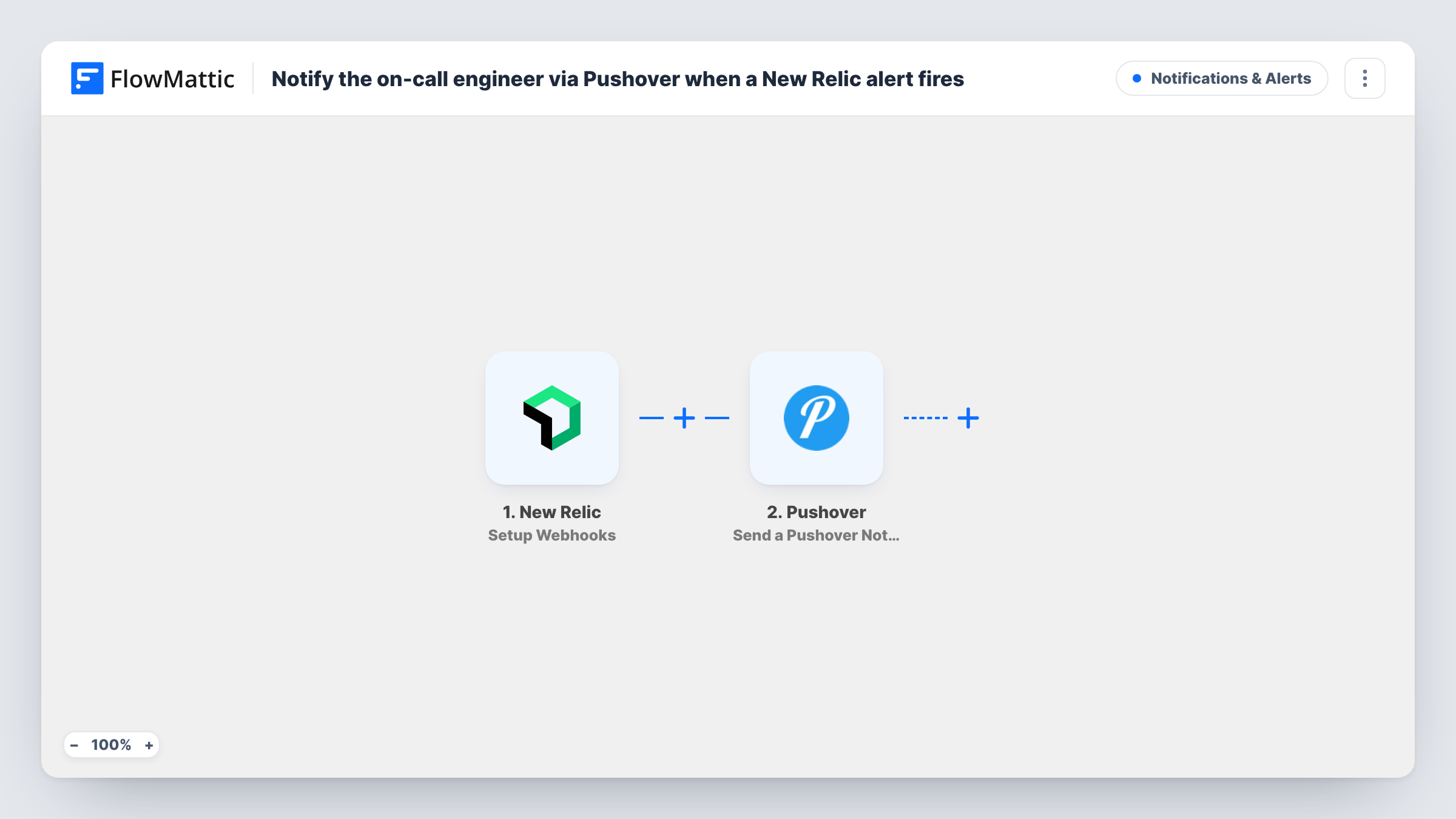
The trigger, Setup Webhooks, fires when an incident is opened, acknowledged or closed, so the engineer hears about each change of state, not only the first alert. Which alerts reach the webhook is up to your New Relic alert and notification settings.
The Pushover step, Send a Pushover Notification, then sends a notification to your subscribed devices. It ships unmapped. After import, connect the Pushover account the on-call engineer uses and write the message, mapping incident details such as the title, state and a link from the trigger data. A test incident shows which fields New Relic sends.
The recipient is whatever account you connect; the workflow doesn't read an on-call schedule. If the rota changes weekly, use a shared Pushover account or group that the current engineer's phone is subscribed to. Check Task History after a test to see what Pushover returned.
Out-of-hours alerts for a small team
A three-person dev team shares a Pushover group, and whoever is on call that week gets a phone alert when New Relic opens an incident.
Knowing when an incident is handled
An engineering manager gets a Pushover notice when an incident is acknowledged and again when it closes, without watching the New Relic dashboard.
Agency hosting support
An agency that monitors client sites in New Relic sends incident updates to the support lead's phone, wherever they are.
How this workflow runs
What happens at each step once the workflow is on, and what you need before you import it.
 New Relic Setup Webhooks
Runs each time New Relic reports an incident moving to opened, acknowledged or closed, and hands its details to the Pushover step.
- Pushover Send a Pushover Notification
Sends a Pushover notification to the subscribed devices of the account you connect. The step ships unmapped: write the message after import and map incident details such as its title, state and link.
What you need
- FlowMatticCore
- New Relic AccountAccount
- Pushover AccountAccount
After importing, map your own data. To keep the template universal, not every step is pre-filled. Open each step in the builder and connect your accounts and fields (channels, lists, sheets, recipients) before you switch the workflow on.
Make it yours
Changes worth making after you import it.
- Put the incident state at the start of the message, so the engineer can tell an opened incident from a closed one on the lock screen.
- Add a Filter between the New Relic trigger and the Pushover step that continues only for opened incidents, if acknowledge and close notices are too much.
- Use a Pushover group for the on-call rota and change its members when the shift changes, instead of editing the workflow.
- Add a Slack step after the Pushover step so the wider team sees the same update in the incident channel.
Questions about this workflow
Does the Pushover notification follow my New Relic on-call schedule?
No. It goes to the Pushover account or group you set in the step. Keep a shared group up to date with the current on-call engineer.
Will the engineer get three notifications for one New Relic incident?
Possibly. The trigger fires on open, acknowledge and close. Add a Filter between the trigger and the Pushover step on the incident state if you only want some of them.
Is the New Relic alert text already written in the Pushover step?
No. The template leaves the message empty, so add text and map the incident title, state and link from the New Relic data.
More Notifications & Alerts workflows
Other ready-to-import templates from the same category.




Import this workflow into your WordPress site
Download the JSON, import it from the Workflows screen and connect your accounts. Every run stays on your server, with no per-task fees.
30-day money-back guarantee Unlimited workflows and runs Self-hosted