

Send a Slack alert when a Quickbase account is added, deleted or modified
Whenever an account record in Quickbase is added, deleted or modified, FlowMattic posts an alert to the Slack channel you choose, so your team sees account changes as they happen.
 Quickbase
 Slack
2 steps Setup ~5 min Used on 1.9k sites Free to import
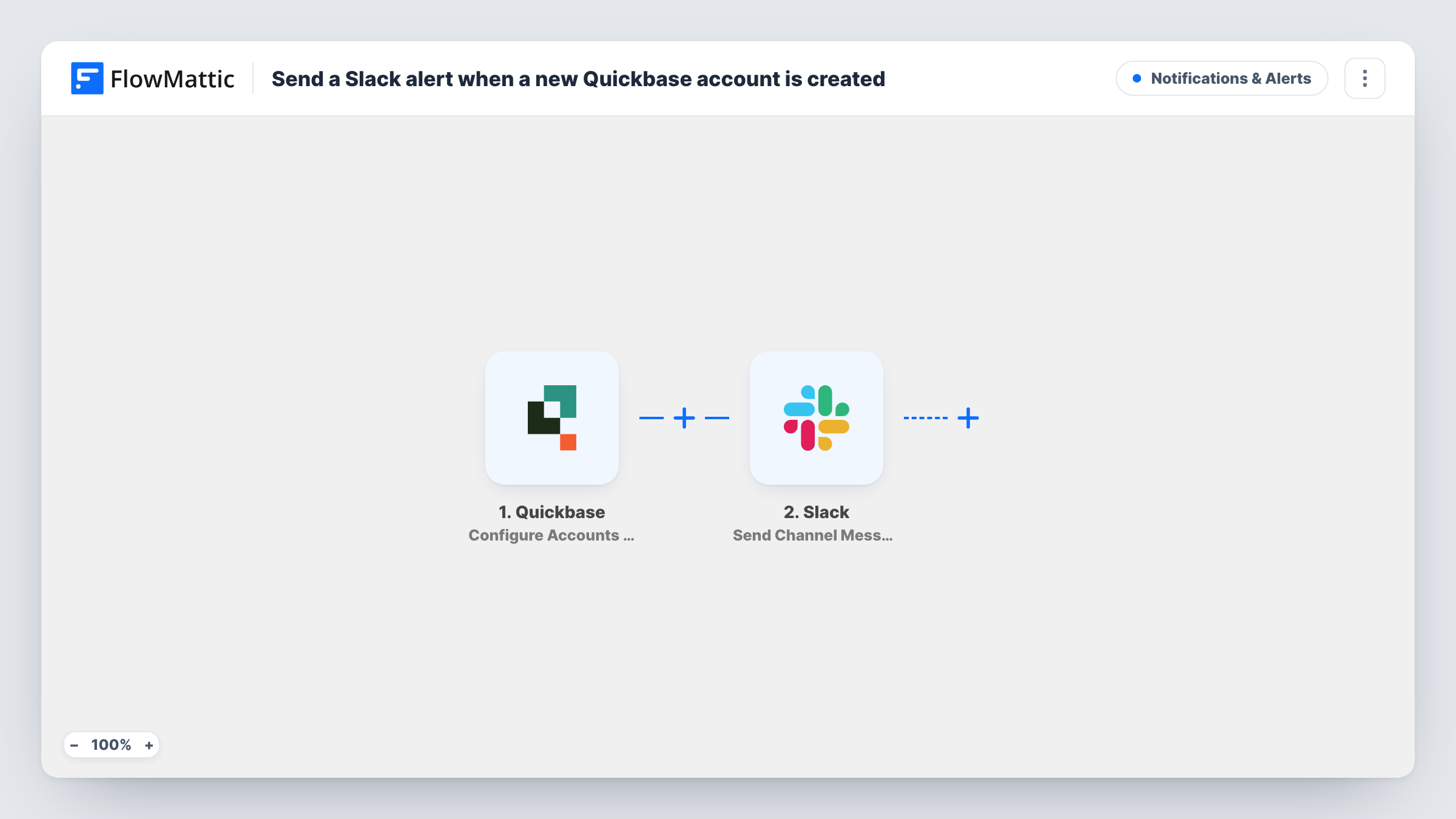
What this workflow does
Account records in Quickbase often drive billing, renewals and support. When one is created, edited or removed, the people who rely on it usually hear about it late. This workflow puts each change in a Slack channel the team already reads.
The Quickbase trigger is Configure Accounts Webhooks. FlowMattic describes it as firing when an account is added, deleted or modified, so any of those three changes starts a run. The record's details from Quickbase become values you can put in the message.
The Slack step posts a message to a channel. It ships unmapped, so after import you choose the channel and write the alert, mapping in the account name and anything else your team needs to see. If the data shows which kind of change happened, include it in the text so readers know whether the account is new, edited or gone. Make a test change and look at Task History to see what Quickbase sends.
Each of those changes is its own run and its own Slack post. An account edited several times in an afternoon produces several alerts, which suits a channel used as an activity feed.
Account activity feed for sales
A sales team keeps a Slack channel for account changes, so reps see straight away when a colleague adds or edits an account in Quickbase.
Finance notice when accounts are removed
The finance team watches the channel for deleted Quickbase accounts and checks that open invoices are dealt with before the record is gone.
Change log for an operations manager
An operations manager scrolls the Slack channel at the end of the day to review every account that was created or updated.
How this workflow runs
What happens at each step once the workflow is on, and what you need before you import it.
 Quickbase Configure Accounts Webhooks
Starts a run when an account in Quickbase is added, deleted or modified. The account record's details are passed to the Slack step for mapping.
- Slack Send Channel Message
Sends a channel message in Slack about the account change. Write the message after import and map in the Quickbase account details, plus the kind of change if your test run shows it.
What you need
- FlowMatticCore
- Quickbase AccountAccount
- Slack AccountAccount
After importing, map your own data. To keep the template universal, not every step is pre-filled. Open each step in the builder and connect your accounts and fields (channels, lists, sheets, recipients) before you switch the workflow on.
Make it yours
Changes worth making after you import it.
- Add a Router between the Quickbase trigger and the Slack step with one route per change type, if the webhook data shows the type and new, edited and deleted accounts should post different messages. Use conditions that can't both match and give each route its own Slack step.
- Post to a private channel with Slack's Send Private Channel Message action, if account changes shouldn't be visible to everyone.
- Send a direct message instead with Slack's Send Direct Message action, if only the account owner needs to know.
Questions about this workflow
Which Quickbase account changes send a Slack alert?
Adding, modifying and deleting an account all start a run, so each of those changes posts its own message.
Can I alert Slack only for new Quickbase accounts?
Possibly. If the webhook data includes a field saying what changed, add a Filter on it between the Quickbase trigger and the Slack step. Make a test change and look in Task History for such a field first.
Which Quickbase details can go into the Slack message?
Any value from the account record the webhook sends. Check a test run in Task History, then map the fields you want into the message text.
More Notifications & Alerts workflows
Other ready-to-import templates from the same category.




Import this workflow into your WordPress site
Download the JSON, import it from the Workflows screen and connect your accounts. Every run stays on your server, with no per-task fees.
30-day money-back guarantee Unlimited workflows and runs Self-hosted