

Log each new monday sales CRM item in a Google Sheets pipeline tracker
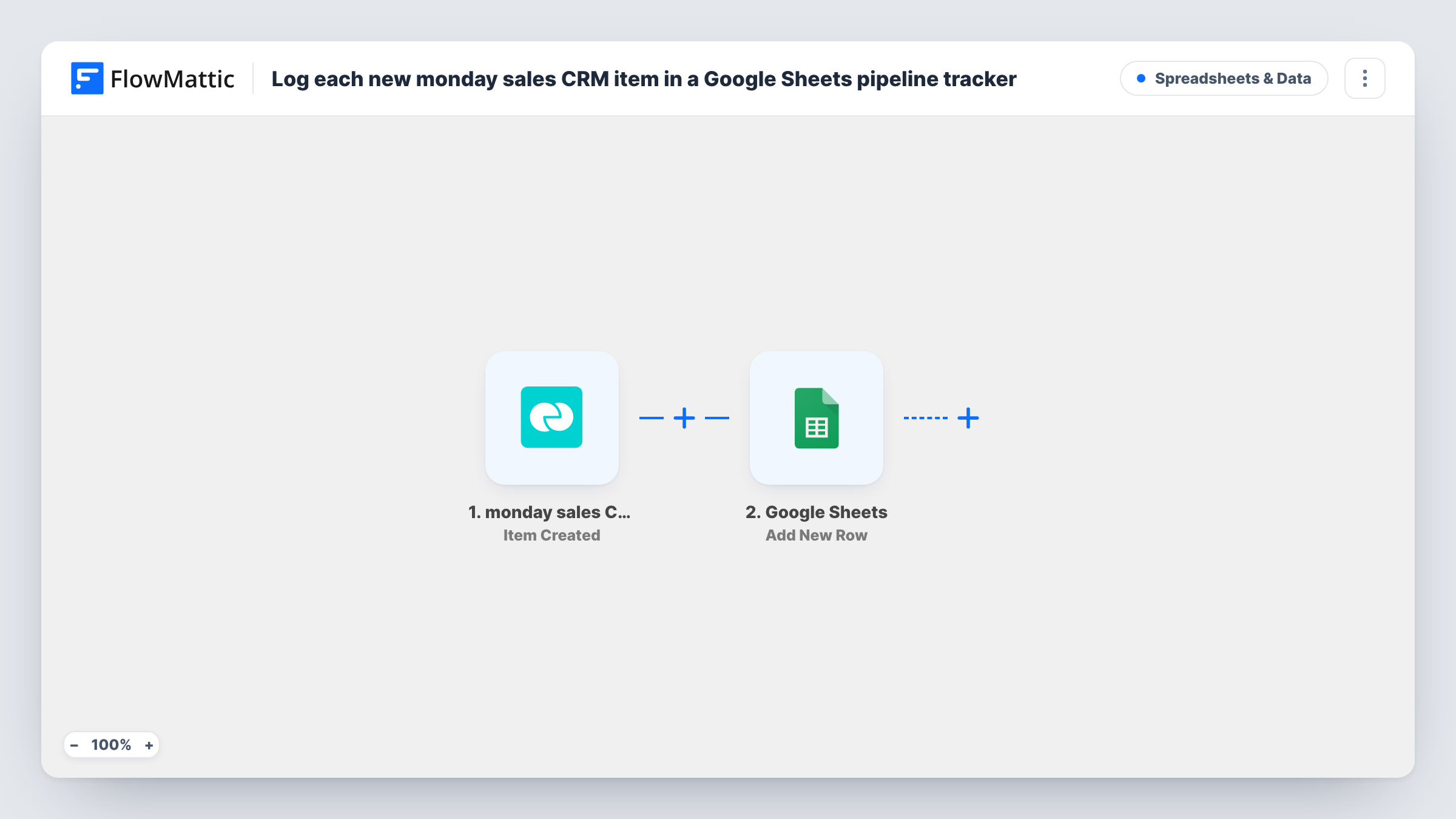
Each item created on the monday sales CRM board you pick is copied to a new Google Sheets row, so you build a pipeline tracker in a spreadsheet that people outside monday can open.
 monday sales CRM
 Google Sheets
2 steps Setup ~5 min Used on 1.7k sites Free to import
What this workflow does
monday sales CRM is where your reps work deals, but finance, partners or managers who don't have a seat often want the pipeline in a spreadsheet. Exporting the board every week gives them a stale copy. This workflow adds each new deal to a Google Sheets tracker as soon as it is created.
The monday sales CRM trigger fires when an item is created on the board you choose. FlowMattic passes that item's data to Google Sheets, and the Add New Row step writes it to the spreadsheet and sheet you select, with each value in the column you map.
The row holds the item as it looked when it was created. Later changes on the board, such as a new stage or deal value, don't reach the sheet, because this trigger only fires for new items. Each run is listed in Task History with the item data and the Google Sheets response.
Weekly forecast for a sales manager
A manager adds formulas beside the logged rows to count new deals per week and per rep, without exporting the monday board.
Sharing new deals with a finance partner
An outside bookkeeper reads the Google Sheet to see which deals entered the pipeline this month, with no monday login needed.
Archive of every deal opened
Because rows are never changed by the workflow, the sheet keeps a record of each deal as first entered, even after the item is edited or deleted in monday.
How this workflow runs
What happens at each step once the workflow is on, and what you need before you import it.
 monday sales CRM Item Created
Fires when a new item is created on the monday sales CRM board you select. The item's details are passed on for mapping in the Google Sheets step.
- Google Sheets Add New Row
Adds one row per new item to the Google Sheets spreadsheet you choose. Connect your Google account and map the item's name and the column values you want to track.
What you need
- FlowMatticCore
- monday sales CRM AccountAccount
- Google Sheets AccountAccount
After importing, map your own data. To keep the template universal, not every step is pre-filled. Open each step in the builder and connect your accounts and fields (channels, lists, sheets, recipients) before you switch the workflow on.
Make it yours
Changes worth making after you import it.
- If the monday item carries a creation date or a date column, map it to a date column in the sheet so each row shows when the deal entered the pipeline.
- To record group moves too, build a second workflow with the monday sales CRM Item Moved trigger that writes to a separate tab of the same spreadsheet.
- Create one test item on the board after import, then map the fields FlowMattic captures from it before turning the workflow on.
Questions about this workflow
Does the Google Sheet update when a monday deal changes stage?
No. The workflow only adds a row when an item is created. Moving or editing the item later does not change that row.
Can one workflow watch more than one monday sales CRM board?
The Item Created trigger watches a specific board. To log items from another board, import the workflow again and point the copy at that board.
Are subitems logged as well?
No. Subitems have their own Subitem Created trigger in monday sales CRM, which this template doesn't use.
More Spreadsheets & Data workflows
Other ready-to-import templates from the same category.




Import this workflow into your WordPress site
Download the JSON, import it from the Workflows screen and connect your accounts. Every run stays on your server, with no per-task fees.
30-day money-back guarantee Unlimited workflows and runs Self-hosted