

Add record to Airtable when user has removed from access group in SureMembers
When a member is removed from a SureMembers access group on your WordPress site, this workflow creates an Airtable record, so you keep a running log of who lost access to which content.
 SureMembers
 Airtable
2 steps Setup ~5 min Used on 492 sites Free to import
What this workflow does
Removing someone from an access group is easy to do and easy to forget. Later, when a customer asks why they can't reach a course or a members area, you want to know when it happened. This workflow writes each removal to Airtable as it happens.
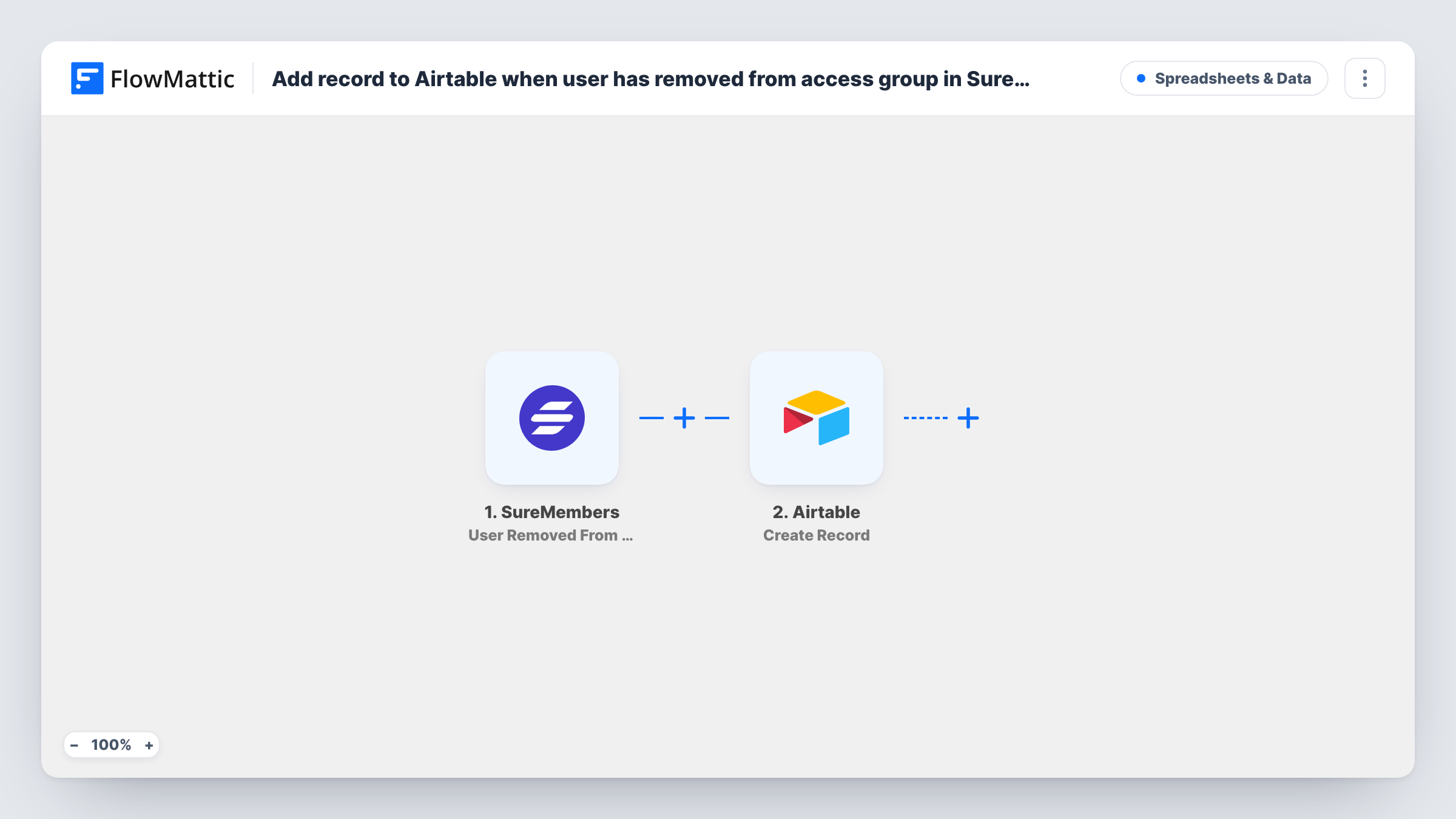
The SureMembers trigger runs on your WordPress site when a member is removed from an access group. FlowMattic passes the event data, such as details about the member and the group, to Airtable. The Create Record action then adds a record to the base and table you choose, with the columns you map.
Every removal creates a new record, so the table becomes a history rather than a current member list. Removals from any access group start a run unless you add a Filter for the groups you care about.
Answering access questions
When a member says they lost access to a members area, support looks up their record in Airtable to see which group they left and when.
Churn review for paid groups
A membership site owner reviews the Airtable table each month to see how many people were removed from each paid access group.
Offboarding course cohorts
When a cohort ends and members are taken out of the course group, the table records each removal for your records.
How this workflow runs
What happens at each step once the workflow is on, and what you need before you import it.
 SureMembers User Removed From Access Group
Runs when a member is removed from a SureMembers access group on your site. Details of the member and the group are passed to Airtable.
- Airtable Create Record
Adds a record to the Airtable table you select for each SureMembers removal. Map member and group details into columns; a test removal shows what data the trigger provides.
What you need
- FlowMatticCore
- SureMembers PluginPlugin
- Airtable AccountAccount
After importing, map your own data. To keep the template universal, not every step is pre-filled. Open each step in the builder and connect your accounts and fields (channels, lists, sheets, recipients) before you switch the workflow on.
Make it yours
Changes worth making after you import it.
- Add a Filter after the trigger that continues only for the access group you want to track, if you run several groups and only need one in the log.
- Turn on a created-time field in the Airtable table, so each removal record shows when it was added without any extra mapping.
- Want to track joins too? Import a second copy with the User Added To Access Group trigger and send it to the same table with a column for the event type.
Questions about this workflow
Does every SureMembers access group start the workflow?
Yes, as imported. A removal from any access group creates a record. Add a Filter on the group if you want only some of them.
Will the Airtable record be deleted if the member rejoins?
No. Nothing in this flow edits or removes Airtable records. If the member is added back, the removal record stays in Airtable.
Does SureMembers need to be on the same site as FlowMattic?
Yes. The trigger listens for SureMembers events on the WordPress site where FlowMattic is installed.
Are removals made before import logged in Airtable?
No. Only members removed after you turn the workflow on get a record.
More Spreadsheets & Data workflows
Other ready-to-import templates from the same category.




Import this workflow into your WordPress site
Download the JSON, import it from the Workflows screen and connect your accounts. Every run stays on your server, with no per-task fees.
30-day money-back guarantee Unlimited workflows and runs Self-hosted