

When a Formester form submission is updated, update a record in Airtable
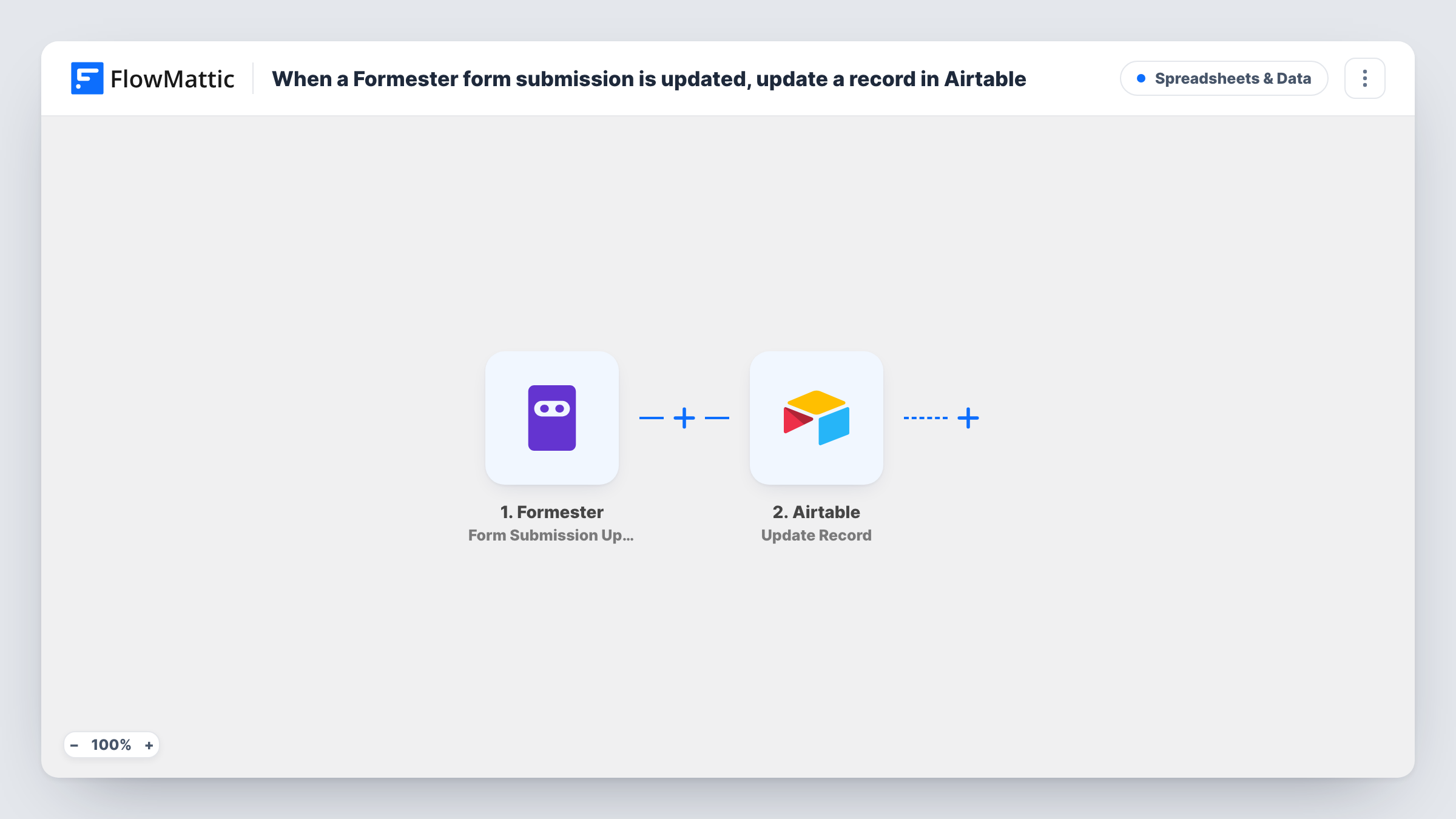
When a Formester form submission is updated, FlowMattic searches your Airtable table for the matching record and updates it with the new answers, so the base reflects the latest response.
 Formester
 Airtable
3 steps Setup ~5 min Used on 493 sites Free to import
What this workflow does
If you collect responses in Formester and manage them in Airtable, edits are where the two drift apart. A person corrects their phone number or changes an answer, and Airtable keeps the old version. This workflow finds the record that belongs to the edited submission and writes the new answers into it.
The Formester trigger fires when a form submission is updated. New submissions and deletions are separate Formester events, so they don't start this workflow. The submission's current answers move on to Airtable.
The first Airtable step is Search Record, which looks for records using a filter formula. You write that formula to match a value both sides share, such as the submission ID or the person's email, stored in a field of your table. The second step, Update Record, changes an existing record: map the record found by the search, then map the Formester answers into the fields you want refreshed. Both steps ship unmapped.
The workflow only updates records that already exist. If a submission was never copied into Airtable, the search has nothing to return. Test with a submission you know is in your base, and check Task History to see which record the search found and what Airtable returned.
Applicant tracker that stays current
A grants team reviews applications in Airtable and wants applicants' later edits in Formester, such as a new budget figure, reflected on the same record.
Customer onboarding details
An agency collects onboarding forms in Formester and keeps the client base in Airtable updated when a client revises their logo link or contact person.
Event registrations with changing plans
An organiser's Airtable list of attendees picks up changed dietary needs or session choices when attendees edit their Formester registration.
How this workflow runs
What happens at each step once the workflow is on, and what you need before you import it.
 Formester Form Submission Updated
Fires when an existing Formester submission is updated. The answers as they stand after the edit are passed on to both Airtable steps.
- Airtable Search Record
Looks for the matching Airtable record using a filter formula you write. No formula ships with the template, so pick the base and table and write a formula that matches a shared value, such as the submission ID or email.
- Airtable Update Record
Updates the existing Airtable record. Map the record from the search step, then map each Formester answer into the Airtable field it should replace.
What you need
- FlowMatticCore
- Formester AccountAccount
- Airtable AccountAccount
After importing, map your own data. To keep the template universal, not every step is pre-filled. Open each step in the builder and connect your accounts and fields (channels, lists, sheets, recipients) before you switch the workflow on.
Make it yours
Changes worth making after you import it.
- Store the Formester submission ID in its own Airtable field when records are first created, so the search formula can match on it exactly instead of on an email that might change.
- Map only the fields people are allowed to edit into Update Record, so notes or review status your team adds in Airtable aren't overwritten.
- Pair this with a workflow on Formester's Form Submission Created trigger and Airtable's Create Record action, so new entries get their record before any edit arrives.
Questions about this workflow
How does Airtable know which record matches the Formester submission?
The Search Record step finds it with a filter formula. You write that formula to compare an Airtable field with a value from the submission, such as the submission ID or email, so that value must be stored in your table.
Does this create Airtable records for new Formester submissions?
No. It only runs on updated submissions and only updates records the search finds. Use a separate workflow with Airtable's Create Record action for new entries.
What if the search finds more than one Airtable record?
Write the formula so it can only match one record, such as on a unique submission ID. Check Task History after a test to see what the search returned and which record was updated.
More Spreadsheets & Data workflows
Other ready-to-import templates from the same category.




Import this workflow into your WordPress site
Download the JSON, import it from the Workflows screen and connect your accounts. Every run stays on your server, with no per-task fees.
30-day money-back guarantee Unlimited workflows and runs Self-hosted