

Send a Slack alert when a BlueSnap chargeback is filed
When BlueSnap reports a new chargeback, this workflow posts a message to a Slack channel, so the people who handle disputes hear about it without waiting for an email or a dashboard check.
 BlueSnap
 Slack
2 steps Setup ~5 min Used on 657 sites Free to import
What this workflow does
Chargebacks come with response deadlines, and a notice that sits unread in an inbox eats into the time you have to gather evidence. Posting each one to Slack puts it in a shared space where someone can pick it up and say they are on it. This workflow does that for every chargeback BlueSnap reports.
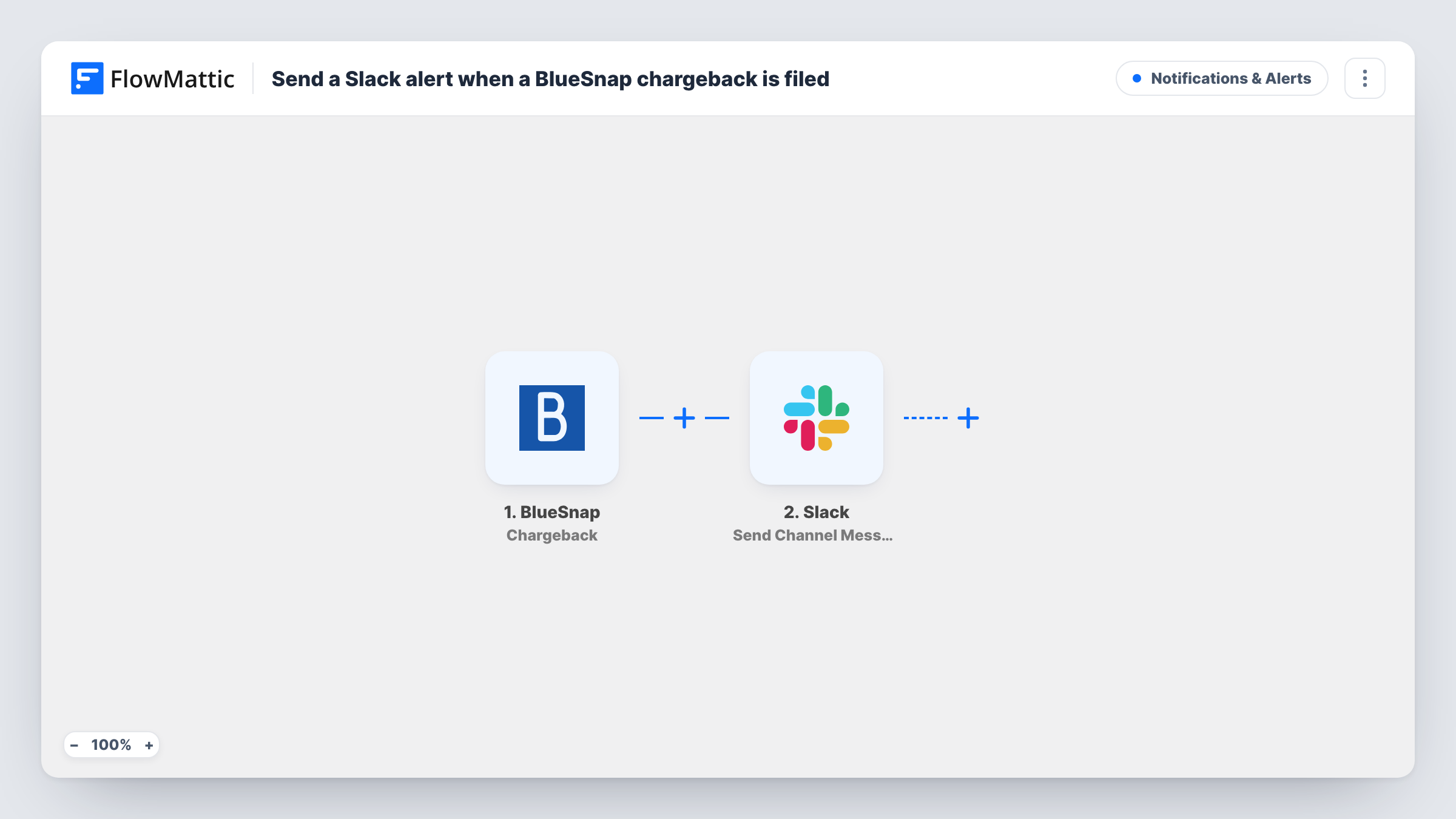
The BlueSnap trigger, Chargeback, fires when a chargeback event occurs. BlueSnap has a separate trigger for chargeback status changes, so this one covers new chargebacks rather than later updates to them. FlowMattic passes the event data to Slack, where Send Channel Message posts the text you write, with chargeback details such as the amount or transaction reference mapped in.
The workflow doesn't respond to the dispute or change anything in BlueSnap. It only raises the alert. Each run is listed in Task History with the BlueSnap data it received, which helps when you check what was posted.
Disputes channel for an online store
A #disputes channel receives each new BlueSnap chargeback, and whoever handles evidence replies in a thread to claim it.
Finance oversight for a SaaS company
The finance lead watches the Slack channel to see chargebacks against subscription charges as they are filed, alongside the rest of the team's billing chat.
Agency managing a client's payments
An agency running a client's checkout posts BlueSnap chargebacks to a shared Slack channel, so the client sees them at the same time.
How this workflow runs
What happens at each step once the workflow is on, and what you need before you import it.
 BlueSnap Chargeback
Fires when BlueSnap reports a chargeback event. Status changes on an existing chargeback use a different BlueSnap trigger and don't start this workflow.
- Slack Send Channel Message
Posts your message to the public Slack channel you pick. Insert chargeback values from the trigger into the text and connect your Slack workspace on import.
What you need
- FlowMatticCore
- BlueSnap AccountAccount
- Slack AccountAccount
After importing, map your own data. To keep the template universal, not every step is pre-filled. Open each step in the builder and connect your accounts and fields (channels, lists, sheets, recipients) before you switch the workflow on.
Make it yours
Changes worth making after you import it.
- Build a second workflow with BlueSnap's Chargeback Status Changed trigger that posts to the same channel, so the team also sees when a dispute is won or lost.
- Put the transaction reference and amount at the start of the message, so the person who picks up the chargeback can find it in BlueSnap quickly.
- For a private finance channel, replace the step with Slack's Send Private Channel Message action, which is the one that posts to private channels.
Questions about this workflow
Will updates to a BlueSnap chargeback post to Slack again?
No. This trigger covers the chargeback event itself. BlueSnap's Chargeback Status Changed trigger handles later updates, if you want those in Slack too.
Does the workflow respond to the chargeback in BlueSnap?
No. All it does is post the alert in Slack. Disputes are still answered in BlueSnap by your team.
What chargeback details can the Slack message include?
Whatever BlueSnap sends with the event. Trigger a test or wait for the first chargeback, then look at the captured data in FlowMattic and map the values you want.
More Notifications & Alerts workflows
Other ready-to-import templates from the same category.





Import this workflow into your WordPress site
Download the JSON, import it from the Workflows screen and connect your accounts. Every run stays on your server, with no per-task fees.
30-day money-back guarantee Unlimited workflows and runs Self-hosted