

Notify the design team in Discord when a PageProof proof becomes overdue
When a proof in PageProof becomes overdue, this workflow posts a message to your design team’s Discord channel, so late reviews are seen and chased before they hold up the job.
 PageProof
 Discord
2 steps Setup ~5 min Used on 1.8k sites Free to import
What this workflow does
Proofs stall when a reviewer misses the deadline, and the designer waiting on feedback may not notice until the job is already late. Telling the team when a proof goes overdue gives someone the chance to chase it. This workflow posts that warning where your designers already talk.
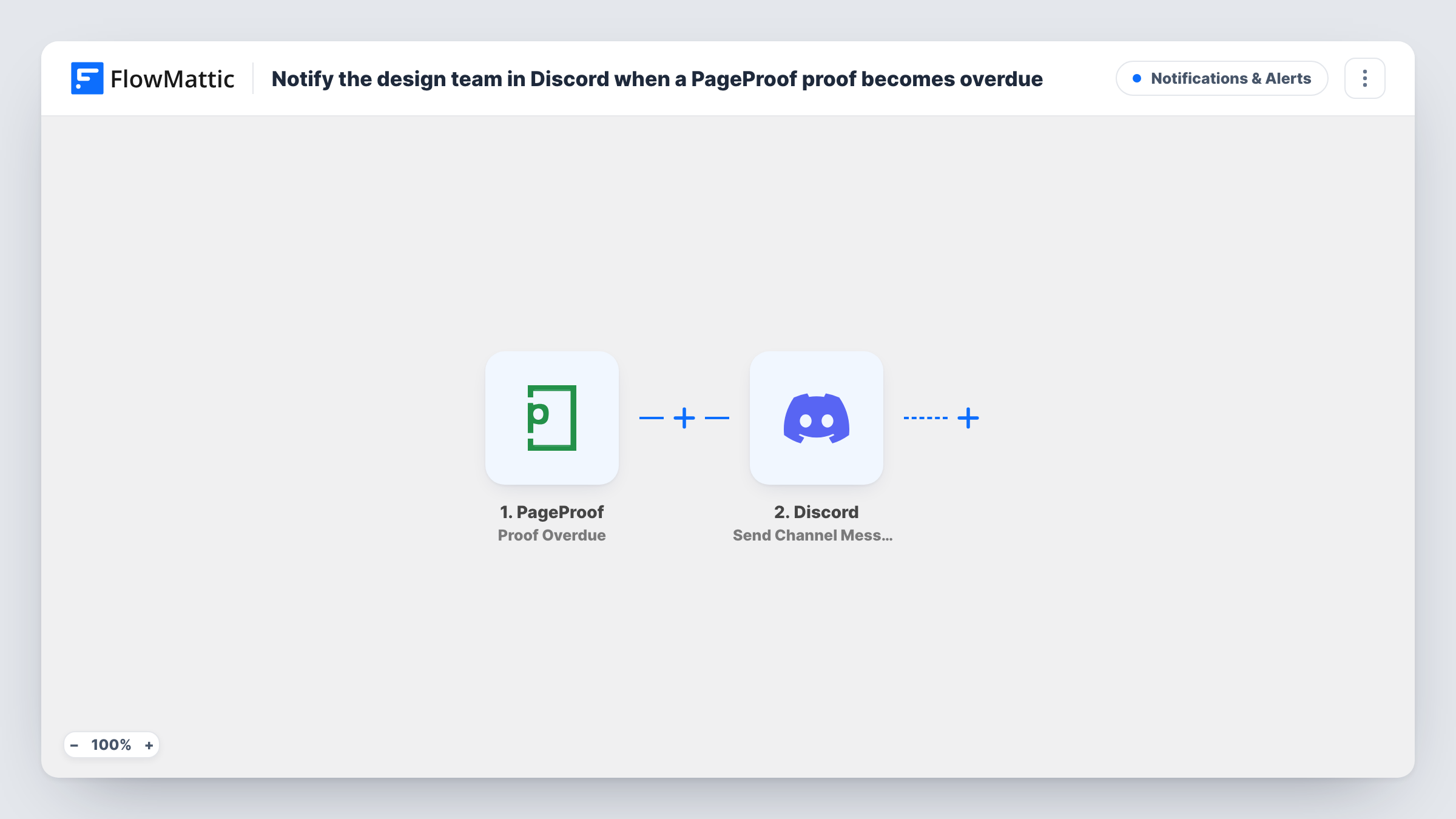
The PageProof trigger fires when a proof becomes overdue. FlowMattic takes the proof details and passes them to Discord, where Send Channel Message posts to the channel you choose. You write the alert and drop in proof details, such as its name, so the team knows which file is late.
The workflow only alerts. It doesn't change the due date or remind the reviewer inside PageProof. Task History keeps a record of every overdue alert sent.
Agency waiting on client feedback
A client misses the review deadline on a brochure proof. The design channel gets the alert and the account manager follows up the same day.
In-house marketing team
Internal stakeholders review campaign artwork in PageProof. Overdue proofs show up in Discord so the designer can nudge the right person.
Print deadlines
Overdue proofs for print jobs are flagged in a production channel before the printer's slot is lost.
How this workflow runs
What happens at each step once the workflow is on, and what you need before you import it.
 PageProof Proof Overdue
Runs when a proof becomes overdue in PageProof. The proof details from that event are passed on for the Discord alert.
- Discord Send Channel Message
Posts the overdue alert to the Discord channel your design team reads. Write the message and map PageProof proof details into it.
What you need
- FlowMatticCore
- PageProof AccountAccount
- Discord AccountAccount
After importing, map your own data. To keep the template universal, not every step is pre-filled. Open each step in the builder and connect your accounts and fields (channels, lists, sheets, recipients) before you switch the workflow on.
Make it yours
Changes worth making after you import it.
- Include the proof link in the Discord message so a teammate can open the overdue proof straight from the alert.
- Add a Google Sheets step after Discord to log overdue proofs, which shows over time which reviews tend to run late.
- Add a Filter after the trigger if only certain projects or proof names should alert this Discord channel.
Questions about this workflow
Does PageProof's own reminder still go to the reviewer?
The workflow doesn't change anything in PageProof, so any reminders PageProof sends work as before. This adds a Discord post for your team.
Can the Discord alert name the reviewer who is late?
Only if PageProof includes that in the overdue event. Check the trigger output from a test proof and map the fields that are there.
Will proofs that were already overdue before import post to Discord?
No. The trigger fires when a proof becomes overdue, so only proofs that go overdue after you turn the workflow on are posted.
More Notifications & Alerts workflows
Other ready-to-import templates from the same category.




Import this workflow into your WordPress site
Download the JSON, import it from the Workflows screen and connect your accounts. Every run stays on your server, with no per-task fees.
30-day money-back guarantee Unlimited workflows and runs Self-hosted