

When a new subscriber added to Acumbamail, add the subscriber details to Google Sheet
Each time a new subscriber enters one of your Acumbamail lists, their details are added as a row in Google Sheets, giving you a running record of sign-ups you can sort, filter and share.
 Acumbamail
 Google Sheets
2 steps Setup ~5 min Used on 856 sites Free to import
What this workflow does
Your Acumbamail lists show who is subscribed now, but they aren't built for tracking sign-ups over time or sharing with people outside the account. A spreadsheet is. This workflow writes each new subscriber to Google Sheets as they join a list.
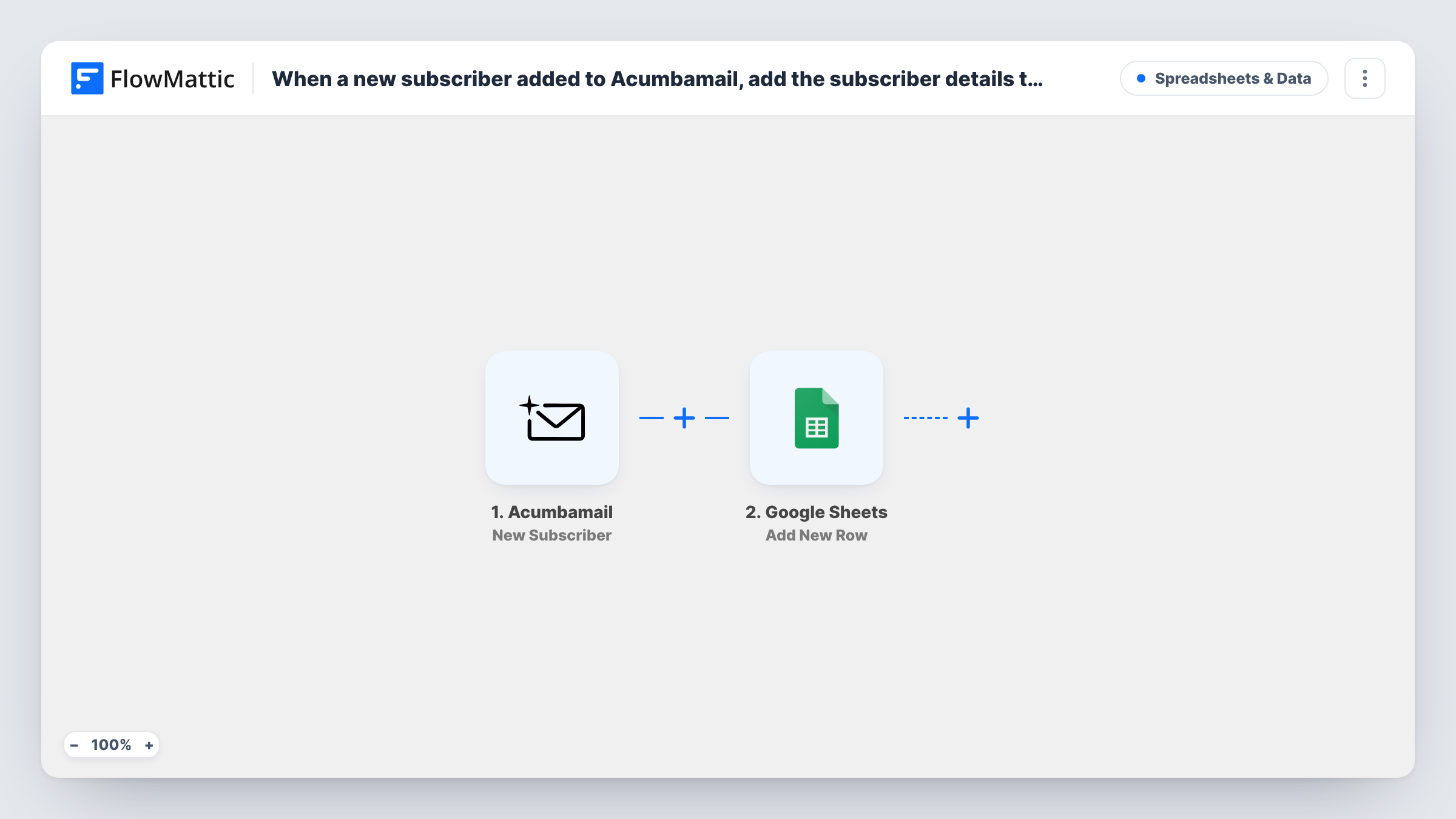
The Acumbamail trigger fires when a new subscriber enters a list. FlowMattic captures the subscriber details Acumbamail sends. The Google Sheets step adds a row to the spreadsheet you choose, with those details in the columns you map.
The sheet only grows. When someone unsubscribes in Acumbamail, their row stays, because this workflow doesn't watch for that event. A test sign-up after import shows which fields arrive. Task History keeps a record of each subscriber the workflow handled.
Weekly sign-up report
A marketing manager counts the rows added each week to see how many people joined the newsletter, without exporting from Acumbamail.
Sharing new subscribers with sales
A sales colleague without an Acumbamail login reads the Google Sheet to see who signed up for product updates.
Backup of list growth
The spreadsheet keeps a growing record of everyone who joined, in the order they arrived, which stays in place even if you later clean up the list in Acumbamail.
How this workflow runs
What happens at each step once the workflow is on, and what you need before you import it.
 Acumbamail New Subscriber
Fires when a new subscriber enters one of your Acumbamail lists. The subscriber details Acumbamail sends become fields you can map.
- Google Sheets Add New Row
Adds a row for the new subscriber to the Google Sheets spreadsheet you pick. Map Acumbamail's fields to your columns and connect your Google account.
What you need
- FlowMatticCore
- Acumbamail AccountAccount
- Google Sheets AccountAccount
After importing, map your own data. To keep the template universal, not every step is pre-filled. Open each step in the builder and connect your accounts and fields (channels, lists, sheets, recipients) before you switch the workflow on.
Make it yours
Changes worth making after you import it.
- If the test run shows a sign-up date in Acumbamail's data, map it into a date column so you can group new subscribers by week.
- Clone the workflow with Acumbamail's New Unsubscriber trigger and send it to a second tab, so you also have a record of who left.
- If you use several Acumbamail lists and the trigger data names the list, map it into a column so you can filter the sheet by list.
Questions about this workflow
Are my existing Acumbamail subscribers copied to the sheet?
No. Only subscribers who join after the workflow is on are added. Export the current list from Acumbamail if you want it in the sheet too.
Does the row disappear when someone unsubscribes from Acumbamail?
No. The workflow adds rows and never removes them. Use the New Unsubscriber trigger in another workflow to log those events.
What if a person joins two Acumbamail lists?
Each time a subscriber enters a list the trigger can fire, so the same person may get a row for each list they join.
More Spreadsheets & Data workflows
Other ready-to-import templates from the same category.




Import this workflow into your WordPress site
Download the JSON, import it from the Workflows screen and connect your accounts. Every run stays on your server, with no per-task fees.
30-day money-back guarantee Unlimited workflows and runs Self-hosted