

Send a Discord notification when satisfaction feedback is added on a BoldDesk ticket
Whenever a customer leaves satisfaction feedback on a BoldDesk ticket, this workflow posts it to a Discord channel, so your support team reads ratings and comments as they come in rather than in a later report.
 BoldDesk
 Discord
2 steps Setup ~5 min Used on 435 sites Free to import
What this workflow does
Satisfaction ratings tell your support team how a conversation landed, but they are easy to overlook once a ticket is closed. Agents move on to the next request, and feedback waits in BoldDesk until someone pulls a report. If your team talks in Discord, putting each rating in a channel there means praise gets noticed and a poor score can be followed up while the case is fresh.
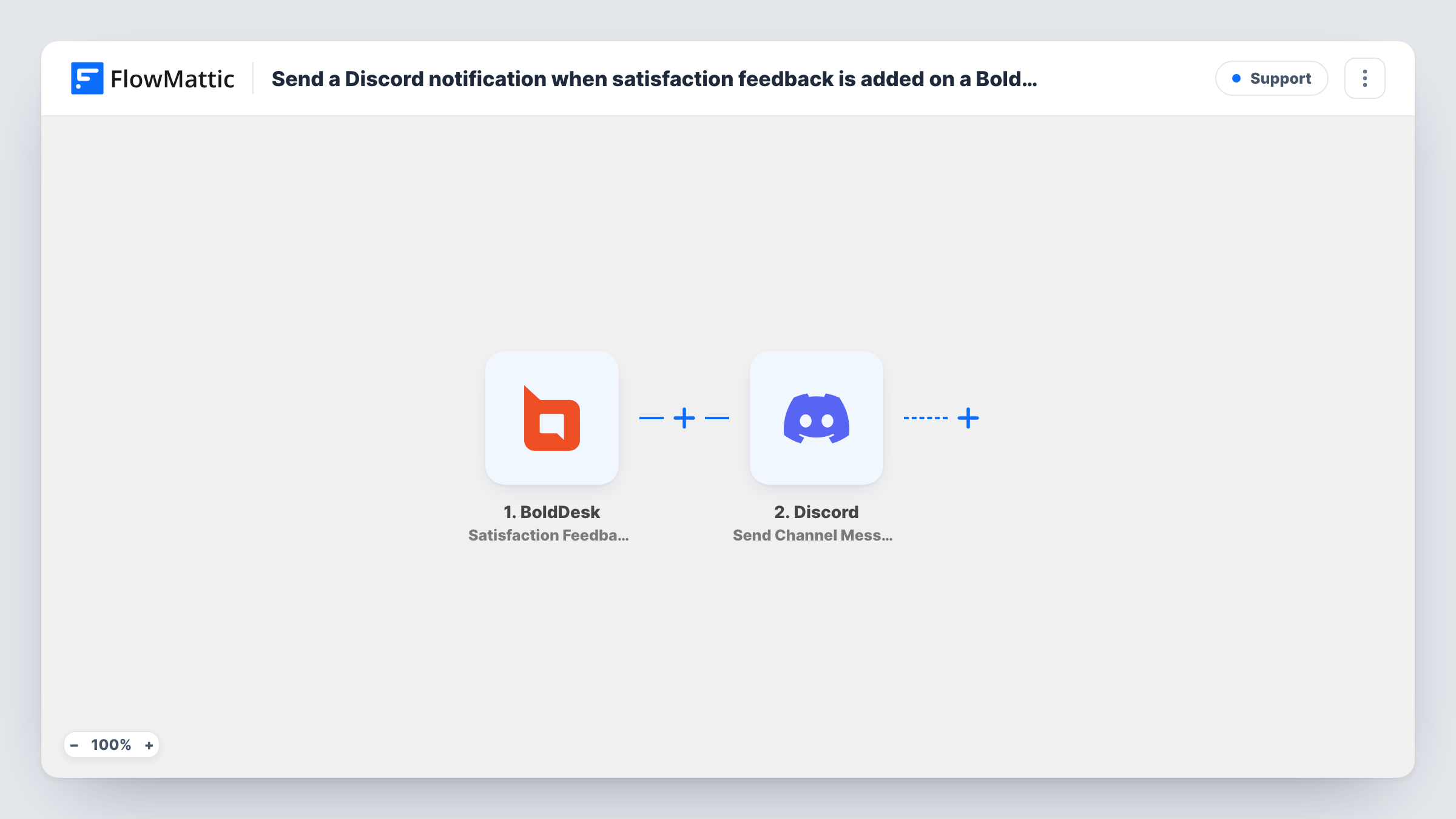
The BoldDesk trigger fires when satisfaction feedback is added to a ticket. FlowMattic passes the feedback and ticket data to Discord, whose Send Channel Message action posts a new message to the #channel you choose. You write the message and place the rating, comment or ticket details in it.
Every piece of feedback produces one post, good or bad, because the template has no Filter. Task History lists each run with the data sent and Discord's reply, which helps if a message doesn't appear.
Recognising agents for good ratings
Positive feedback shows up in the team's Discord channel, so the agent who handled the ticket and their colleagues see the comment the same day.
Following up on unhappy customers
A team lead watching the channel spots a low score with an angry comment and reopens the conversation with that customer.
Product teams hearing from support
Developers in the same Discord server read customers' feedback comments about features, without needing access to BoldDesk.
How this workflow runs
What happens at each step once the workflow is on, and what you need before you import it.
 BoldDesk Satisfaction Feedback Added
Fires when satisfaction feedback is added to a BoldDesk ticket. The feedback and ticket details are passed to the Discord step for mapping.
- Discord Send Channel Message
Sends a message into the Discord #channel you pick for feedback. Write the text, insert the feedback values from BoldDesk, and connect your Discord account so FlowMattic can post there.
What you need
- FlowMatticCore
- BoldDesk AccountAccount
- Discord AccountAccount
After importing, map your own data. To keep the template universal, not every step is pre-filled. Open each step in the builder and connect your accounts and fields (channels, lists, sheets, recipients) before you switch the workflow on.
Make it yours
Changes worth making after you import it.
- Only want low scores? If BoldDesk sends the rating as a number, add a Filter after the trigger that continues when it is below your chosen level. A blank rating counts as 0 and passes a less-than check, so add a second condition that the rating is not empty.
- Send poor ratings to a lead directly by swapping the step for Discord's Send Direct Message action, or add a Router with one route for low scores and one for high scores.
- Submit test feedback on one ticket after import so FlowMattic captures the fields BoldDesk sends, then place them in the message.
Questions about this workflow
Does every BoldDesk satisfaction rating post to Discord?
Yes, as imported. There is no Filter, so positive and negative feedback both post. Add a Filter on the rating if you want only some of it.
Which BoldDesk feedback details can the Discord message show?
Whatever the Satisfaction Feedback Added event sends, such as the rating and comment if BoldDesk includes them. A test shows the exact fields you can insert.
Will customers see the Discord post?
Only if they are members of the channel you post to. Pick a channel limited to your team if feedback comments should stay internal.
More Support workflows
Other ready-to-import templates from the same category.







Import this workflow into your WordPress site
Download the JSON, import it from the Workflows screen and connect your accounts. Every run stays on your server, with no per-task fees.
30-day money-back guarantee Unlimited workflows and runs Self-hosted