

When an employee is onboarded in Employment Hero, add them as a subscriber in MailerLite
When an employee is onboarded in Employment Hero, FlowMattic creates or updates them as a MailerLite subscriber, so your internal welcome emails and staff newsletters reach every new hire.
 Employment Hero
 MailerLite
2 steps Setup ~5 min Used on 3.2k sites Free to import
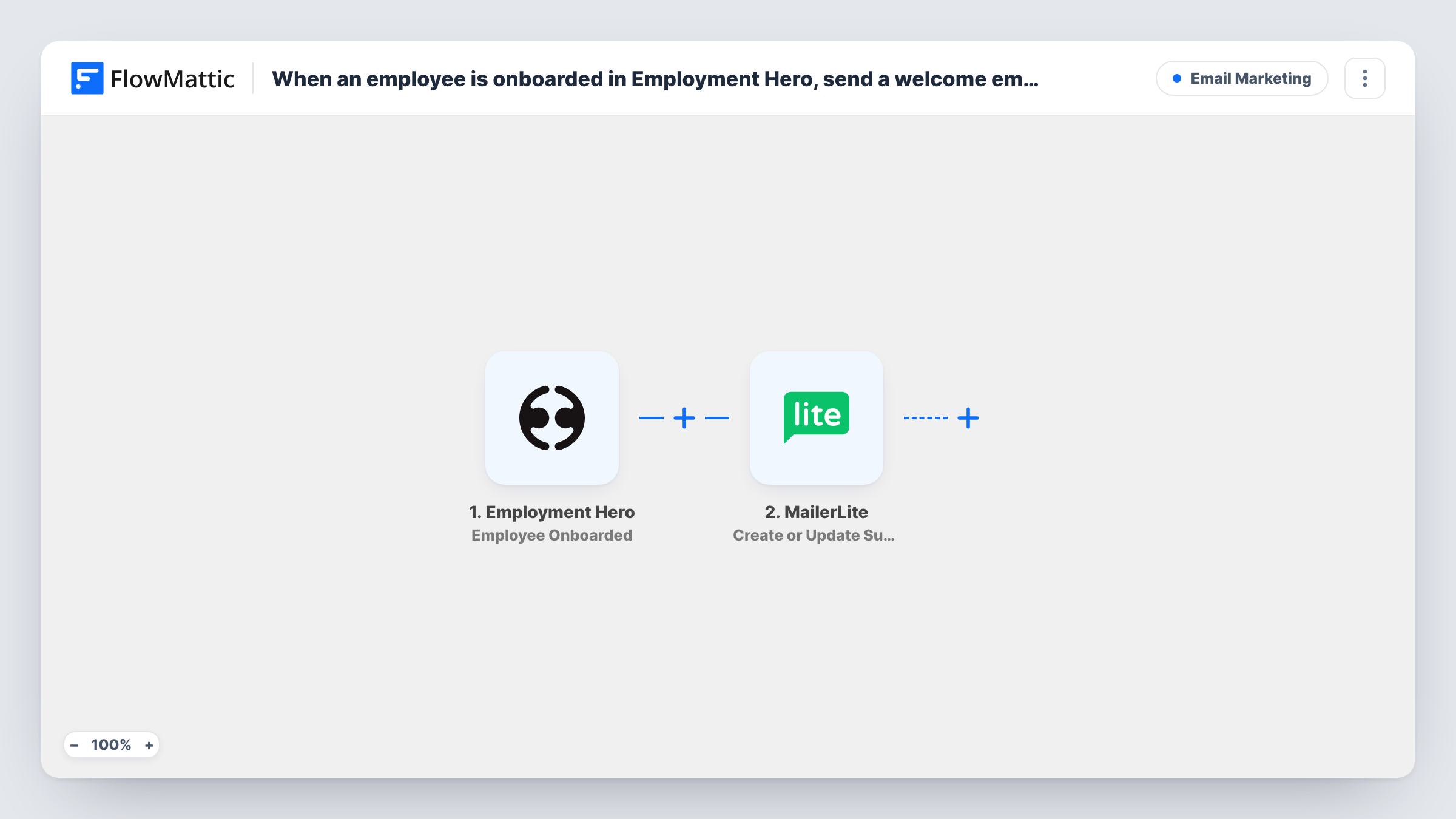
What this workflow does
New starters need the same set of emails every time: how the first week works, where to find policies, who to ask for help. If you already send staff updates from MailerLite, the hard part is getting each new hire onto the list on time. This workflow does that from the moment onboarding is complete in Employment Hero.
The Employment Hero trigger is Employee Onboarded, which FlowMattic describes as firing when an employee is onboarded. The employee details sent with that event are passed on; run a test with a real onboarding to see which ones, such as name and email, are included.
Next comes Create or Update Subscriber in MailerLite. It adds a new subscriber, or updates an existing one, with the custom fields you map. The step ships unmapped, so after import you connect MailerLite and map the employee's email and name, plus any custom fields you use, such as department or start date.
The workflow doesn't send an email by itself. It puts the person in MailerLite; your welcome emails come from a MailerLite automation or campaign you set up there. Task History shows what Employment Hero sent and how MailerLite responded for each run.
First-week welcome series
An HR team builds a MailerLite automation of short emails covering day one, week one and the first month, and every onboarded employee is added to it.
Staff newsletter list kept up to date
A growing company sends a monthly internal newsletter from MailerLite and no longer adds each new hire to the audience by hand.
Department-specific onboarding content
An operations manager maps the employee's department into a MailerLite custom field, then sends role-specific guides to each segment.
How this workflow runs
What happens at each step once the workflow is on, and what you need before you import it.
 Employment Hero Employee Onboarded
Fires when an employee is onboarded in Employment Hero. The new hire's details from that event are passed on for mapping, and a test run shows exactly what arrives.
- MailerLite Create or Update Subscriber
Creates the new hire as a MailerLite subscriber, or updates them if they already exist. Connect MailerLite and map the email, name and any custom fields, as the step ships unmapped.
What you need
- FlowMatticCore
- Employment Hero AccountAccount
- MailerLite AccountAccount
After importing, map your own data. To keep the template universal, not every step is pre-filled. Open each step in the builder and connect your accounts and fields (channels, lists, sheets, recipients) before you switch the workflow on.
Make it yours
Changes worth making after you import it.
- Add MailerLite's Add Subscriber to a Group step after Create or Update Subscriber, pointing at a staff group, then start your welcome automation in MailerLite when someone joins that group.
- If the trigger sends a start date, map it into a MailerLite custom field, so you can time onboarding emails around the first day.
- If Employment Hero sends both a work and a personal email, decide which one should get the onboarding emails and map that one into MailerLite every time.
Questions about this workflow
Does this send the welcome email from Employment Hero or MailerLite?
Neither step sends an email. The workflow adds or updates the subscriber in MailerLite, and your welcome emails come from an automation or campaign you set up in MailerLite.
What if the employee is already a MailerLite subscriber?
Create or Update Subscriber updates the existing subscriber instead of adding a duplicate, so their mapped details are refreshed.
Are current Employment Hero staff added when I turn it on?
No. Only employees onboarded after the workflow is active start a run. Import your existing staff into MailerLite separately.
More Email Marketing workflows
Other ready-to-import templates from the same category.







Import this workflow into your WordPress site
Download the JSON, import it from the Workflows screen and connect your accounts. Every run stays on your server, with no per-task fees.
30-day money-back guarantee Unlimited workflows and runs Self-hosted