

Create records in Airtable when user renews membership in Paid Memberships Pro
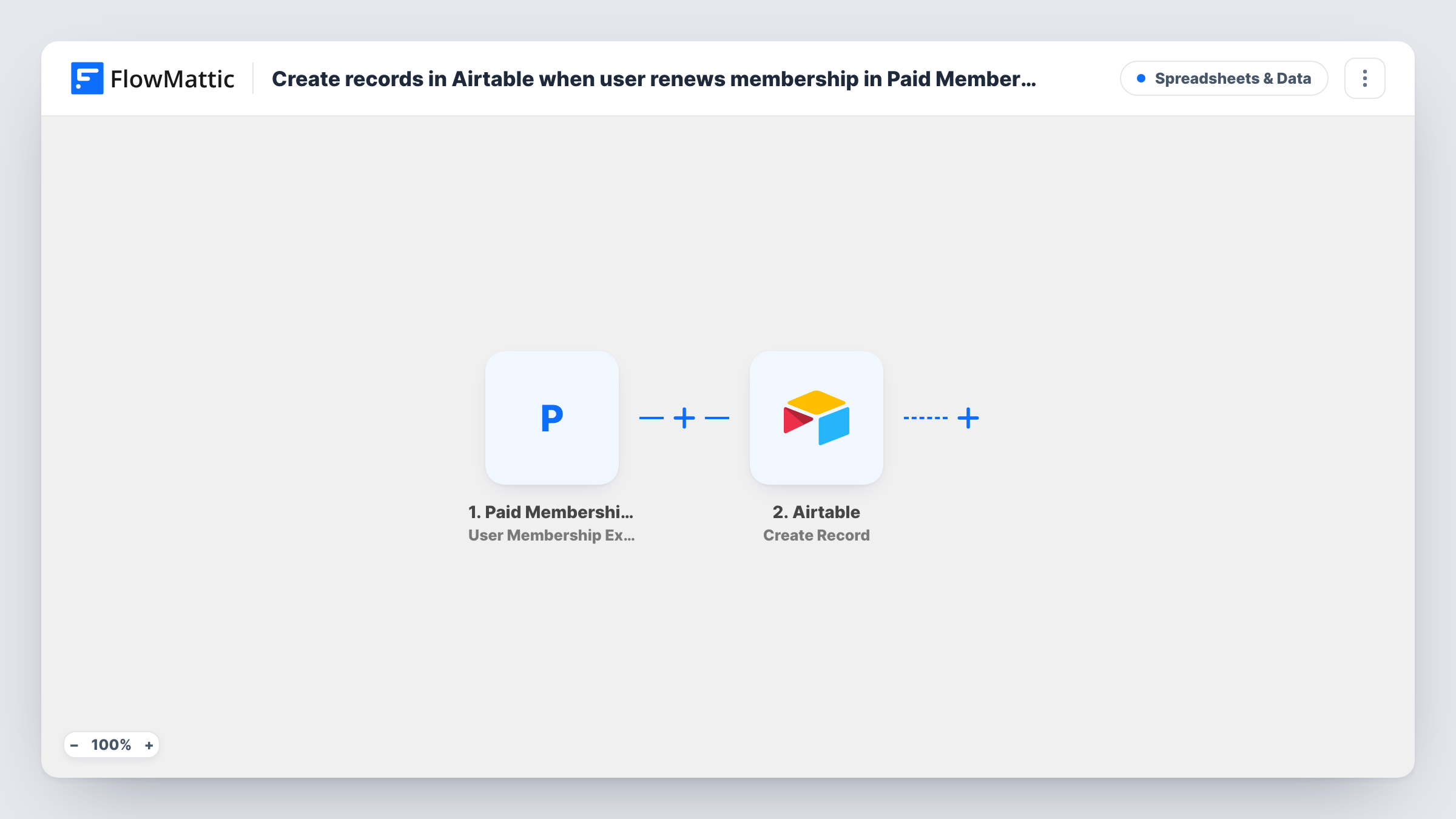
When a member renews an expired membership in Paid Memberships Pro, FlowMattic adds a new record to your Airtable table, so each win-back is logged with the member and level details you map.
 Paid Memberships Pro
 Airtable
2 steps Setup ~5 min Used on 2.7k sites Free to import
What this workflow does
Members who let a membership lapse and then come back are worth tracking separately: they tell you which levels people return to and how long they stayed away. Paid Memberships Pro holds that history inside WordPress, which makes it awkward to report on. This workflow writes each such renewal to Airtable, where you can sort, filter and share it.
The Paid Memberships Pro trigger fires when a user renews an expired membership. That is the event FlowMattic offers for renewals, so a membership that is still active and simply keeps going isn't what this trigger describes. Run a test renewal on an expired account to see which member and level details arrive.
The Airtable Create Record step then adds one row to the table you choose. It ships unmapped. After import you connect Airtable, pick the base and table, and map the member's details into your fields, such as the user's email, the membership level and the renewal date.
Each renewal creates a new record, so a member who lapses and renews twice appears twice. That gives you one line per return. Check Task History after the first real renewal to confirm the fields landed where you expect.
Win-back report for a membership site
A fitness community counts how many lapsed members return each month by grouping the Airtable records by renewal date.
Tracking which levels people come back to
A publisher with several Paid Memberships Pro levels sees in Airtable whether returning members pick the same level or a cheaper one.
Welcome-back follow-up list
A coaching program's team works from an Airtable view of recent returners to send a personal note to each one.
How this workflow runs
What happens at each step once the workflow is on, and what you need before you import it.
 Paid Memberships Pro User Renews Expired Membership
Starts a run when a user renews an expired membership in Paid Memberships Pro. The member's details and the membership level are passed on for the Airtable record.
- Airtable Create Record
Adds one Airtable record per renewal, in the base and table you pick. Nothing is mapped in the template, so connect Airtable and map the member's email, name, level and any dates you want to keep.
What you need
- FlowMatticCore
- Paid Memberships Pro PluginPlugin
- Airtable AccountAccount
After importing, map your own data. To keep the template universal, not every step is pre-filled. Open each step in the builder and connect your accounts and fields (channels, lists, sheets, recipients) before you switch the workflow on.
Make it yours
Changes worth making after you import it.
- Add a date field in Airtable and map the run's date into it, so you can build a view of renewals by month.
- Want first-time purchases logged too? Build a second workflow with the User Purchases Membership trigger that writes to the same Airtable table, with a field that says which event created the record.
- Check a test run to see how the membership level arrives, as a name or a number, and map the readable form so the Airtable table makes sense without WordPress open.
Questions about this workflow
Does a recurring payment on an active Paid Memberships Pro membership create a record?
FlowMattic describes this trigger as a user renewing an expired membership. Renewals that happen before the membership expires don't match that description, so test with your own payment setup and check Task History.
Will the same member get more than one Airtable record?
Yes, if they renew an expired membership more than once. Each renewal adds its own record, which gives you a history of every return.
Which details reach Airtable from Paid Memberships Pro?
Whatever you choose to map into Airtable's Create Record step. It ships empty, so choose the member and membership fields after import and match them to your Airtable columns.
Do I need the Paid Memberships Pro plugin on the same site as FlowMattic?
Yes. The trigger listens to Paid Memberships Pro on your WordPress site, so both plugins need to be active there.
More Spreadsheets & Data workflows
Other ready-to-import templates from the same category.




Import this workflow into your WordPress site
Download the JSON, import it from the Workflows screen and connect your accounts. Every run stays on your server, with no per-task fees.
30-day money-back guarantee Unlimited workflows and runs Self-hosted