

Create Facebook Pages posts from new Google Sheets rows
Write a post in a new Google Sheets row and this workflow publishes it on your Facebook Page, so you can draft and plan Page posts in a spreadsheet and let each added row go out.
 Google Sheets
 Facebook Pages
2 steps Setup ~5 min Used on 3.4k sites Free to import
What this workflow does
Some teams find a spreadsheet the easiest place to plan social posts: one row per post, a column for the text, a column for the link, comments for feedback. Copying each one into Facebook is the tedious part. This workflow turns each new row into a post on your Page.
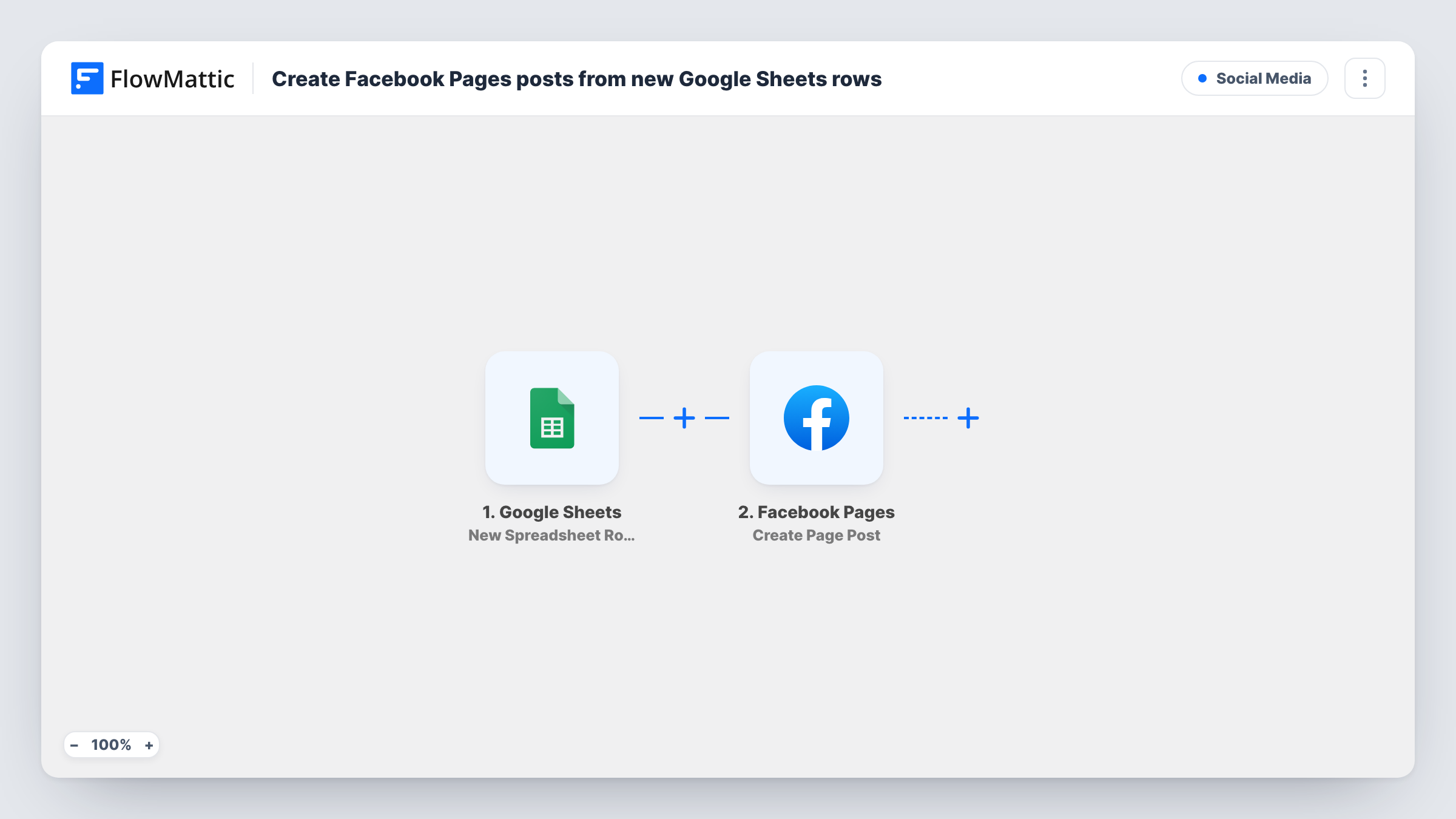
The Google Sheets trigger, New Spreadsheet Row, fires when a new row is added to the spreadsheet you connect. FlowMattic reads the row's columns and passes them to Facebook Pages. The Create Page Post step then publishes a new post on your Page, with the message and link you map from the row.
The workflow posts as soon as a row arrives. It doesn't wait for a date column or an approval mark, so add a row only when the post is ready, or add the Filter described in the tips. Each new row makes one Facebook post. Task History shows what was posted and Facebook's reply.
Writers without Page access
A freelance writer adds finished posts to a shared sheet. Each row goes to your Facebook Page without giving them a Page role.
Posts from another tool's output
A form or another workflow adds rows to the sheet, such as a weekly offer. Each new row becomes a Facebook post on your Page.
A record of everything posted
Because every post starts as a row, the sheet doubles as a log of what went to the Page, with the exact text that was used.
How this workflow runs
What happens at each step once the workflow is on, and what you need before you import it.
 Google Sheets New Spreadsheet Row
Starts a run each time a row is added to the connected Google Sheets spreadsheet. Each column in the row becomes a value you can map into the Facebook post.
- Facebook Pages Create Page Post
Turns the row into a post on the Facebook Page you manage. Connect the Page, then map the column holding the post text, plus the link column if your posts share URLs.
What you need
- FlowMatticCore
- Google Sheets AccountAccount
- Facebook Pages AccountAccount
After importing, map your own data. To keep the template universal, not every step is pre-filled. Open each step in the builder and connect your accounts and fields (channels, lists, sheets, recipients) before you switch the workflow on.
Make it yours
Changes worth making after you import it.
- Add a Filter after the trigger that continues only when the text column is not empty, so a blank or half-typed row never turns into an empty Facebook post.
- Add an Approved column and a Filter that continues only when it says yes. Rows without that mark are then skipped instead of posted.
- Add one test row after import, then check the post on your Page and the run in Task History before you share the sheet with other writers.
Questions about this workflow
Does editing a row change the Facebook post?
No. The trigger fires on new rows only, and the step creates posts. Edit or delete the post on Facebook if a row had a mistake.
Can I schedule posts by a date in the Google Sheets row?
Not as imported. The post goes out when the row is added, and the template doesn't read a date column. Add rows on the day you want each post to appear.
Can the Google Sheets row include an image for the Facebook post?
The template uses Create Page Post. Facebook Pages also has a Create a Post with Photos action in FlowMattic for image posts; swap it in and map the column that holds the image.
Does it post to a Facebook group or profile?
No. Create Page Post publishes to a Facebook Page you manage. Groups and personal profiles are not covered by this step.
More Social Media workflows
Other ready-to-import templates from the same category.




Import this workflow into your WordPress site
Download the JSON, import it from the Workflows screen and connect your accounts. Every run stays on your server, with no per-task fees.
30-day money-back guarantee Unlimited workflows and runs Self-hosted