

Create Switchy links for new WordPress posts and share to your Facebook Page
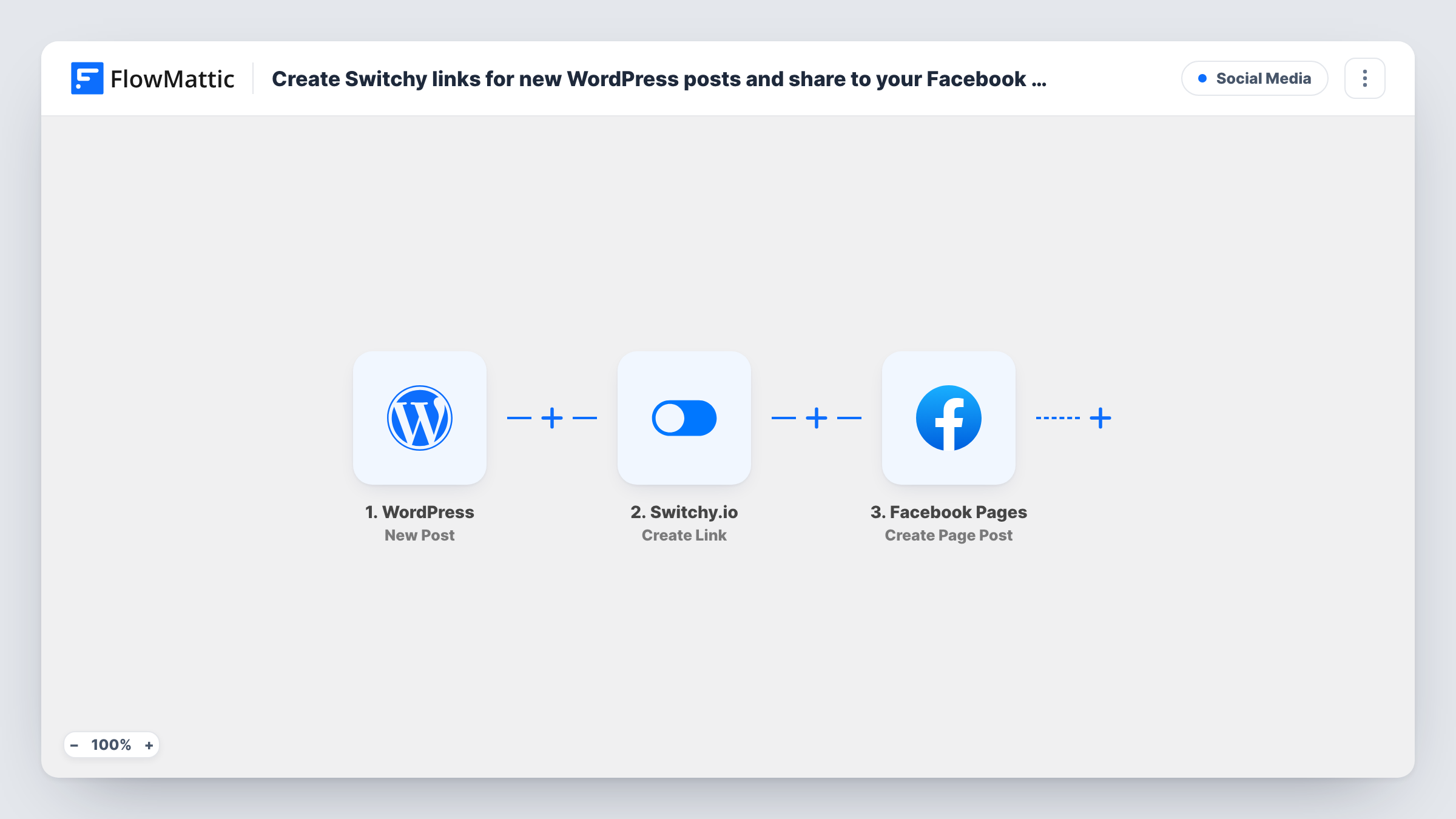
When you publish a new WordPress post, this workflow creates a Switchy short link for it and shares the post on your Facebook Page using that link, in one run.
 WordPress
 Switchy.io
 Facebook Pages
3 steps Setup ~5 min Used on 2.8k sites Free to import
What this workflow does
Sharing each new article on Facebook is routine work, and so is making a short link for it to track clicks. Doing both by hand after every post is easy to skip. This workflow does it as the post goes live.
The WordPress trigger, New Post, fires once when a post is first published. Edits to a live post don't fire it, and pages never do. The post's details go to Switchy.io, where Create Link makes a new short link from the post URL you map. The last step, Create Page Post in Facebook Pages, publishes a post on your Page with text you write and the Switchy link mapped in.
Custom post types fire the trigger too, unless you limit it to one post type in the trigger. Run one test with a real post and check the short link and the Facebook post in Task History before you rely on it.
Blog promotion for a small business
Each new article on the company blog is shared on the business's Facebook Page with a Switchy link, so the owner never forgets to post it.
News site tracking social clicks
Editors want to know how many readers come from Facebook. A Switchy link on each shared story makes those clicks countable.
Recipe or product updates
A food blog publishes new recipes. Fans following the Facebook Page see each one with a short link back to the site.
How this workflow runs
What happens at each step once the workflow is on, and what you need before you import it.
 WordPress New Post
Fires once when a post is first published on your WordPress site. Updates to live posts don't fire it. The post title, link and other details are passed on.
- Switchy.io Create Link
Creates a new Switchy.io short link. Connect Switchy and map the WordPress post URL into the link, so the short link points to the new article.
- Facebook Pages Create Page Post
Publishes a post on your Facebook Page. Connect the Page, write the text, and insert the post title and the Switchy short link from the earlier steps.
What you need
- FlowMatticCore
- Switchy.io AccountAccount
- Facebook Pages AccountAccount
After importing, map your own data. To keep the template universal, not every step is pre-filled. Open each step in the builder and connect your accounts and fields (channels, lists, sheets, recipients) before you switch the workflow on.
Make it yours
Changes worth making after you import it.
- Limit the trigger to the post type you want shared, so custom post types such as products or events don't post to Facebook.
- Add a Filter after the trigger on a category or tag, if the trigger data includes it, so only posts you want to promote reach Facebook.
- Add a Delay before the Facebook step if you want the post shared some time after it goes live, for example an hour later.
Questions about this workflow
Does updating an old WordPress post share it on Facebook again?
No. New Post fires once, when a post is first published. Later edits to it don't start a run.
Do scheduled WordPress posts get shared?
Yes, when they publish. The trigger fires as the post moves to published, whether you click Publish or WordPress publishes it on schedule.
Can the Facebook post show an image from the WordPress post?
Create Page Post shares text and a link. Facebook may build a preview from the link. For a photo post, Facebook Pages also has Create a Post with Photos.
Why use a Switchy link instead of the post URL?
A Switchy link lets you see clicks in Switchy and change the destination later with its Update Link action, without editing the Facebook post.
More Social Media workflows
Other ready-to-import templates from the same category.





Import this workflow into your WordPress site
Download the JSON, import it from the Workflows screen and connect your accounts. Every run stays on your server, with no per-task fees.
30-day money-back guarantee Unlimited workflows and runs Self-hosted