

Create Facebook Pages posts from new Emails
Send an email to your FlowMattic Email Parser address and this workflow posts its content on your Facebook Page, so you can publish a Page update from any inbox or phone without opening Facebook.
 Email Parser by FlowMattic
 Facebook Pages
2 steps Setup ~5 min Used on 673 sites Free to import
What this workflow does
Sometimes the quickest way to get words out is to email them. You might be away from your desk, or a colleague without Page access has an update ready. This workflow lets an email become a Facebook Page post.
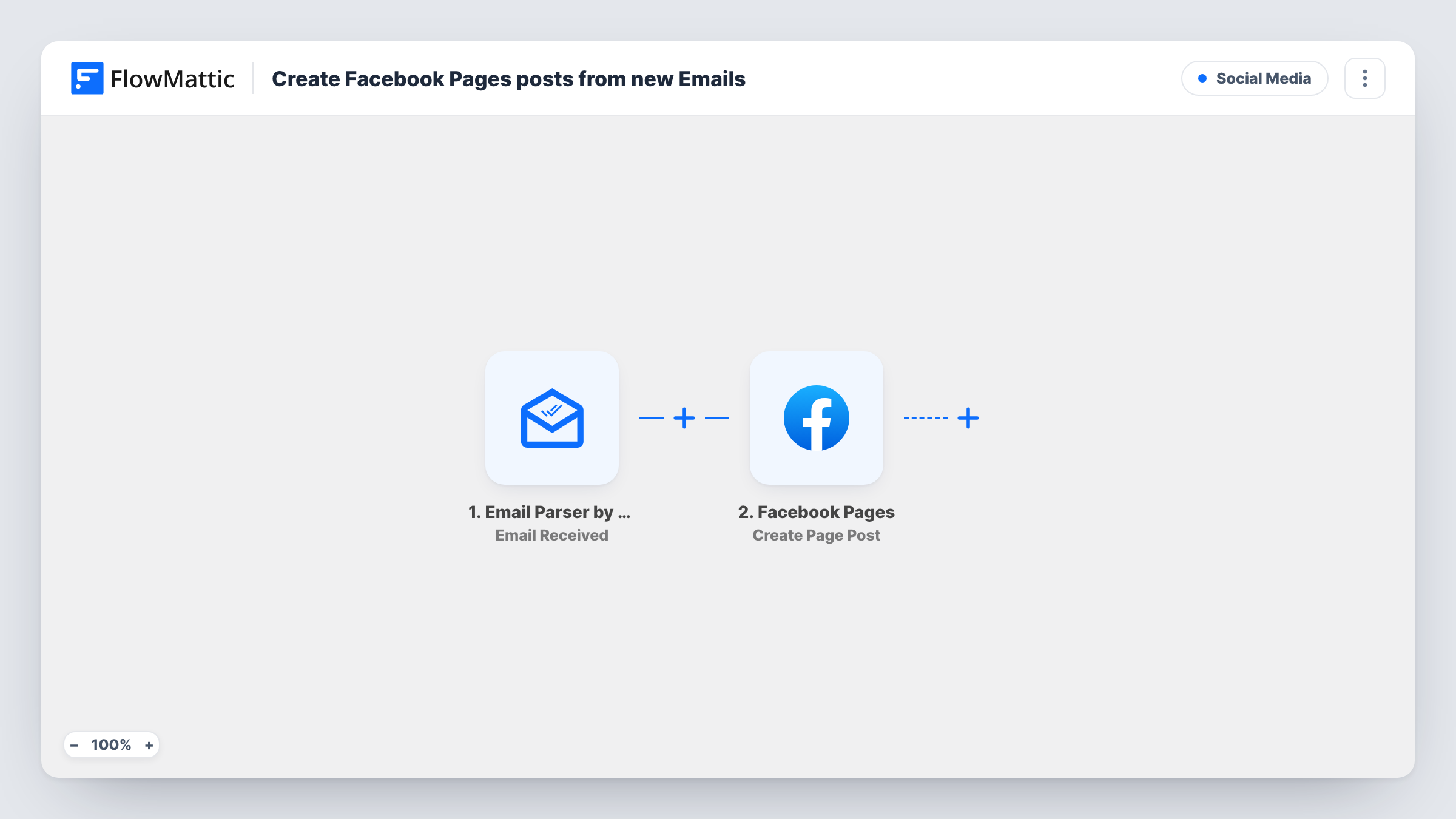
The Email Parser by FlowMattic trigger, Email Received, gives the workflow its own email address and fires when a message arrives there. FlowMattic reads the email's details, such as the sender, subject and body. The Facebook Pages step, Create Page Post, then publishes a new post on your Page, with the message built from the parts of the email you map.
The template has no check on who sent the email, so every message that reaches the parser address becomes a post. Keep the address private, and add the sender Filter from the tips before you rely on it. Each email makes one post, and Task History keeps a record of what went out.
Posting from the road
A shop owner at a market emails a quick update about today's stock from their phone. The run posts it on the shop's Facebook Page.
Updates from staff without Page roles
A team lead emails an event reminder to the parser address. It goes to the Page without giving them a role on it.
Newsletter teasers
You forward a short teaser to the parser address when a newsletter goes out, and it is posted on your Page for followers who don't subscribe.
How this workflow runs
What happens at each step once the workflow is on, and what you need before you import it.
 Email Parser by FlowMattic Email Received
Runs each time a message lands in the workflow's own parser inbox. The sender, subject and body are available to map into the Facebook post.
- Facebook Pages Create Page Post
Creates a post on your Facebook Page from the email. Map the body, or the subject plus body, to the message, then connect the Page you manage.
What you need
- FlowMatticCore
- Facebook Pages AccountAccount
After importing, map your own data. To keep the template universal, not every step is pre-filled. Open each step in the builder and connect your accounts and fields (channels, lists, sheets, recipients) before you switch the workflow on.
Make it yours
Changes worth making after you import it.
- Add a Filter after the trigger that continues only when the sender's address is yours or a teammate's. Messages from other senders then stop at the Filter.
- Write posting emails in plain text with no signature, or map just the subject line, so footers and quoted replies don't end up in the post.
- Send a test email after import and look at the parsed fields in Task History before mapping, so you know which value holds the clean body text.
Questions about this workflow
Can anyone who knows the Email Parser address post to my Facebook Page?
As imported, yes. Every email to the address starts a run. Add a Filter on the sender's email address so only messages from you or your team are posted.
Are attachments in the email posted to Facebook?
No. The template uses Create Page Post with text you map. Facebook Pages has a separate Create a Post with Photos action if you want to add images.
Will my email signature appear on the Facebook Page?
It can, if you map the full body. Leave out the signature when you write posting emails, or map only the subject line.
Do I need a separate mail server for the parser address?
No. The address comes from Email Parser by FlowMattic. You copy it from the trigger after import and send your emails to it.
More Social Media workflows
Other ready-to-import templates from the same category.






Import this workflow into your WordPress site
Download the JSON, import it from the Workflows screen and connect your accounts. Every run stays on your server, with no per-task fees.
30-day money-back guarantee Unlimited workflows and runs Self-hosted