

Email the customer via Gmail when an Explodely refund is processed
When a sale is refunded in Explodely, this workflow emails the customer from your Gmail account to confirm the refund, so buyers hear from you directly instead of only seeing money return to their account.
 Explodely
 Gmail
2 steps Setup ~5 min Used on 3.4k sites Free to import
What this workflow does
A refund is often the last contact you have with a buyer, and silence can leave them unsure whether it went through. Sending a short, personal confirmation each time takes a minute, but refunds are easy to miss in a busy sales dashboard. This workflow sends that email whenever Explodely records a refund.
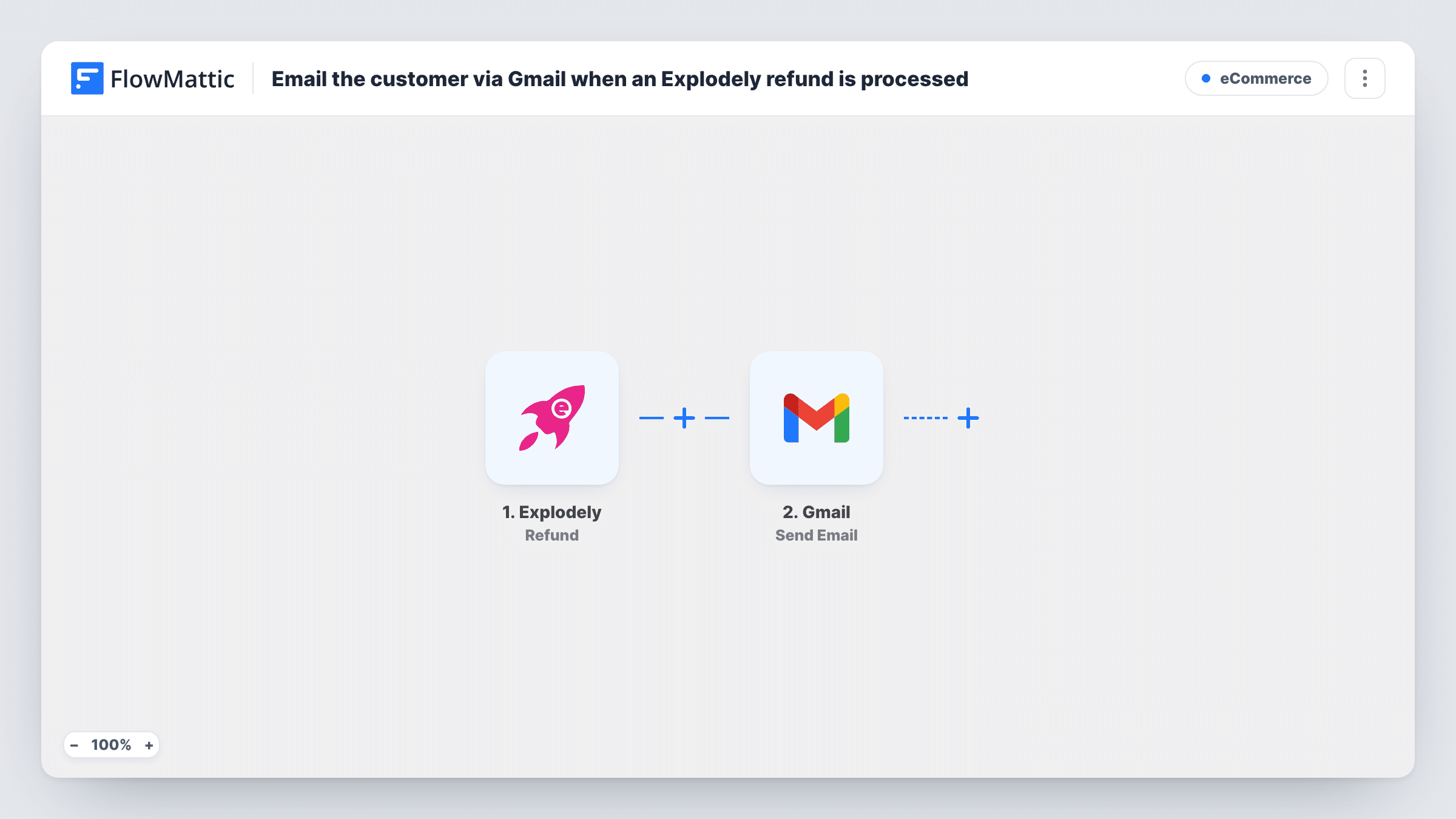
The Explodely Refund trigger fires when a sale is refunded. FlowMattic passes the refund's data to Gmail, where Send Email sends a message from the Google account you connect. You map the customer's email as the recipient and write the subject and body, including details such as the product name or amount if Explodely sends them.
The email comes from your own Gmail address, so any reply lands in your inbox. The workflow only sends the message; it doesn't change the refund or anything else in Explodely. Each run is listed in Task History with the data received and Gmail's response.
Digital product seller confirming refunds
A buyer who asked for a refund on an ebook or course gets a short email from you confirming it was processed, with a line inviting feedback.
Software vendor ending access politely
Your Gmail note confirms the refund and explains that the licence or account linked to the purchase will be closed, so the customer isn't surprised.
Affiliate offer owner keeping a paper trail
Each refunded Explodely sale produces a sent email in your Gmail, giving you a dated record of what you told each customer.
How this workflow runs
What happens at each step once the workflow is on, and what you need before you import it.
 Explodely Refund
Runs when a sale is refunded in Explodely. The refund data, including the buyer details Explodely includes, is passed to the Gmail step.
- Gmail Send Email
Sends the refund confirmation from your connected Gmail account. Map the customer's email from the Explodely data as the recipient, then write the subject and message.
What you need
- FlowMatticCore
- Explodely AccountAccount
- Gmail AccountAccount
After importing, map your own data. To keep the template universal, not every step is pre-filled. Open each step in the builder and connect your accounts and fields (channels, lists, sheets, recipients) before you switch the workflow on.
Make it yours
Changes worth making after you import it.
- Refund a test sale or wait for a real one, then check Task History to see which Explodely fields arrive before you finish the email.
- Keep the subject plain, for example naming the product and the word refund, so the customer recognises the message.
- Add a Google Sheets Add New Row step after Gmail if you want a running log of refunds and the emails sent for them.
Questions about this workflow
Does every Explodely refund send an email?
Yes, as imported. The trigger fires for each refunded sale and there is no Filter, so every one reaches the Gmail step.
Which address does the Explodely refund email come from?
From the Google account you connect to the Send Email step. The customer sees that address as the sender.
Does Explodely send its own refund notice as well?
This workflow doesn't change Explodely's settings. Check your Explodely account to see what it already sends, so customers don't get two similar emails.
More E-Commerce workflows
Other ready-to-import templates from the same category.







Import this workflow into your WordPress site
Download the JSON, import it from the Workflows screen and connect your accounts. Every run stays on your server, with no per-task fees.
30-day money-back guarantee Unlimited workflows and runs Self-hosted