

Send a Slack notification when a LeanIX fact sheet is archived
When a fact sheet is archived in LeanIX, this workflow posts a message to a Slack channel, so architects and application owners hear about retired applications and components without checking LeanIX.
 LeanIX
 Slack
2 steps Setup ~5 min Used on 2.8k sites Free to import
What this workflow does
Archiving a fact sheet in LeanIX usually means an application, interface or component is being retired. The people who depend on it, from support teams to integration owners, often don't watch LeanIX closely. Here, the news reaches them in a Slack channel they already read.
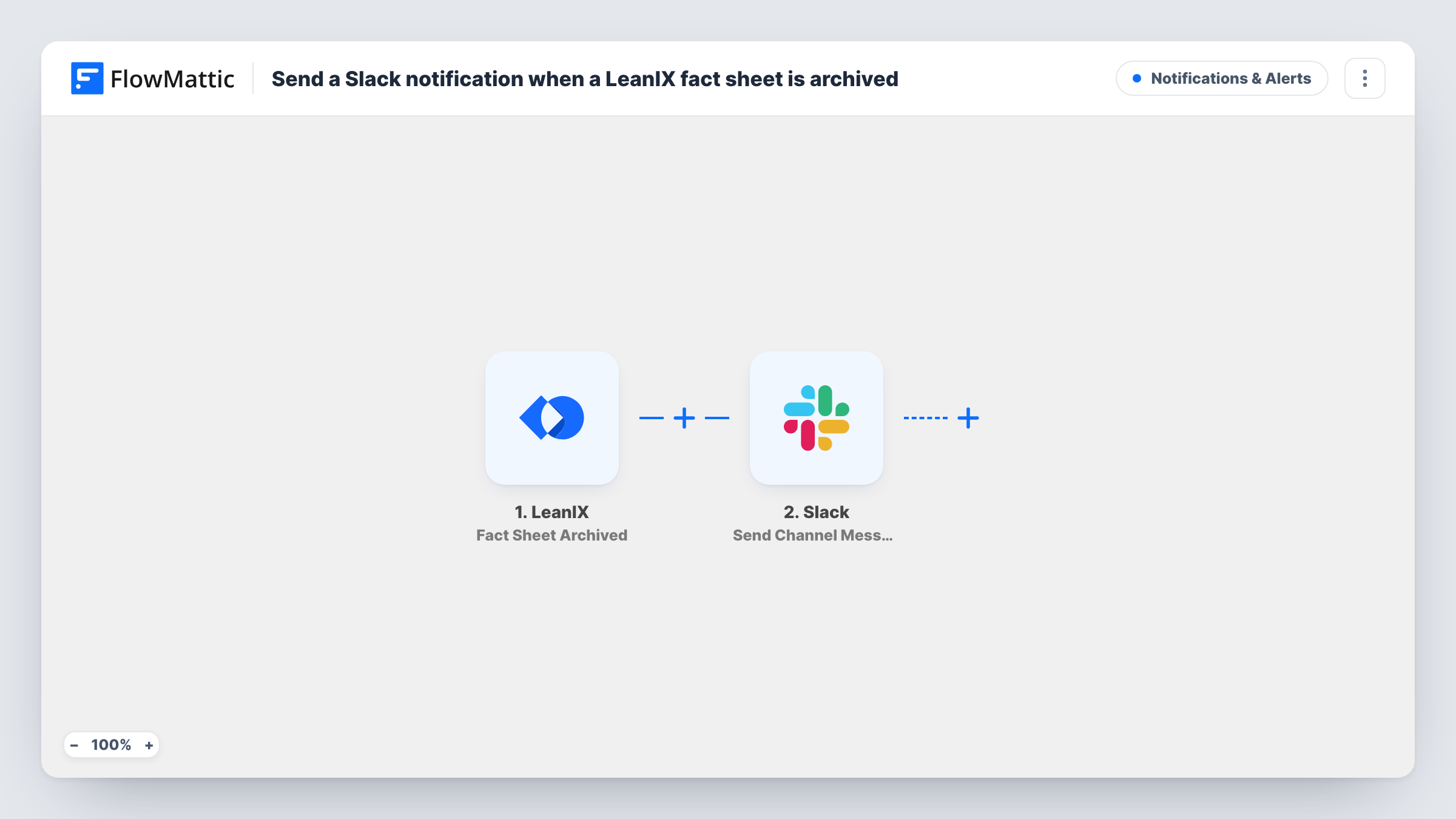
The LeanIX trigger fires when a fact sheet is archived. FlowMattic receives the details LeanIX sends about that fact sheet. The Slack step then runs Send Channel Message, posting to the channel you choose, with the fact sheet's details mapped into the text.
Only archiving starts the workflow. LeanIX reports creation, updates and deletion as separate events, each with its own FlowMattic trigger, so those don't post here. Every archived fact sheet posts one message, whatever its type, unless you add a Filter.
Application retirement notices
When an enterprise architect archives an application fact sheet, the IT operations channel gets a message so nobody keeps raising tickets against it.
Integration owner awareness
Archiving an interface fact sheet tells the integration team in Slack, so they can check that no live connection still relies on it.
Audit trail for portfolio clean-up
During a portfolio review, each archived fact sheet leaves a dated Slack message the team can search later to see what was retired.
How this workflow runs
What happens at each step once the workflow is on, and what you need before you import it.
 LeanIX Fact Sheet Archived
Starts a run whenever a fact sheet is archived in LeanIX. The fact sheet details LeanIX sends can be mapped into the Slack message.
- Slack Send Channel Message
Posts the archive notice in your chosen Slack channel. Map the archived fact sheet's name and type, if LeanIX sends them, into the text so readers know what was retired.
What you need
- FlowMatticCore
- LeanIX AccountAccount
- Slack AccountAccount
After importing, map your own data. To keep the template universal, not every step is pre-filled. Open each step in the builder and connect your accounts and fields (channels, lists, sheets, recipients) before you switch the workflow on.
Make it yours
Changes worth making after you import it.
- Only care about application fact sheets? Add a Filter after the trigger that checks the fact sheet type, if the event includes it, so other types don't post.
- For a private channel, switch to Slack's Send Private Channel Message action; to tell only the application owner, use Send Direct Message instead.
- Archive a test fact sheet after import so FlowMattic captures the real event data, then build the Slack message from those fields.
Questions about this workflow
Does deleting a LeanIX fact sheet post to Slack too?
No. This template uses the Fact Sheet Archived trigger only. LeanIX deletion is a separate Fact Sheet Deleted trigger you could add in another workflow.
Which LeanIX fact sheet details can appear in the Slack message?
Whatever the archive event carries. Archive a test fact sheet and look at the captured data in FlowMattic to see which values you can map.
Can LeanIX archive notices go to a private Slack channel?
The imported Slack step is for standard channels. Swap it for Slack's Send Private Channel Message action and pick the private channel there.
Does the workflow change anything in LeanIX?
No. It only listens for the archive event and posts to Slack. The fact sheet stays archived in LeanIX as before.
More Notifications & Alerts workflows
Other ready-to-import templates from the same category.




Import this workflow into your WordPress site
Download the JSON, import it from the Workflows screen and connect your accounts. Every run stays on your server, with no per-task fees.
30-day money-back guarantee Unlimited workflows and runs Self-hosted