

Send a Discord alert to the architecture channel when a LeanIX subscription is created
When someone is subscribed to a LeanIX fact sheet, this workflow posts a message to your Discord architecture channel, so the team can see who has taken on which fact sheet.
 LeanIX
 Discord
2 steps Setup ~5 min Used on 3.4k sites Free to import
What this workflow does
In LeanIX, a subscription ties a person to a fact sheet, often as the one responsible for it. Architecture teams that talk in Discord may not notice these changes until someone asks. This workflow posts a message to your architecture channel each time a subscription is added.
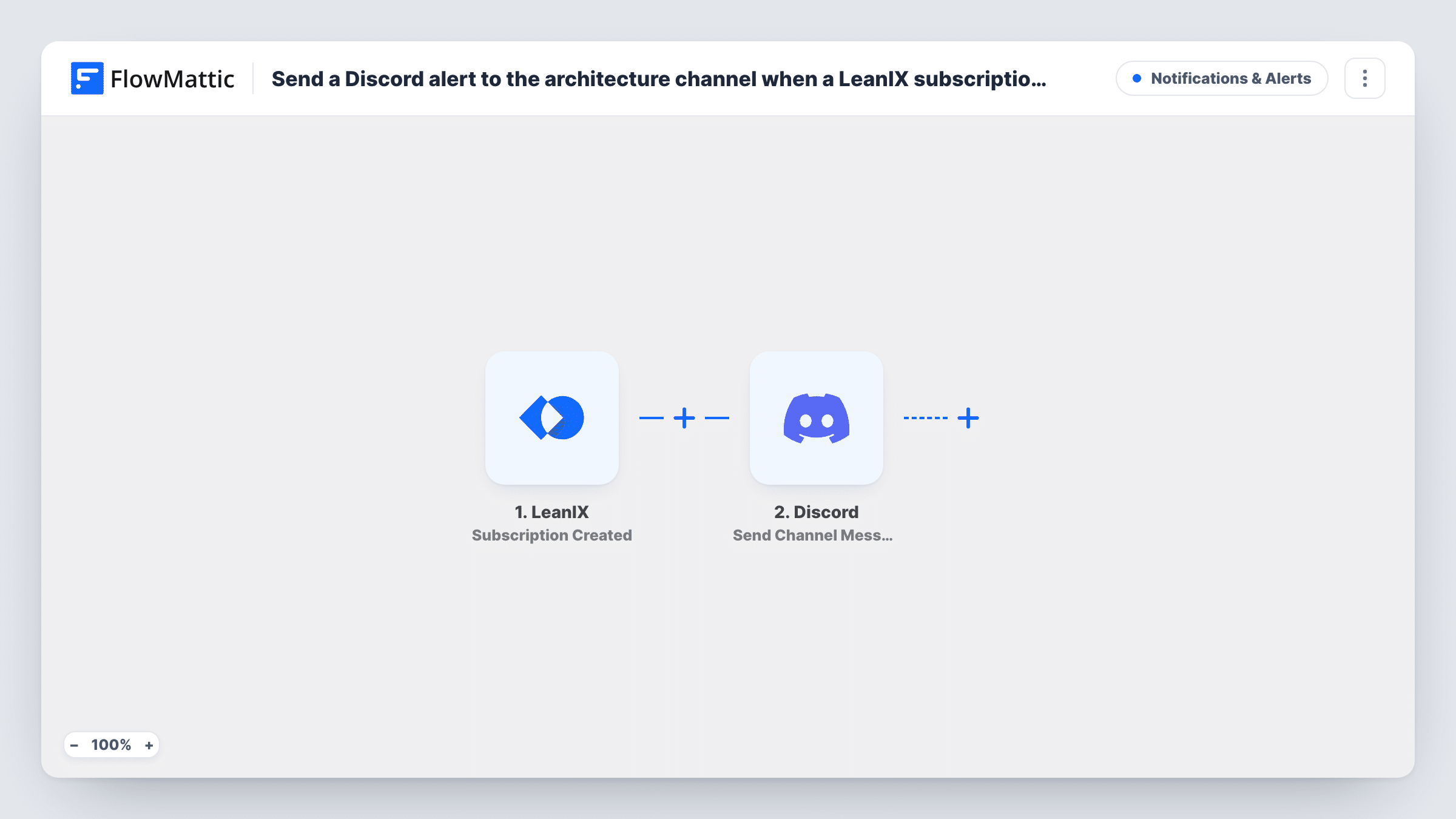
The LeanIX trigger is Subscription Created, which fires when a subscription is added to a fact sheet. The data LeanIX sends about the subscription and its fact sheet becomes available to map.
The Discord step uses Send Channel Message to post in the channel you choose, such as your architecture channel. You write the message and drop in values like the fact sheet name or the subscriber, if LeanIX includes them. Task History records every run, which is useful for checking what LeanIX sent.
Ownership changes in an application portfolio
When a new owner is subscribed to an application fact sheet, the architecture channel sees it, so nobody keeps asking the previous owner.
New team member onboarding
A new architect is subscribed to the fact sheets they will look after. Each subscription posts in Discord, giving the team a visible record of the handover.
Keeping a distributed team informed
Architects in different time zones read the Discord channel to catch up on who took on which fact sheets while they were offline.
How this workflow runs
What happens at each step once the workflow is on, and what you need before you import it.
 LeanIX Subscription Created
Fires when a subscription is added to a fact sheet in LeanIX. The subscription and fact sheet data are passed on for mapping. Add a test subscription after import so the fields appear.
- Discord Send Channel Message
Posts a message in the Discord channel you pick. Write the text and map in values from the LeanIX event, such as the fact sheet name and the person subscribed, if they are included.
What you need
- FlowMatticCore
- LeanIX AccountAccount
- Discord AccountAccount
After importing, map your own data. To keep the template universal, not every step is pre-filled. Open each step in the builder and connect your accounts and fields (channels, lists, sheets, recipients) before you switch the workflow on.
Make it yours
Changes worth making after you import it.
- Start the Discord message with the fact sheet name so the channel can be scanned quickly when several subscriptions arrive together.
- If only some subscription types matter, add a Filter after the trigger on the subscription type field, if LeanIX sends one in your test run.
- Use a separate Discord channel for these alerts if your architecture channel is busy, so subscription notices don't bury other discussion.
Questions about this workflow
What counts as a LeanIX subscription for this workflow?
A subscription added to a fact sheet. The trigger fires each time one is created, so every new subscription posts one Discord message.
Does removing a LeanIX subscription post anything in Discord?
No. This template only listens for new subscriptions. Removals and other fact sheet changes don't start a run.
What can the Discord message show about the fact sheet?
Whatever LeanIX includes with the event. Run a test and check the captured fields to see which values you can place in the message.
More Notifications & Alerts workflows
Other ready-to-import templates from the same category.





Import this workflow into your WordPress site
Download the JSON, import it from the Workflows screen and connect your accounts. Every run stays on your server, with no per-task fees.
30-day money-back guarantee Unlimited workflows and runs Self-hosted