

When a new form is submitted in GoZen Forms, create a new row in Google Sheets
Every response to your GoZen Forms form is added as a new row in Google Sheets, so you have the answers in a spreadsheet you can sort, total and share with people outside GoZen.
 GoZen Forms
 Google Sheets
2 steps Setup ~5 min Used on 578 sites Free to import
What this workflow does
GoZen Forms collects the answers, but many teams work from a spreadsheet. Downloading responses every few days means the sheet is always behind. Here, each GoZen response is copied into your sheet when FlowMattic receives it.
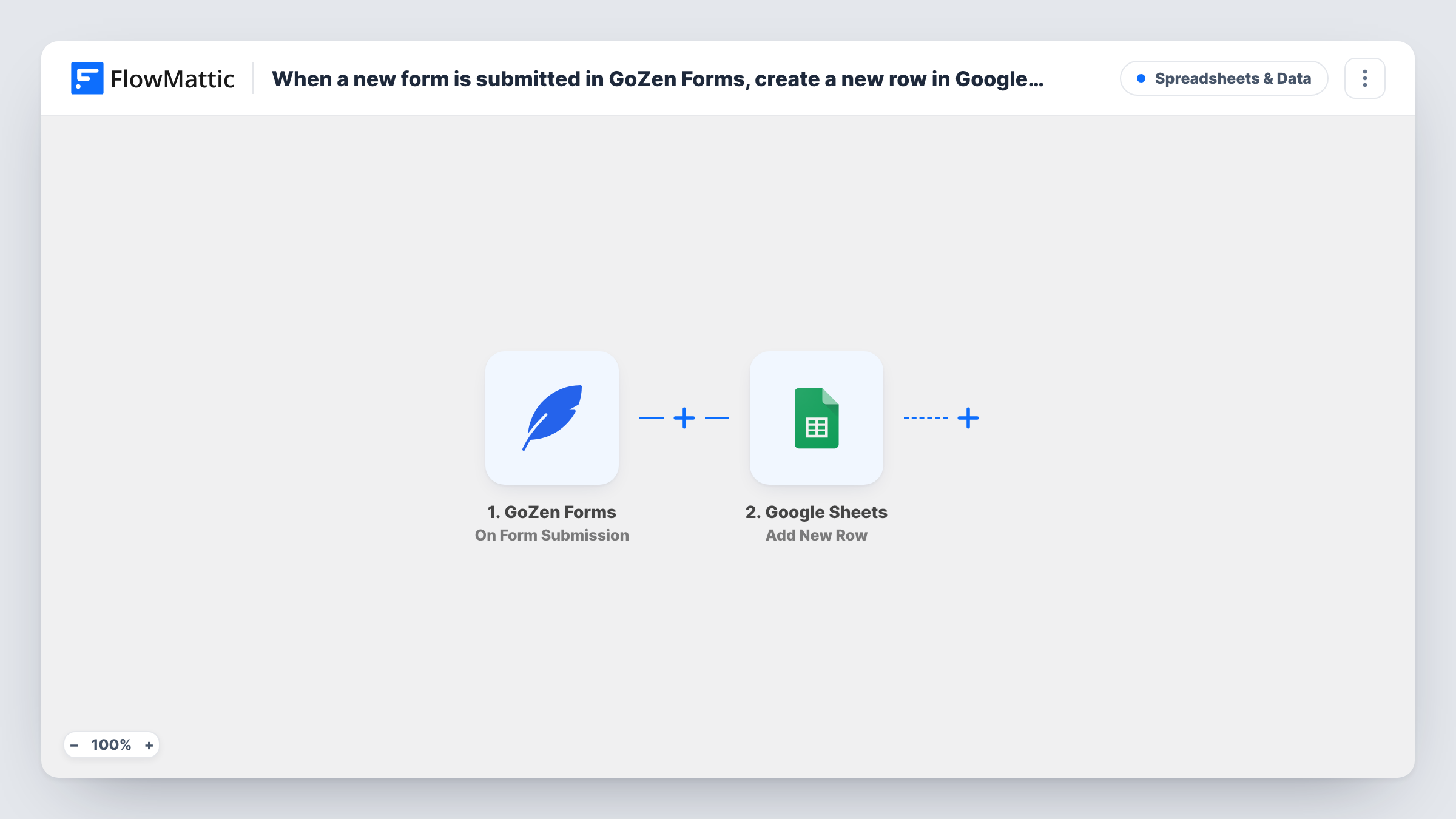
The GoZen Forms trigger is On Form Submission, which fires when someone submits your form. Each answer in the submission becomes a value you can map.
The Google Sheets step adds one row per submission with Add New Row. Pick the spreadsheet and match each column to a form answer. If you add a question to the form later, add a column and map it too, or the new answer won't reach the sheet. Task History lists every run, so you can trace a response that is missing from the sheet.
Customer feedback survey
A GoZen Forms survey asks customers to rate their experience. The sheet gives you every rating in one column, ready for an average or a chart.
Job application form
Applicants submit through GoZen Forms and each one appears as a row, so the hiring team can add notes and a status column next to the answers.
Event RSVP list
Guests reply through a GoZen form. The spreadsheet becomes the check-in list you print or share with the venue.
How this workflow runs
What happens at each step once the workflow is on, and what you need before you import it.
 GoZen Forms On Form Submission
Starts a run each time a respondent completes your GoZen form. Each answer is passed on for mapping. Send a test submission after import so the answers show up in FlowMattic.
- Google Sheets Add New Row
Adds a row to the Google Sheets spreadsheet you choose for each submission. Match each column to a GoZen Forms answer and connect your Google account.
What you need
- FlowMatticCore
- GoZen Forms AccountAccount
- Google Sheets AccountAccount
After importing, map your own data. To keep the template universal, not every step is pre-filled. Open each step in the builder and connect your accounts and fields (channels, lists, sheets, recipients) before you switch the workflow on.
Make it yours
Changes worth making after you import it.
- Add a column for the submission time, if the form data carries one, so you can sort responses by when they arrived.
- If several GoZen forms are connected, add a Filter after the trigger on a value that names the form, so this sheet only holds answers from one of them.
- Need the answers in a CRM too? Add a step after Google Sheets, such as a FluentCRM or HubSpot contact action, and map the email answer into it.
Questions about this workflow
Are older GoZen Forms responses added to the sheet?
No. GoZen responses sent before the workflow was switched on aren't picked up. Export earlier responses from GoZen Forms once if you want them in the same sheet.
What happens if I add a question to my GoZen form?
The new answer arrives with each submission, but it only reaches the sheet once you add a column for it and map it in the Google Sheets step.
Can one GoZen Forms submission add more than one row?
Not as imported. The workflow adds exactly one row for each submission it receives.
More Spreadsheets & Data workflows
Other ready-to-import templates from the same category.





Import this workflow into your WordPress site
Download the JSON, import it from the Workflows screen and connect your accounts. Every run stays on your server, with no per-task fees.
30-day money-back guarantee Unlimited workflows and runs Self-hosted