

When a form is submitted on Global Patron, add a new record in Airtable for project organization
Each new Global Patron form submission becomes a record in the Airtable table you choose, so project requests and sign-ups are organised in one base without retyping them.
 Global Patron
 Airtable
2 steps Setup ~5 min Used on 1.5k sites Free to import
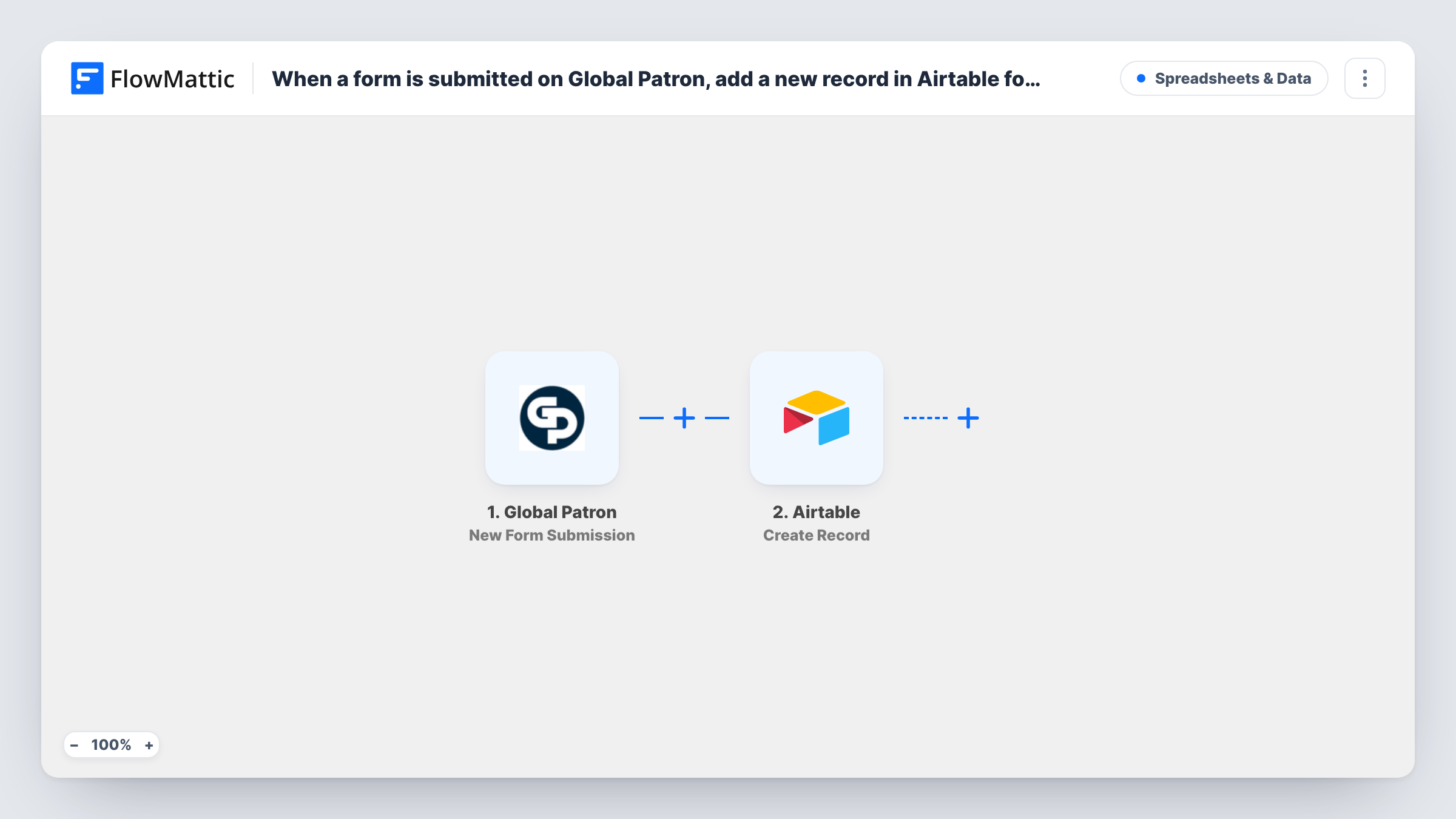
What this workflow does
Forms collect the request, but the work of organising it happens somewhere else. If your team plans projects in Airtable, each Global Patron submission otherwise has to be copied into the base by hand before anyone can assign it, tag it or set a due date.
The Global Patron trigger runs whenever a new form is submitted. FlowMattic receives the answers as fields. The Airtable step then creates a new record in the base and table you pick, with each Airtable field filled from a form answer you map.
Every submission creates its own record, since the template has no Filter. From there, your Airtable views, statuses and linked tables do the organising. If the same person submits twice, you get two records, which you can merge or review in Airtable.
Client project intake
A studio's Global Patron intake form adds each brief to an Airtable projects table, where the team sets the owner, status and deadline.
Volunteer or member sign-ups
A non-profit uses a Global Patron form for volunteer sign-ups, and each one lands in an Airtable table grouped by the role they chose.
Event proposals
Speakers submit talk ideas through a Global Patron form, and the organisers review them as Airtable records in a kanban view.
How this workflow runs
What happens at each step once the workflow is on, and what you need before you import it.
 Global Patron New Form Submission
Runs when a new Global Patron form is submitted. The answers are passed to FlowMattic, ready to map into Airtable fields.
- Airtable Create Record
Turns each Global Patron entry into one Airtable record. Connect your Airtable account and map each form answer to the matching Airtable field.
What you need
- FlowMatticCore
- Global Patron AccountAccount
- Airtable AccountAccount
After importing, map your own data. To keep the template universal, not every step is pre-filled. Open each step in the builder and connect your accounts and fields (channels, lists, sheets, recipients) before you switch the workflow on.
Make it yours
Changes worth making after you import it.
- Add a single-select Status field in Airtable with a default such as New, so every record from Global Patron starts in the same column of your board view.
- If the form takes more than one kind of request, add a Router after the trigger with a route per type, each creating its record in a different Airtable table.
- Send a test submission after import so FlowMattic captures the Global Patron fields, then map them and check the new record in Airtable.
Questions about this workflow
What happens if someone submits the Global Patron form twice?
You end up with a pair of records, one per submission. The Create Record step doesn't look for an existing one first, so duplicates are possible.
Do Airtable field types matter when mapping?
Yes. A form answer must fit the Airtable field it goes into, so a date answer suits a date field and a choice suits a single-select with matching options. Check the record from a test run.
Can I send the Global Patron data to a linked table?
This template creates one record in one table. To fill a second table, add another Airtable Create Record step after the first.
Will past Global Patron submissions be added?
No. Only submissions made after the workflow is turned on reach Airtable.
More Spreadsheets & Data workflows
Other ready-to-import templates from the same category.





Import this workflow into your WordPress site
Download the JSON, import it from the Workflows screen and connect your accounts. Every run stays on your server, with no per-task fees.
30-day money-back guarantee Unlimited workflows and runs Self-hosted