

Email a thank-you message via Gmail after a Kickpages product sale
Each product sale on Kickpages sends the buyer a thank-you email from your Gmail account, written by you and filled with details from the sale, so every customer hears from you after checkout.
 Kickpages
 Gmail
2 steps Setup ~5 min Used on 628 sites Free to import
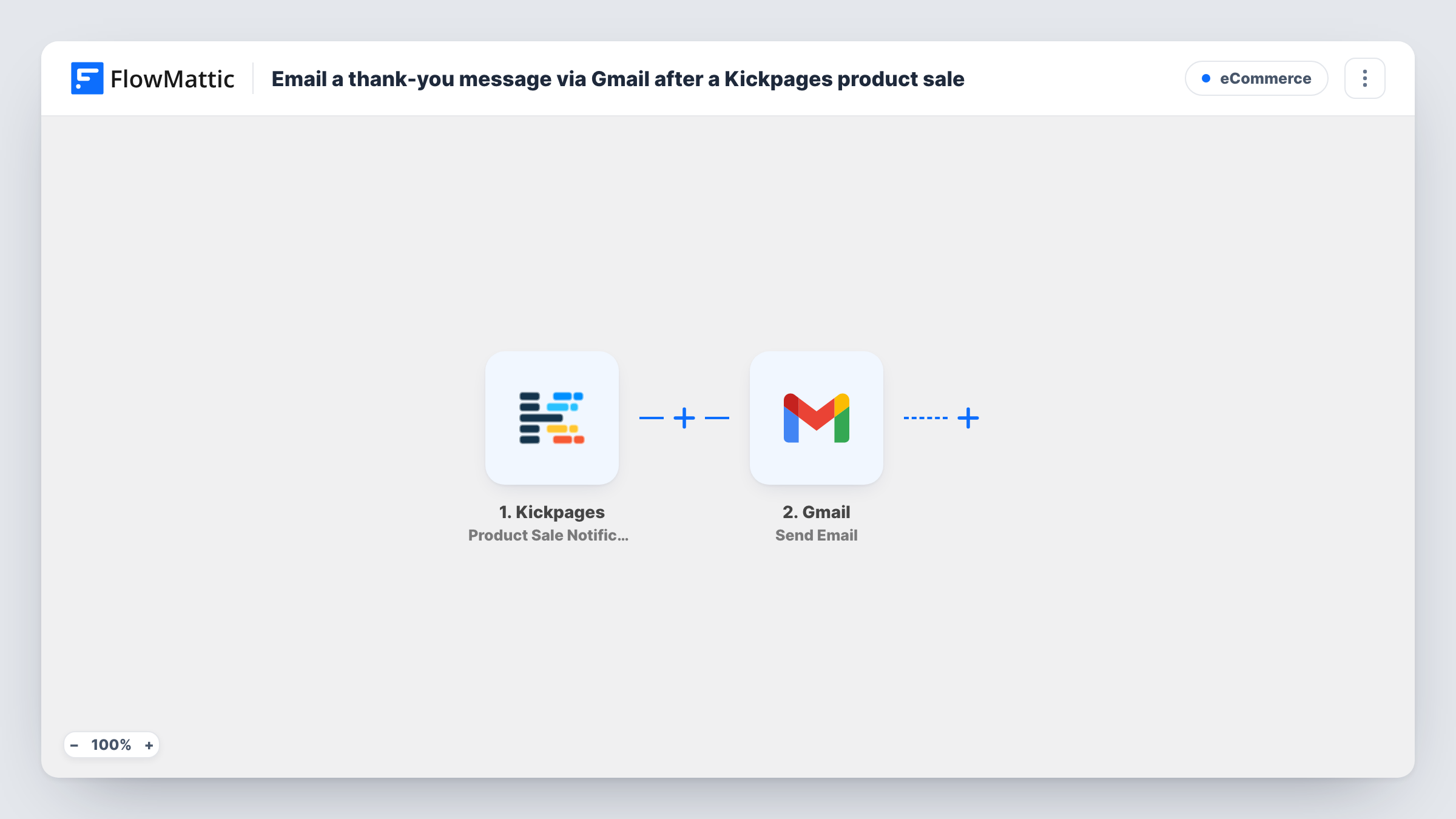
What this workflow does
A short personal thank-you after a purchase is easy to promise and easy to forget once sales pick up. Sending it from your own Gmail address makes it read like a note from you, not a receipt. This workflow sends that email every time a sale comes in on your Kickpages funnel.
The Kickpages trigger fires when a product sale happens. The sale data comes into FlowMattic, and the next step uses Gmail to send an email from the account you connect. You write the subject and message once, and map values from the sale into them, such as the product name or the buyer's first name.
The buyer's email address has to come from the sale data. Check a test run to confirm Kickpages includes it before you rely on the flow. There are no conditions, so every sale sends one email, including repeat purchases by the same person. Each run, with Gmail's response, is listed in Task History.
Course creators selling through a funnel
Each student who buys a course on your Kickpages page gets a thank-you from your own inbox, with a line on where to start.
Coaches selling sessions
A buyer of a coaching package receives a personal note from your Gmail with the package name and how to book the first call.
Small product launches
During a launch, every buyer gets a thank-you as the sales come in, and their replies land in your Gmail where you already work.
How this workflow runs
What happens at each step once the workflow is on, and what you need before you import it.
 Kickpages Product Sale Notification
Fires when a product sale happens on Kickpages. The sale details sent with the event, such as the product and buyer data, become values you can map in the Gmail step.
- Gmail Send Email
Sends an email from the Gmail account you connect on import. Map the buyer's email as the recipient, write the subject and message, and add sale values into the text. Run a test to confirm it arrives.
What you need
- FlowMatticCore
- Kickpages AccountAccount
- Gmail AccountAccount
After importing, map your own data. To keep the template universal, not every step is pre-filled. Open each step in the builder and connect your accounts and fields (channels, lists, sheets, recipients) before you switch the workflow on.
Make it yours
Changes worth making after you import it.
- Run a test sale first and confirm in Task History that Kickpages sends the buyer's email. If it does not, the Gmail step has nobody to send to.
- Add a Filter after the trigger if only some products should get this note, for example one that continues only when the product name matches your main offer.
- Add a Delay before the Gmail step if you would rather the thank-you arrive an hour or so after checkout, apart from any order emails the buyer gets.
Questions about this workflow
Will the Kickpages buyer see the thank-you as coming from my Gmail address?
Yes. The Gmail step sends from the account you connect, so the email shows that address and replies come back to your inbox.
Does a repeat Kickpages buyer get the thank-you again?
Yes. Each sale runs the workflow once, so someone who buys twice gets two emails. Add a Filter on the product if that matters for some offers.
Can the Gmail thank-you include a download or attachment?
Put a link in the message instead. A link to the product's download or members' area works in any email and keeps the message light.
Does this change the emails my Kickpages checkout already sends?
No. This workflow only adds a separate thank-you email. It doesn't change any emails your checkout already sends.
More E-Commerce workflows
Other ready-to-import templates from the same category.



Import this workflow into your WordPress site
Download the JSON, import it from the Workflows screen and connect your accounts. Every run stays on your server, with no per-task fees.
30-day money-back guarantee Unlimited workflows and runs Self-hosted