

Notify the hiring channel in Discord when a JobScore candidate status changes
Whenever a candidate moves to a new workflow stage in JobScore, this workflow posts a message to the Discord channel your hiring team uses, so interviewers see each change without opening the ATS.
 JobScore
 Discord
2 steps Setup ~5 min Used on 2.5k sites Free to import
What this workflow does
Hiring teams talk in Discord, but candidate progress lives in JobScore. Recruiters end up pasting updates into chat, or interviewers only learn that someone reached their stage when a calendar invite appears. This workflow posts the change for them.
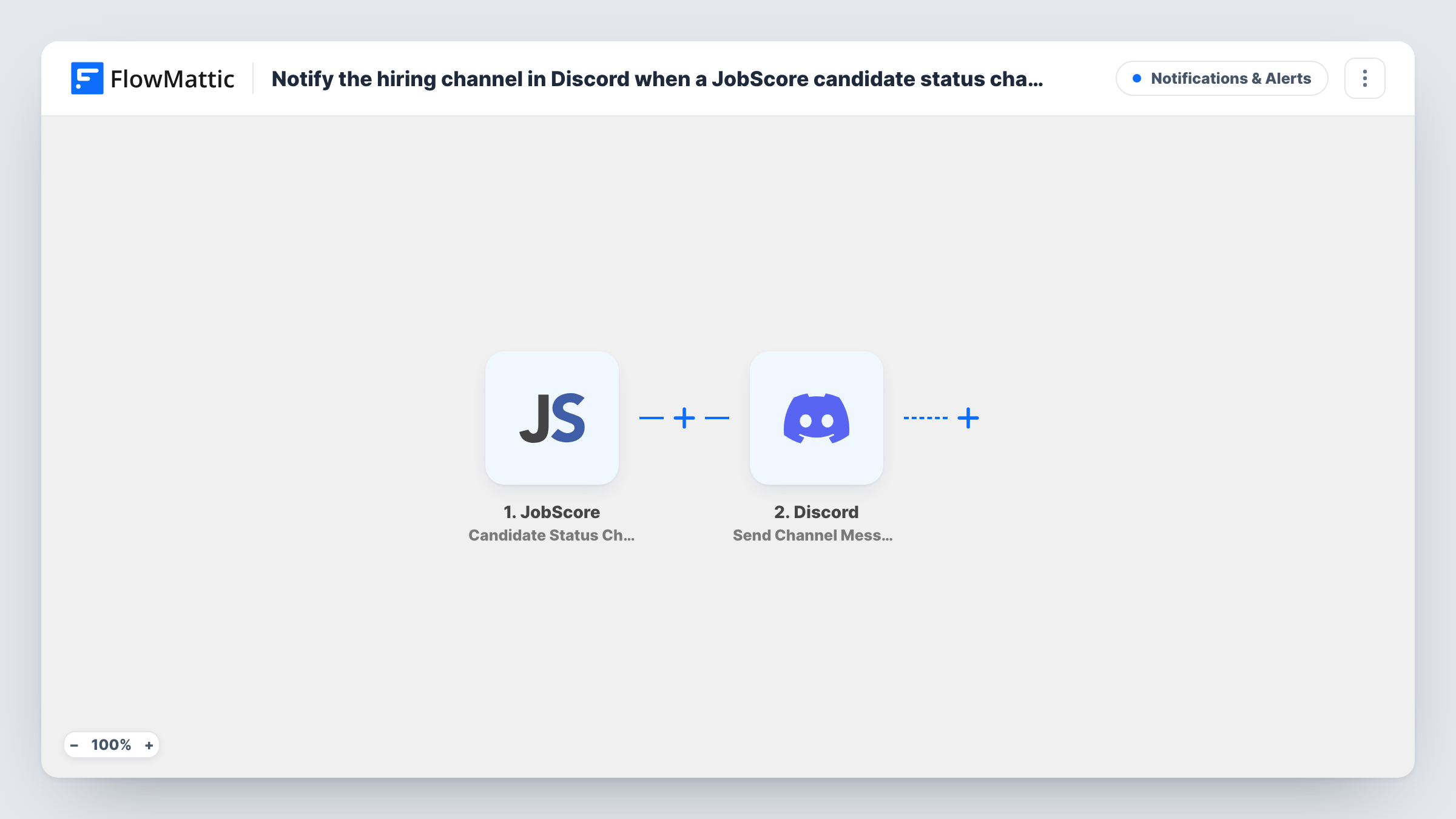
The JobScore trigger fires when a candidate's workflow stage changes, for example from screening to interview. The candidate and job details sent with that event become data you can map. FlowMattic then uses the Discord Send Channel Message action to post a message in the channel you pick. You write the message text and mix in fields such as the candidate's name, the job and the new stage.
Every stage change posts a message, whichever stage it is. On a busy hiring week that can mean many posts, so the tips below show how to narrow it. Task History lists each run with the data JobScore sent, which helps you choose the fields for the message.
Interview panel heads-up
When a candidate reaches the onsite stage, the panel sees it in Discord the same moment and can check the CV before the invite arrives.
Remote startup hiring channel
A small team with no shared office keeps one Discord channel for hiring. Each stage move in JobScore shows up there, giving everyone the same picture of the pipeline.
Agency recruiter updates for a client
A recruiter shares a Discord channel with a client's hiring manager, who sees every candidate move without needing a JobScore login.
How this workflow runs
What happens at each step once the workflow is on, and what you need before you import it.
 JobScore Candidate Status Changed
Fires when a candidate's workflow stage changes in JobScore. The candidate, job and stage details that JobScore sends are passed to the Discord step.
- Discord Send Channel Message
Sends your message to the hiring channel you pick in Discord. Write the text and insert JobScore fields, such as the candidate name, job title and new stage, then connect your Discord server.
What you need
- FlowMatticCore
- JobScore AccountAccount
- Discord AccountAccount
After importing, map your own data. To keep the template universal, not every step is pre-filled. Open each step in the builder and connect your accounts and fields (channels, lists, sheets, recipients) before you switch the workflow on.
Make it yours
Changes worth making after you import it.
- Add a Filter after the trigger that continues only when the new stage is one your team cares about, such as Interview or Offer, to keep the channel quiet for early screening moves.
- Change a candidate's stage in JobScore once after import, then check Task History to see which fields arrived and map them into the Discord message.
- Keep personal details such as phone numbers out of the message if the Discord channel has members outside the hiring team.
Questions about this workflow
Does every JobScore stage change post to Discord?
Yes, as imported. The template has no Filter, so a move into any stage posts a message, whether the candidate is moving forward or out. Add a Filter on the stage field to limit it.
Can the JobScore update go to a private Discord channel?
The message goes to the channel you select in the step. If a test post doesn't appear in a private channel, check in Discord that the FlowMattic connection has permission to see and post in it.
Does the workflow post about new JobScore applicants too?
It is built on stage changes. For a post on each new application, set up a second workflow on JobScore's Candidate Applied trigger, which FlowMattic also offers.
Will this change anything in JobScore?
No. The workflow only reads the stage change event and posts to Discord. Candidate records in JobScore stay as they are.
More Notifications & Alerts workflows
Other ready-to-import templates from the same category.





Import this workflow into your WordPress site
Download the JSON, import it from the Workflows screen and connect your accounts. Every run stays on your server, with no per-task fees.
30-day money-back guarantee Unlimited workflows and runs Self-hosted