

Send a Slack alert when a Concord document is fully signed
As soon as every party has signed a Concord document, FlowMattic posts an alert in the Slack channel you choose, so your team learns the contract is complete without checking Concord.
 Concord
 Slack
2 steps Setup ~5 min Used on 1.9k sites Free to import
What this workflow does
A contract isn't done until the last signature is in, and that last signature often arrives when nobody is watching. Sales, legal or operations then find out late. This workflow tells them in Slack as soon as Concord reports the document fully signed.
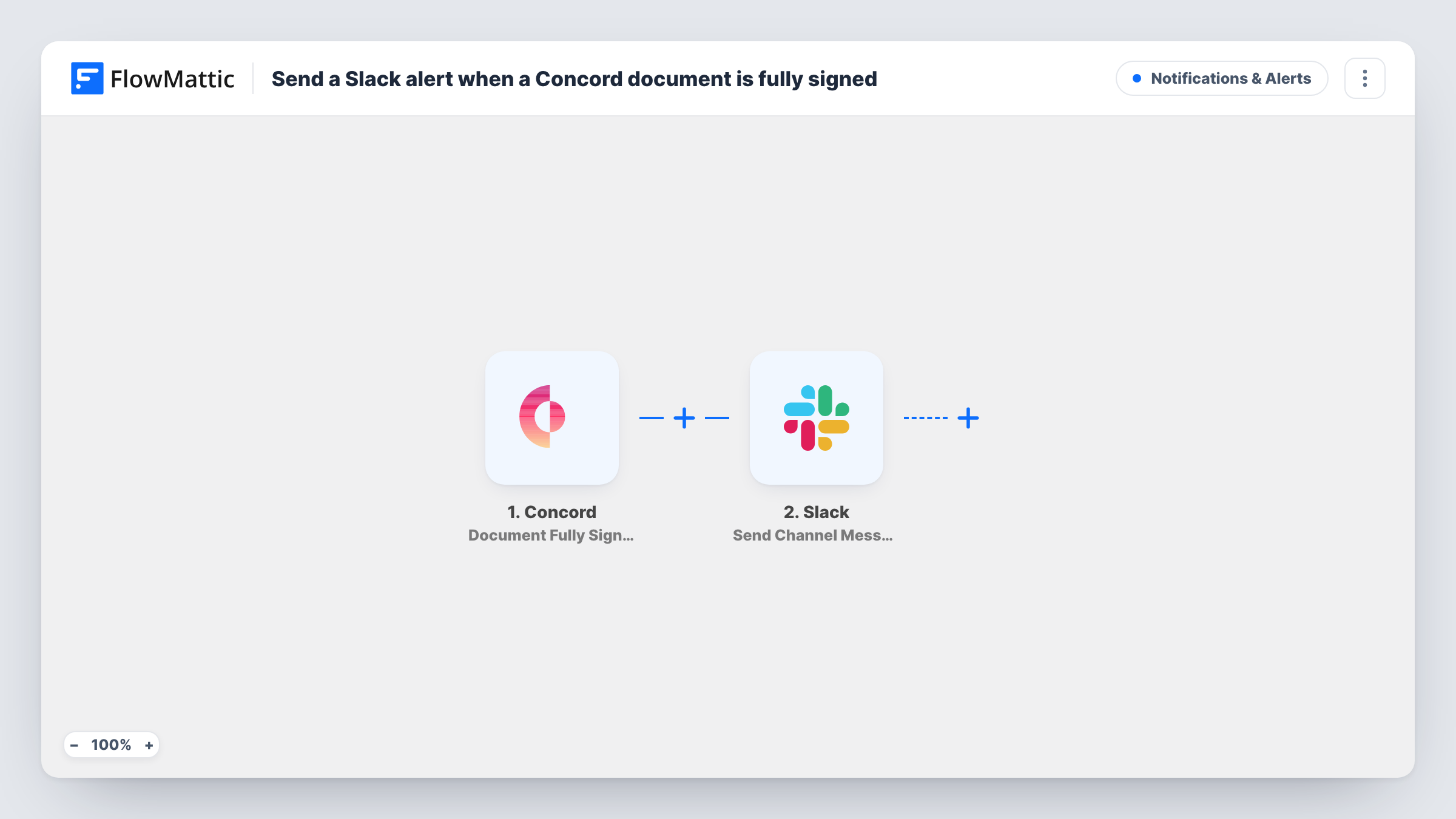
The Concord Document Fully Signed trigger fires when a document has been signed by all parties. Partial signatures don't start it. FlowMattic then runs the Slack Send Channel Message action and posts to the channel you choose, with text you write and details from the document, such as its title if Concord sends it.
Every fully signed document in the connected Concord account sends one message. If you want only certain contracts announced, add a Filter after the trigger. Task History shows each run, which helps when you want to confirm an alert went out for a particular contract.
Closed deals for the sales team
When a customer's agreement is fully signed, the sales channel sees it and the account owner can start onboarding.
Supplier contracts for operations
Operations learns in Slack when a supplier agreement is complete, so purchasing can place the first order.
New hire paperwork
HR gets a Slack message when an offer letter is signed by both sides, so IT can be asked to set up equipment.
How this workflow runs
What happens at each step once the workflow is on, and what you need before you import it.
 Concord Document Fully Signed
Runs when a Concord document has been signed by all parties. A contract with any signer still outstanding won't set it off.
- Slack Send Channel Message
Posts your alert to the Slack channel you select. Write the message and include details from the signed document, then connect your Slack workspace.
What you need
- FlowMatticCore
- Concord AccountAccount
- Slack AccountAccount
After importing, map your own data. To keep the template universal, not every step is pre-filled. Open each step in the builder and connect your accounts and fields (channels, lists, sheets, recipients) before you switch the workflow on.
Make it yours
Changes worth making after you import it.
- Add a Filter after the trigger if only some contracts should be announced. Run a test with a signed document to see which values you can filter on.
- Concord also has a Document Expired trigger in FlowMattic. Build a second workflow on it to warn the team about contracts that lapsed unsigned.
- Add a Google Sheets row after the Slack step to keep a list of every fully signed contract.
- Use a Router to send different contract types to different Slack channels, giving each route its own Slack step and a condition that can't overlap with the others.
Questions about this workflow
Does the Slack alert fire when only one party has signed in Concord?
No. The Document Fully Signed trigger waits until all parties have signed. Concord's separate Signature Provided trigger covers individual signatures.
Can the Slack message link to the signed Concord document?
If the trigger data includes a document link, you can map it into the message. Check a test run to see what Concord sends.
Does every fully signed Concord document post to Slack?
Yes, as imported. There is no Filter, so each fully signed document sends one message.
Does the workflow change anything in Concord?
No. It only reads the signing event and posts to Slack. The document stays as it is in Concord.
More Notifications & Alerts workflows
Other ready-to-import templates from the same category.



Import this workflow into your WordPress site
Download the JSON, import it from the Workflows screen and connect your accounts. Every run stays on your server, with no per-task fees.
30-day money-back guarantee Unlimited workflows and runs Self-hosted