

When a new form submission is received in Growform, add the data to a table in Airtable
Every new Growform submission becomes a record in the Airtable table you choose, with each answer mapped to a field, so your leads sit in a base your team can sort, filter and build views on.
 Growform
 Airtable
2 steps Setup ~5 min Used on 2.4k sites Free to import
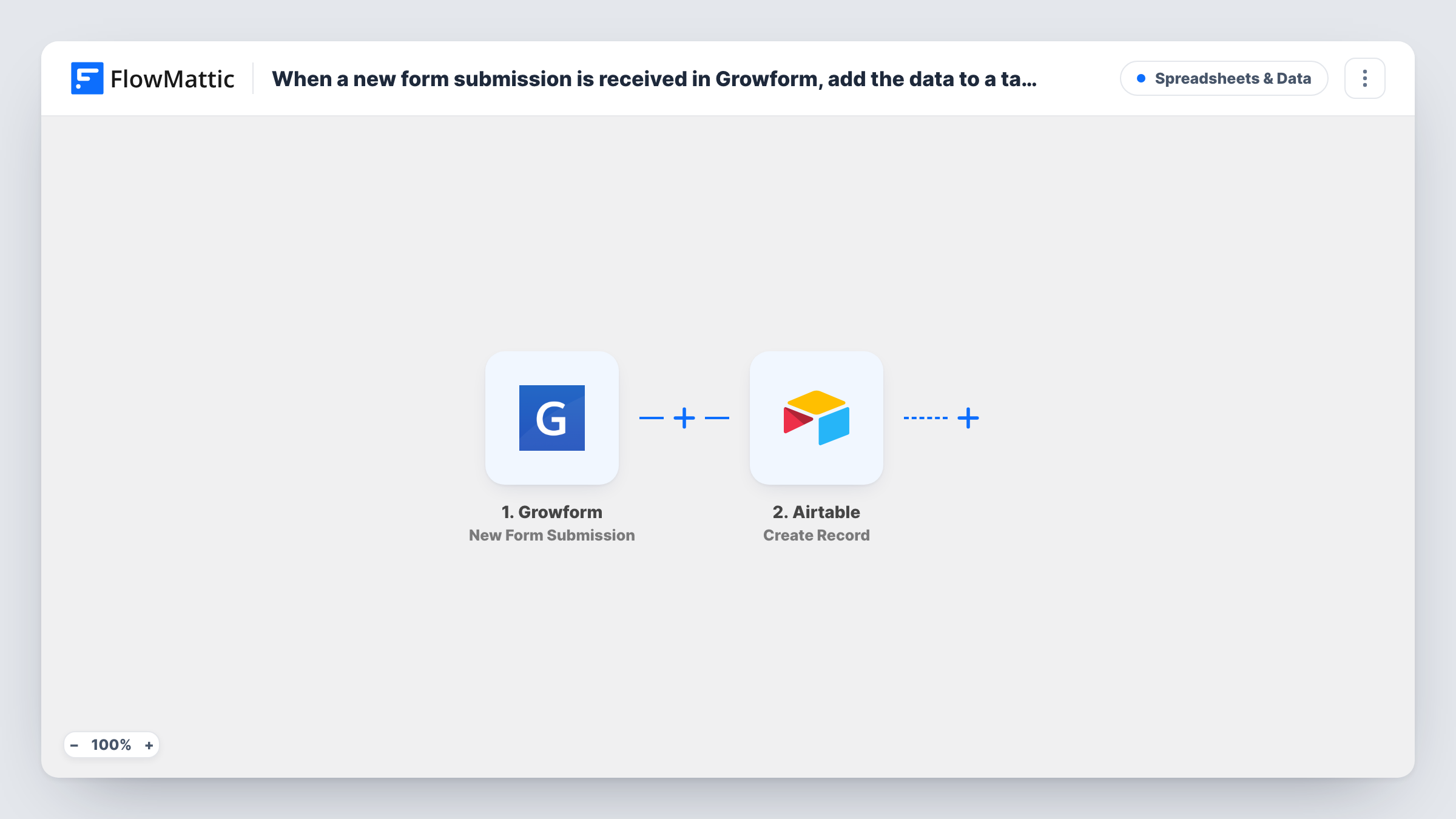
What this workflow does
Growform is built for multi-step lead forms, and the leads it collects are only useful once someone works through them. Airtable gives your team a table with views, filters and linked records for that work. This workflow puts each submission there as it arrives, so no one has to export and re-import.
The Growform trigger runs as soon as a lead finishes one of your forms. FlowMattic receives the answers and passes them to Airtable, where Create Record adds a row to the base and table you pick. You decide which answer goes into which Airtable field when you set up the step.
Each lead turns into exactly one Airtable row. The step always creates a new record, so a person who fills in the form twice appears twice. The field types in your table matter: a date or number field expects a value in that format, and Airtable may reject the record if the answer doesn't fit. Task History shows Airtable's response for each run.
Lead pipeline for a home services company
Quote requests from a Growform funnel land in an Airtable table where the office team sets a status and assigns each job.
Agency client intake
A multi-step intake form for new clients feeds an Airtable base that the account team uses to plan the first meeting.
Finance or insurance enquiries
Each enquiry with its answers becomes an Airtable record, and advisers filter the table by product or budget to pick the leads they handle.
How this workflow runs
What happens at each step once the workflow is on, and what you need before you import it.
 Growform New Form Submission
Fires when a new submission is created in Growform. Each answer from the form becomes a value you can map in the Airtable step.
- Airtable Create Record
Writes the lead as a fresh row in your chosen Airtable table. Connect your Airtable account, then map Growform answers to the table's fields. Run a test to confirm the record looks right.
What you need
- FlowMatticCore
- Growform AccountAccount
- Airtable AccountAccount
After importing, map your own data. To keep the template universal, not every step is pre-filled. Open each step in the builder and connect your accounts and fields (channels, lists, sheets, recipients) before you switch the workflow on.
Make it yours
Changes worth making after you import it.
- Add a Filter after the trigger if only some leads belong in this table, for example when a budget answer is above a set amount or a service answer matches one option.
- Create an Airtable field for the submission date and map it, so you can sort the table by when each lead came in.
- Use single-line text fields in Airtable for answers whose format you are not sure of. Once a test run shows the format Growform sends, switch the field type if you need to.
Questions about this workflow
Does a repeat Growform submission update the Airtable record?
No. Create Record adds a new record every time, so a second submission from the same person creates a second row. Use Airtable's own tools to spot duplicates.
Which Airtable fields can Growform answers go into?
Any field in the table you pick. The step lets you map answers to fields, and the value has to suit the field type, such as a valid date for a date field.
Are past Growform leads copied to Airtable?
No. The trigger reacts to new submissions only, so leads from before the workflow was turned on stay in Growform.
Can I send Growform leads to Airtable and Slack at once?
Yes. Add a Slack step after the Airtable step, and both run for every submission.
More Spreadsheets & Data workflows
Other ready-to-import templates from the same category.




Import this workflow into your WordPress site
Download the JSON, import it from the Workflows screen and connect your accounts. Every run stays on your server, with no per-task fees.
30-day money-back guarantee Unlimited workflows and runs Self-hosted