

Log every new Zoho Billing invoice in a Google Sheets spreadsheet
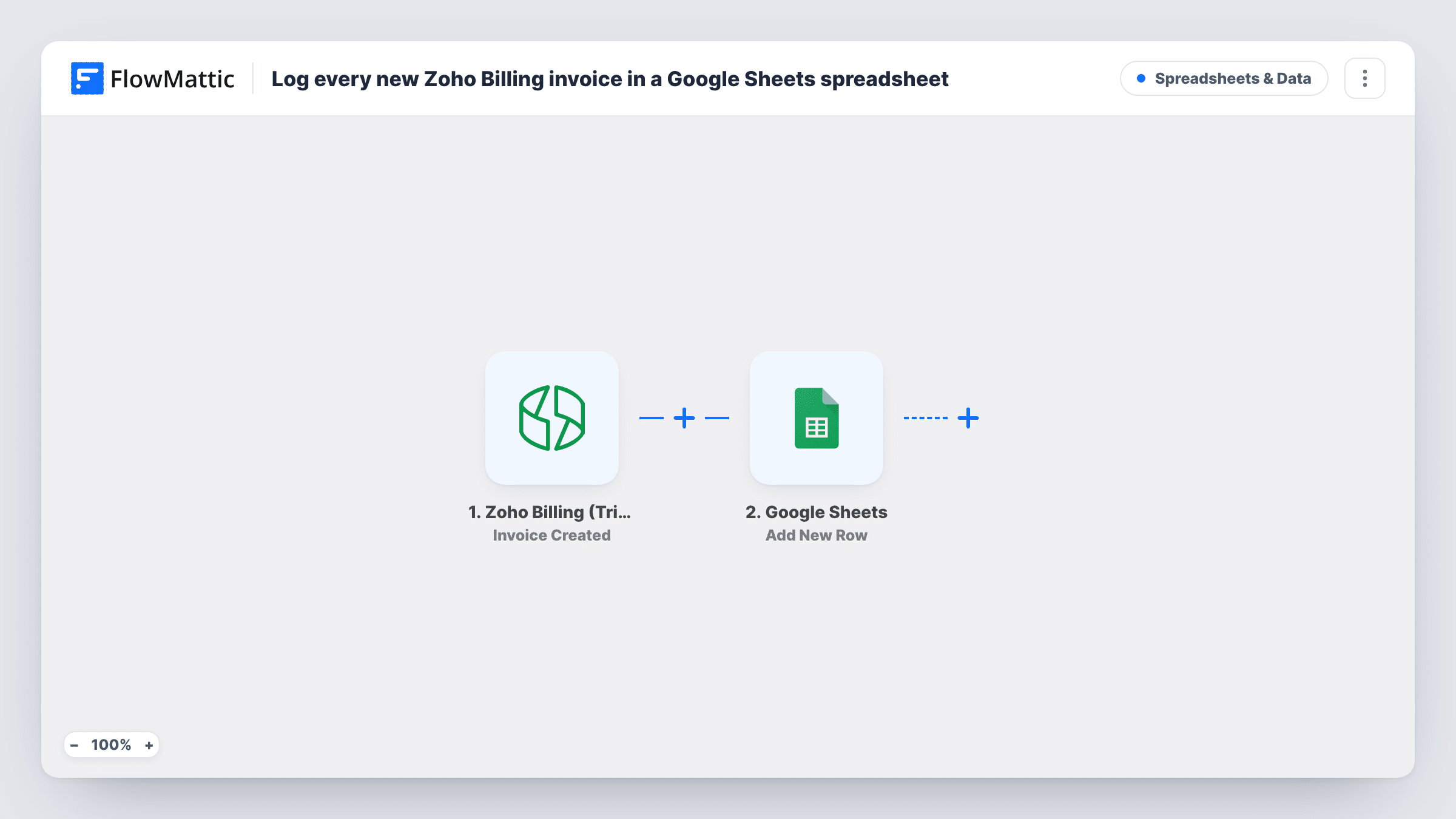
Each time an invoice is created in Zoho Billing, this workflow adds a row to a Google Sheets spreadsheet with the invoice details you map, giving you a running invoice log outside your billing account.
 Zoho Billing (Trigger)
 Google Sheets
2 steps Setup ~5 min Used on 1.3k sites Free to import
What this workflow does
Zoho Billing holds your invoices, but not everyone who needs to see them has a login, and building custom reports there is not always quick. A spreadsheet that fills itself as invoices are raised gives your bookkeeper, partner or sales team a list they can read, sort and chart.
The Zoho Billing (Trigger) step fires when an invoice is created, and FlowMattic receives that invoice's data. The Google Sheets step then adds a new row to the spreadsheet and sheet you choose. You decide which invoice values go in which column, for example the invoice number, customer, total and due date.
The row records the invoice as it was when it was created. Later payments, edits or voids in Zoho Billing do not change it, because the workflow only listens for new invoices. Each run appears in Task History with the data received and the row sent to Google Sheets.
Monthly invoice list for your accountant
Your accountant works from a shared Google Sheet. Each new Zoho Billing invoice adds a row, so the month's list is ready without an export.
Revenue charts for a subscription business
Invoices raised by your Zoho Billing subscriptions land in a sheet where you build pivot tables and charts of totals by customer or month.
Sales team view of billed customers
Account managers without Zoho Billing access see which customers were invoiced and for how much, straight from the spreadsheet.
How this workflow runs
What happens at each step once the workflow is on, and what you need before you import it.
 Zoho Billing (Trigger) Invoice Created
Runs when an invoice is created in Zoho Billing. The invoice data Zoho Billing sends becomes available to map into the spreadsheet columns.
- Google Sheets Add New Row
Appends one row per new invoice to the sheet you select. Connect your Google account, choose the sheet, and map the Zoho Billing invoice values to its columns.
What you need
- FlowMatticCore
- Zoho Billing (Trigger) AccountAccount
- Google Sheets AccountAccount
After importing, map your own data. To keep the template universal, not every step is pre-filled. Open each step in the builder and connect your accounts and fields (channels, lists, sheets, recipients) before you switch the workflow on.
Make it yours
Changes worth making after you import it.
- Add header names to the sheet before import, then create one test invoice in Zoho Billing so FlowMattic captures the invoice data and you can map each column.
- Want paid status too? Add a second workflow with the Zoho Billing Invoice Updated trigger that adds its own row to another tab, so you can track changes after creation.
- Map the invoice ID into its own column. It gives you a unique key for lookups if you later match rows against payments or credit notes.
Questions about this workflow
Does the Google Sheets row update when a Zoho Billing invoice is paid?
No. The workflow adds a row when the invoice is created and does not touch it again. Zoho Billing also has Invoice Updated and other invoice triggers in FlowMattic if you want to log later changes.
Are existing Zoho Billing invoices copied to the sheet?
No. Only invoices created after you turn the workflow on start a run. Older invoices stay in Zoho Billing unless you add them yourself.
Do subscription renewal invoices count?
The trigger fires when an invoice is created in Zoho Billing. If your renewals create invoices there, those invoices start a run like any other.
Can I log invoices to a specific tab of the spreadsheet?
Yes. In the Google Sheets step you pick the spreadsheet and the sheet within it that receives the new rows.
More Spreadsheets & Data workflows
Other ready-to-import templates from the same category.





Import this workflow into your WordPress site
Download the JSON, import it from the Workflows screen and connect your accounts. Every run stays on your server, with no per-task fees.
30-day money-back guarantee Unlimited workflows and runs Self-hosted