

Log new GivingFuel registrations in a Google Sheets spreadsheet
Record each new GivingFuel registration as a row in Google Sheets, so your event or campaign team has a registrant list in a spreadsheet they can share, sort and print.
 GivingFuel
 Google Sheets
2 steps Setup ~5 min Used on 2.0k sites Free to import
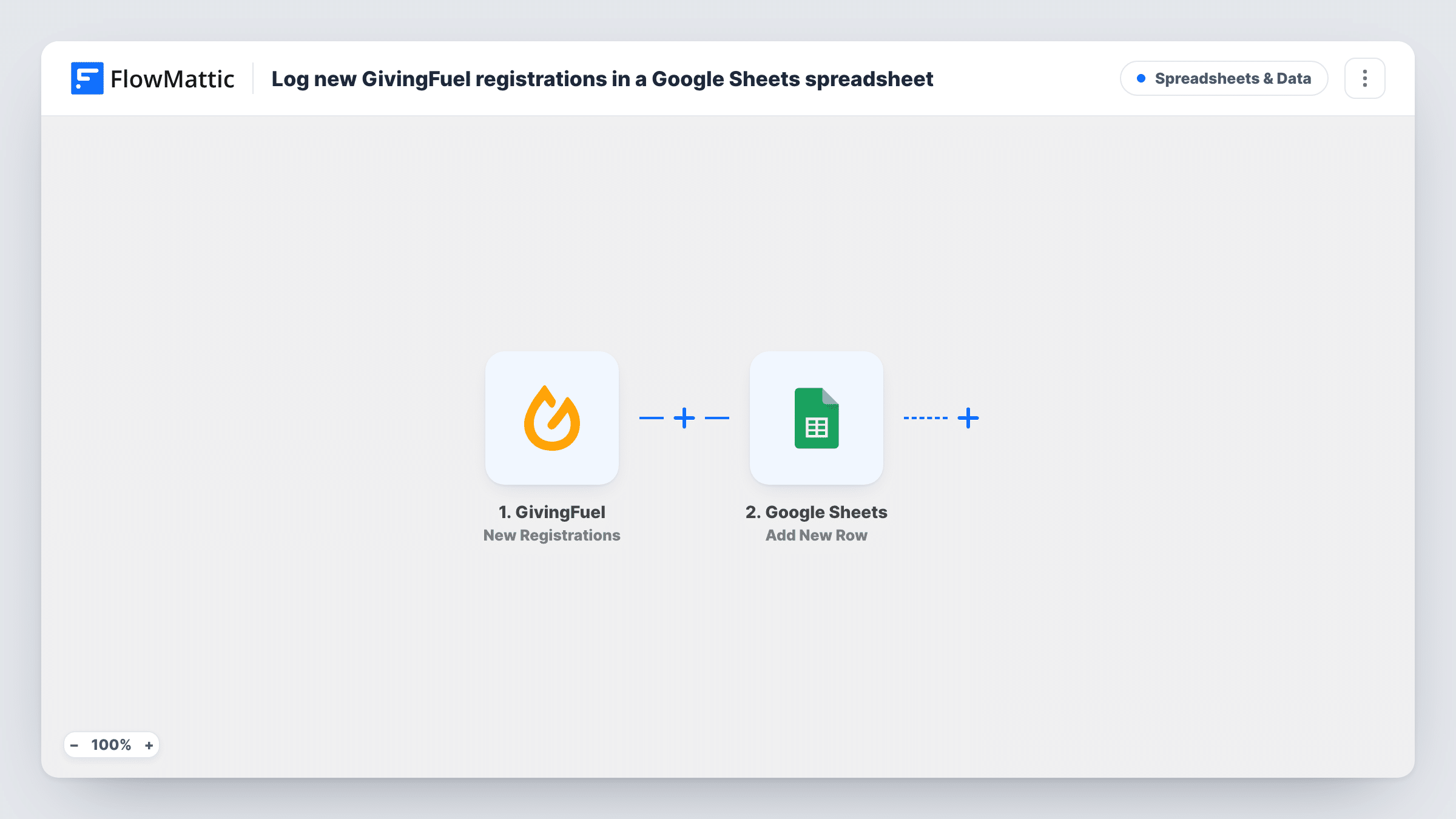
What this workflow does
GivingFuel handles your registration pages, but the volunteers and staff running an event often want the list in a plain spreadsheet. Pulling a fresh export every time someone asks for numbers gets old quickly. This workflow keeps a sheet growing as people register.
The GivingFuel trigger fires for each new registration and passes along the data GivingFuel includes with it. FlowMattic then writes a new row to the Google Sheets spreadsheet you pick. You decide which registration details sit in which column, so the sheet can match a check-in list or a report you already use.
One registration means one row. Registrations made before you switch the workflow on are not added, so start the sheet with an export if you need the earlier ones. If a row looks wrong or missing, Task History shows what GivingFuel sent and what went to the sheet on that run.
Charity run sign-ups
Each runner who registers through GivingFuel lands in a sheet the race director shares with marshals for check-in on the day.
Gala table planning
Guests registering for a fundraising dinner appear in a spreadsheet the events team uses to plan seating and dietary needs.
Board reporting on registrations
A development officer sorts the sheet by date to show the board how sign-ups for a campaign event are building week by week.
How this workflow runs
What happens at each step once the workflow is on, and what you need before you import it.
 GivingFuel New Registrations
Fires when a new registration comes in on GivingFuel. The registration data is captured so you can place it in the spreadsheet.
- Google Sheets Add New Row
Writes one new row per registration into the spreadsheet you select. Connect your Google account and map each GivingFuel registration detail to a column.
What you need
- FlowMatticCore
- GivingFuel AccountAccount
- Google Sheets AccountAccount
After importing, map your own data. To keep the template universal, not every step is pre-filled. Open each step in the builder and connect your accounts and fields (channels, lists, sheets, recipients) before you switch the workflow on.
Make it yours
Changes worth making after you import it.
- Create the column headings in your sheet first, then run one test registration so you can see which GivingFuel fields are available to map.
- Add a Filter after the trigger if one sheet should hold registrations for a single event while others go elsewhere.
- Want a second record of each sign-up? Add another action after the sheet step, such as a CRM contact or a team chat message, using the same registration data.
Questions about this workflow
Does this include GivingFuel donations as well as registrations?
No. The trigger is New Registrations, so only registrations create rows. A donation workflow would need a different GivingFuel trigger.
Which GivingFuel registration details can I put in the sheet?
Whatever GivingFuel sends with the new registration event. Run a test registration after import and look at the captured data before you map columns.
What if someone registers twice on GivingFuel?
Each registration is its own event, so the sheet gets two rows. The Google Sheets step does not look for an earlier row with the same name or email.
More Spreadsheets & Data workflows
Other ready-to-import templates from the same category.




Import this workflow into your WordPress site
Download the JSON, import it from the Workflows screen and connect your accounts. Every run stays on your server, with no per-task fees.
30-day money-back guarantee Unlimited workflows and runs Self-hosted