

When a checkout is created in Lightfunnels, add the order details as a record in Airtable
Each time a checkout is created in Lightfunnels, this workflow saves its details as a new Airtable record, giving you a table of every checkout started in your funnels, paid or not.
 Lightfunnels
 Airtable
2 steps Setup ~5 min Used on 349 sites Free to import
What this workflow does
A Lightfunnels checkout begins when a shopper starts paying, and not every one ends in an order. Seeing all of them in one table helps you spot drop-offs and follow up with people who stopped. This workflow writes each new checkout to Airtable as it's created.
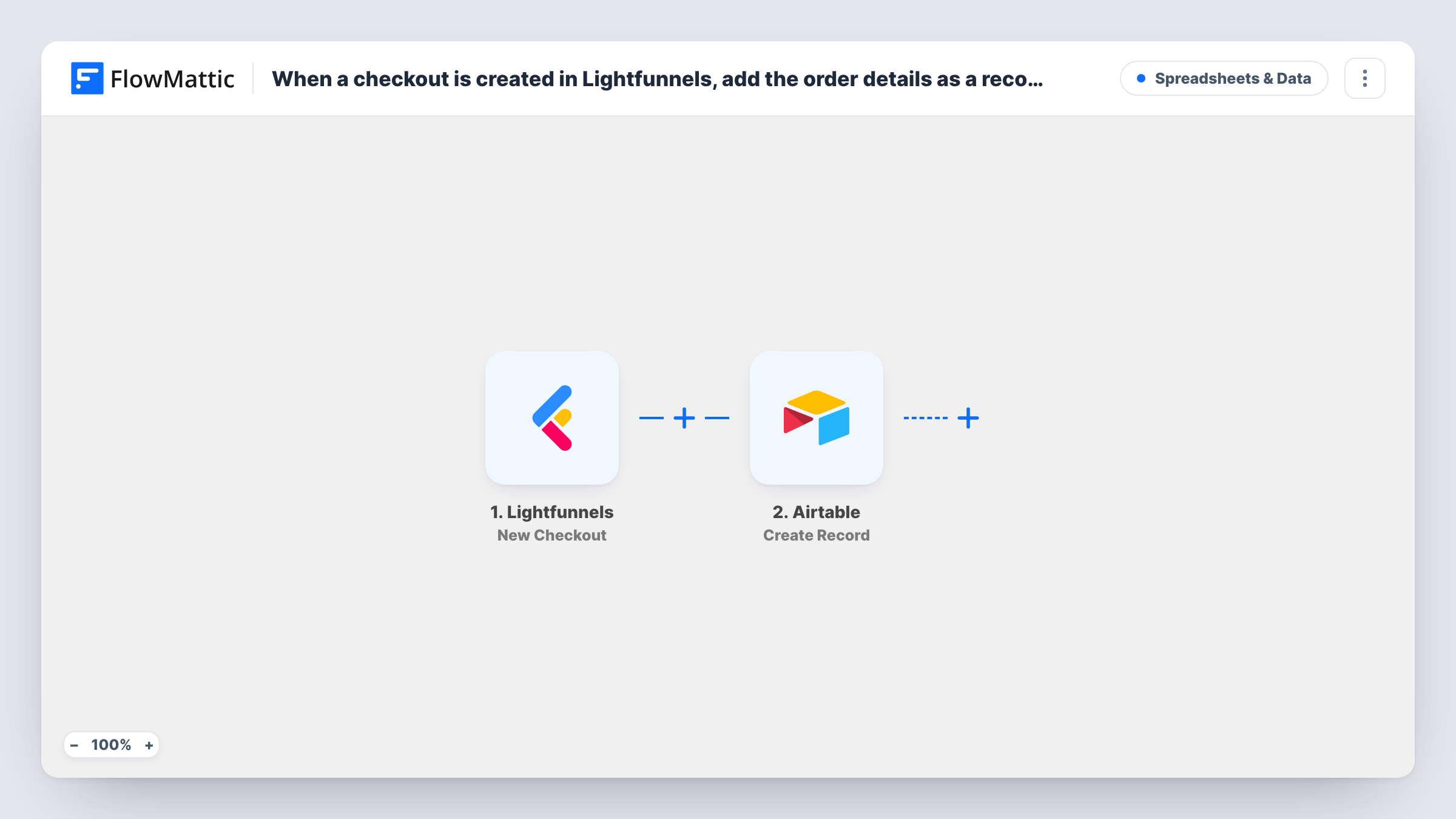
The Lightfunnels New Checkout trigger fires when a checkout is created. FlowMattic receives the checkout data, such as the customer details and items, and sends the values you map to Airtable. The Create Record action then saves them as a new Airtable record.
Keep in mind what this trigger means. A record appears when the checkout starts, so the table includes checkouts that were never paid. Changes after that point, including a completed payment, don't update the record, because Lightfunnels reports those through other events. Switch to the New Order trigger if you want only placed orders in Airtable. Each checkout's run, and what Airtable received, can be checked in Task History.
Tracking checkout drop-off
Compare your Airtable checkout table with your Lightfunnels orders to see how many shoppers started paying and how many finished.
Follow-up list for unfinished checkouts
Your team works through the Airtable table and contacts shoppers who started a checkout but have no matching order, using the details captured.
Funnel testing log
While you test a new funnel, each checkout you start lands in Airtable, so you can confirm the right products and prices reach the checkout page.
How this workflow runs
What happens at each step once the workflow is on, and what you need before you import it.
 Lightfunnels New Checkout
Fires when a new checkout is created in Lightfunnels, which can happen before any payment. The checkout's data is passed on so you can map it into Airtable.
- Airtable Create Record
Creates a new record in Airtable from the checkout values you map. Connect your Airtable account, point the step at the table that should hold checkouts, and match each field to a value from Lightfunnels.
What you need
- FlowMatticCore
- Lightfunnels AccountAccount
- Airtable AccountAccount
After importing, map your own data. To keep the template universal, not every step is pre-filled. Open each step in the builder and connect your accounts and fields (channels, lists, sheets, recipients) before you switch the workflow on.
Make it yours
Changes worth making after you import it.
- Add a date field in Airtable and map the checkout's creation time to it, if the trigger provides one, so you can sort and group checkouts by day.
- Create a second workflow on Lightfunnels New Order that adds the order to a separate table. Linking the two by email shows which checkouts became orders.
- If your test run shows an email in the checkout data, add a Filter after the trigger that continues only when it isn't empty, so records you can't follow up on stay out of the table.
Questions about this workflow
Does every Lightfunnels checkout in Airtable mean a sale?
No. The New Checkout trigger fires when a checkout is created, before you know whether it is paid. Some records will be checkouts the shopper never finished.
Will the Airtable record update when the checkout is completed?
No. The workflow only creates a record at the start. Lightfunnels has separate Update Checkout and New Order triggers if you want to capture what happens next.
Must the Airtable table for checkouts exist before import?
Yes. Create the base and table with the fields you want, such as name, email and total, then map the checkout values into them in the Create Record step.
Which Lightfunnels checkouts are included?
Every checkout the connected Lightfunnels account creates after you turn the workflow on. Add a Filter if you only want some funnels.
More Spreadsheets & Data workflows
Other ready-to-import templates from the same category.





Import this workflow into your WordPress site
Download the JSON, import it from the Workflows screen and connect your accounts. Every run stays on your server, with no per-task fees.
30-day money-back guarantee Unlimited workflows and runs Self-hosted