

Log every new JobScore candidate application in a Google Sheets pipeline
Each time a candidate applies for a job in JobScore, their application details are added as a new row in Google Sheets, giving your hiring team a running spreadsheet of every applicant across your open roles.
 JobScore
 Google Sheets
2 steps Setup ~5 min Used on 3.5k sites Free to import
What this workflow does
JobScore holds your applicants, but not everyone involved in hiring works inside it. Hiring managers, founders or an outside recruiter often want a plain spreadsheet they can sort, filter and share. This workflow builds that sheet for you, one application at a time.
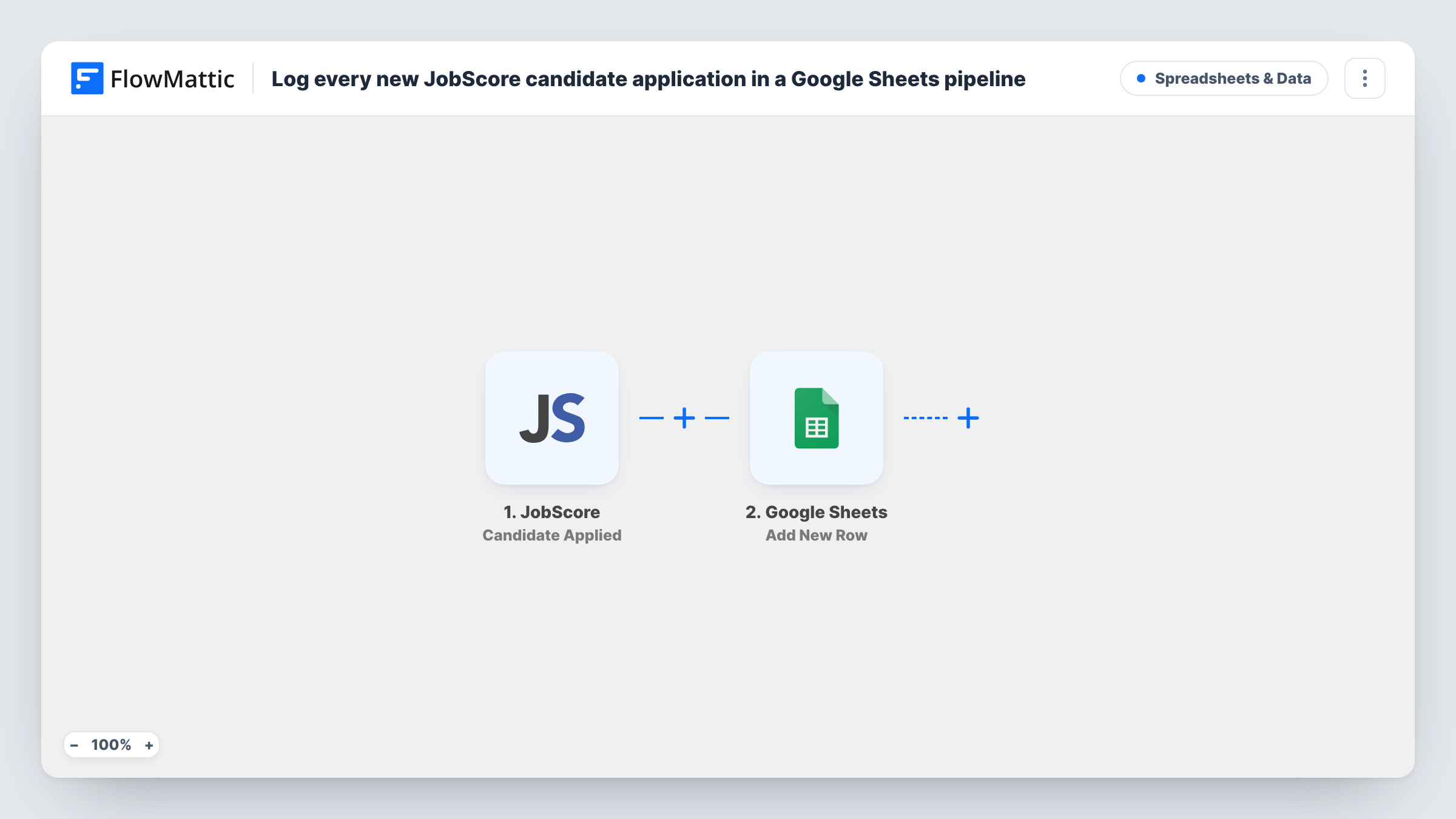
The JobScore trigger, Candidate Applied, fires when a candidate applies for a job. The application data JobScore sends, such as the candidate's name and the job they applied to, becomes available to map. FlowMattic then adds a row to the Google Sheets spreadsheet you choose, with each value in the column you map it to.
The sheet gets a new row for every application and nothing is updated afterwards. When a candidate moves stage in JobScore, the row stays as it was unless you change it yourself or build another workflow for it. Check a test run to see exactly which candidate fields JobScore includes before you set up your columns.
A shared view for hiring managers
Managers who don't log into JobScore open one Google Sheet to see who has applied to their roles, sorted by job or date.
Weekly applicant reporting
Each application adds a dated row, so counting applicants per job for your weekly hiring update takes a pivot table instead of an export.
Working with an outside recruiter
Share the sheet with an agency partner so they can see which candidates have already applied directly before they submit their own.
How this workflow runs
What happens at each step once the workflow is on, and what you need before you import it.
 JobScore Candidate Applied
Fires when a candidate applies for one of your jobs in JobScore. The application data is passed on so you can map it into the spreadsheet.
- Google Sheets Add New Row
Adds a new row to the Google Sheets spreadsheet and worksheet you pick. Map each JobScore field you want to keep, such as name and job, to its own column.
What you need
- FlowMatticCore
- JobScore AccountAccount
- Google Sheets AccountAccount
After importing, map your own data. To keep the template universal, not every step is pre-filled. Open each step in the builder and connect your accounts and fields (channels, lists, sheets, recipients) before you switch the workflow on.
Make it yours
Changes worth making after you import it.
- Add a column the workflow doesn't fill, such as Reviewed by, so your team can mark progress in the sheet without it being overwritten by the next application.
- Use JobScore's Candidate Status Changed trigger in a second workflow to log stage changes to another tab, giving you a history next to the applicant list.
- If you only want certain roles in this sheet, add a Filter after the trigger on the job title or ID. Applications for other roles then end at the Filter and add no row.
Questions about this workflow
Does the Google Sheets row change when the JobScore candidate moves stage?
No. The workflow only adds a row when someone applies. Later status changes in JobScore don't touch the row unless you add a separate workflow for them.
What if a candidate applies to two JobScore jobs?
Each application starts its own run, so you get one row per application. The same person can appear more than once, once for each job.
Which candidate details end up in the sheet?
The ones you map from the trigger. Submit or wait for one real application after import, then look at Task History to see every field JobScore provides.
Are candidates who applied before import added?
No. Only applications made after the workflow is switched on start a run. Earlier applicants stay in JobScore.
More Spreadsheets & Data workflows
Other ready-to-import templates from the same category.




Import this workflow into your WordPress site
Download the JSON, import it from the Workflows screen and connect your accounts. Every run stays on your server, with no per-task fees.
30-day money-back guarantee Unlimited workflows and runs Self-hosted