

When a KnowledgeOwl contact form is submitted, alert support in Slack
Each time a reader submits the contact form in your KnowledgeOwl knowledge base, FlowMattic posts the request to a Slack channel, so your support team sees it without watching another inbox.
 Knowledgeowl
 Slack
Slack2 steps Setup ~5 min Used on 1.6k sites Free to import
What this workflow does
Readers who can't find an answer in your knowledge base often use its contact form as a last step. Those requests matter: they show where the docs fall short and someone is waiting for help. This workflow puts each one in front of your support team in Slack.
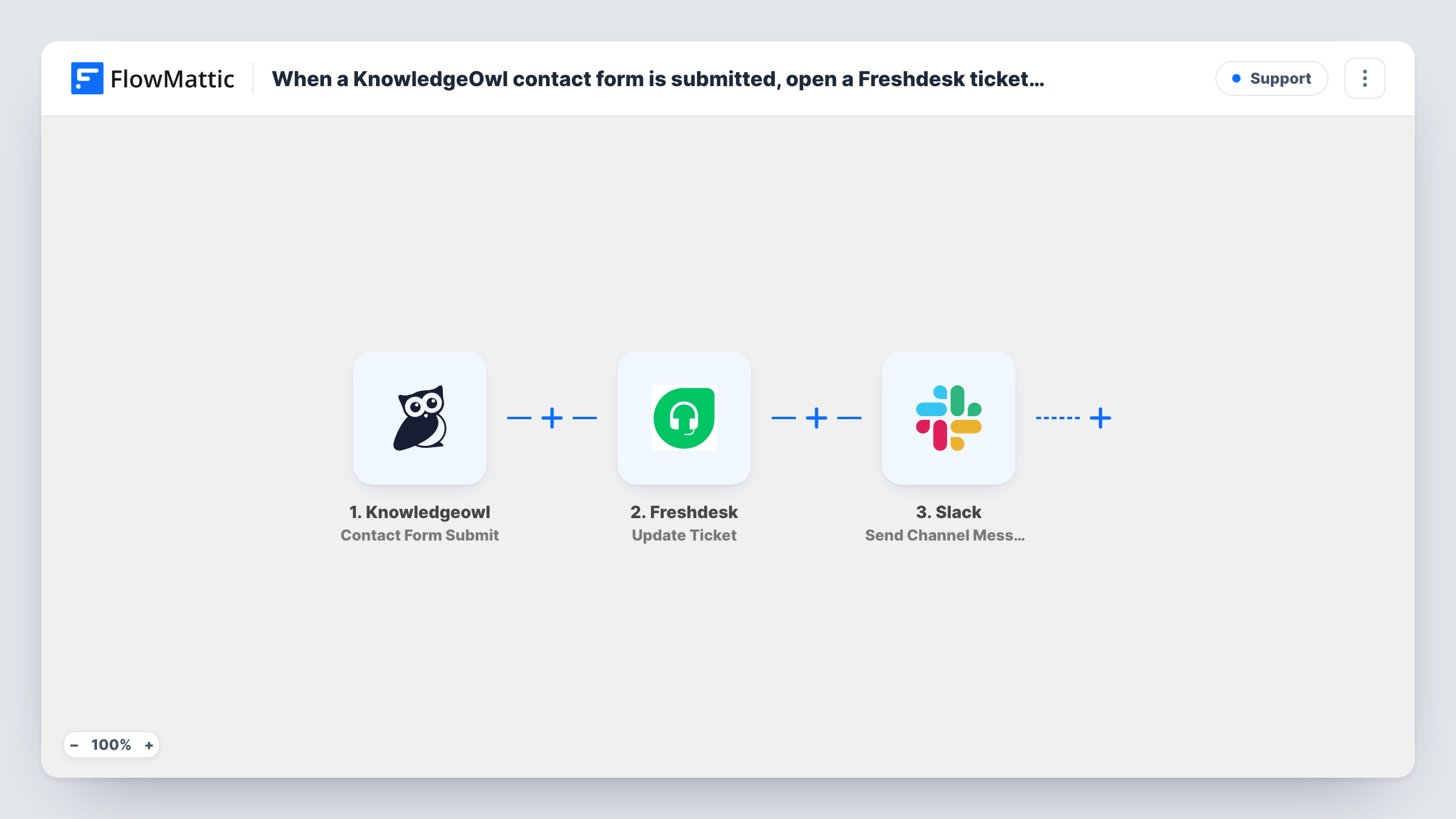
The KnowledgeOwl trigger fires when a contact form is submitted in your knowledge base and passes the form's contents on, such as the reader's name, email and message.
The request is then posted in Slack for the support team. It ships unmapped: after import you connect Slack, pick the channel, and write the message text with the reader's details mapped in. Keep the email in the message so whoever picks it up can reply straight away.
The workflow only alerts the team. It doesn't create a ticket or reply to the reader, so decide who answers and how. If you want a record of every request, add a step after the Slack message that logs it, for example to Google Sheets. Send a test message through the form and check Task History.
Support channel for doc questions
A SaaS team routes every KnowledgeOwl contact request to its support channel, where the person on duty replies to the reader by email.
Spotting gaps in the docs
Technical writers follow the same channel to see which questions readers ask, then add or fix articles on those topics.
Small teams without a help desk
A two-person business uses KnowledgeOwl for its help center and Slack for everything else, so the alert is the whole support queue.
How this workflow runs
What happens at each step once the workflow is on, and what you need before you import it.
 Knowledgeowl Contact Form Submit
Fires when a reader submits a contact form in your KnowledgeOwl knowledge base. The form's contents are passed to Slack for the message.
- Slack Send Channel Message
Posts the request to a Slack channel. It ships unmapped, so pick the channel and write the message, mapping in the reader's name, email and question from KnowledgeOwl.
What you need
- FlowMatticCore
- Knowledgeowl AccountAccount
- Slack AccountAccount
After importing, map your own data. To keep the template universal, not every step is pre-filled. Open each step in the builder and connect your accounts and fields (channels, lists, sheets, recipients) before you switch the workflow on.
Make it yours
Changes worth making after you import it.
- Post to a public channel your support team watches. If that channel is private, use the Send Private Channel Message action from Slack instead.
- Put the reader's email on its own line in the message, so it is easy to copy into a reply.
- Add a Google Sheets Add New Row step after the Slack step to keep a log of every contact request for monthly review.
Questions about this workflow
Does the KnowledgeOwl reader get a reply automatically?
No. All it does is post in Slack. Someone on your team answers the reader, or you add an email step after the Slack step to send an acknowledgement.
Can one support agent get the KnowledgeOwl request in a Slack DM instead?
Yes. Replace Send Channel Message with Slack's Send Direct Message action and pick the person who handles knowledge base questions.
Which details from the contact form appear in Slack?
Whatever you map into the message. Submit a test form, look at the trigger data in Task History, and map the fields you want.
More Support workflows
Other ready-to-import templates from the same category.






Import this workflow into your WordPress site
Download the JSON, import it from the Workflows screen and connect your accounts. Every run stays on your server, with no per-task fees.
30-day money-back guarantee Unlimited workflows and runs Self-hosted