

Email the compliance team via Gmail when an iDenfy document expiration is detected
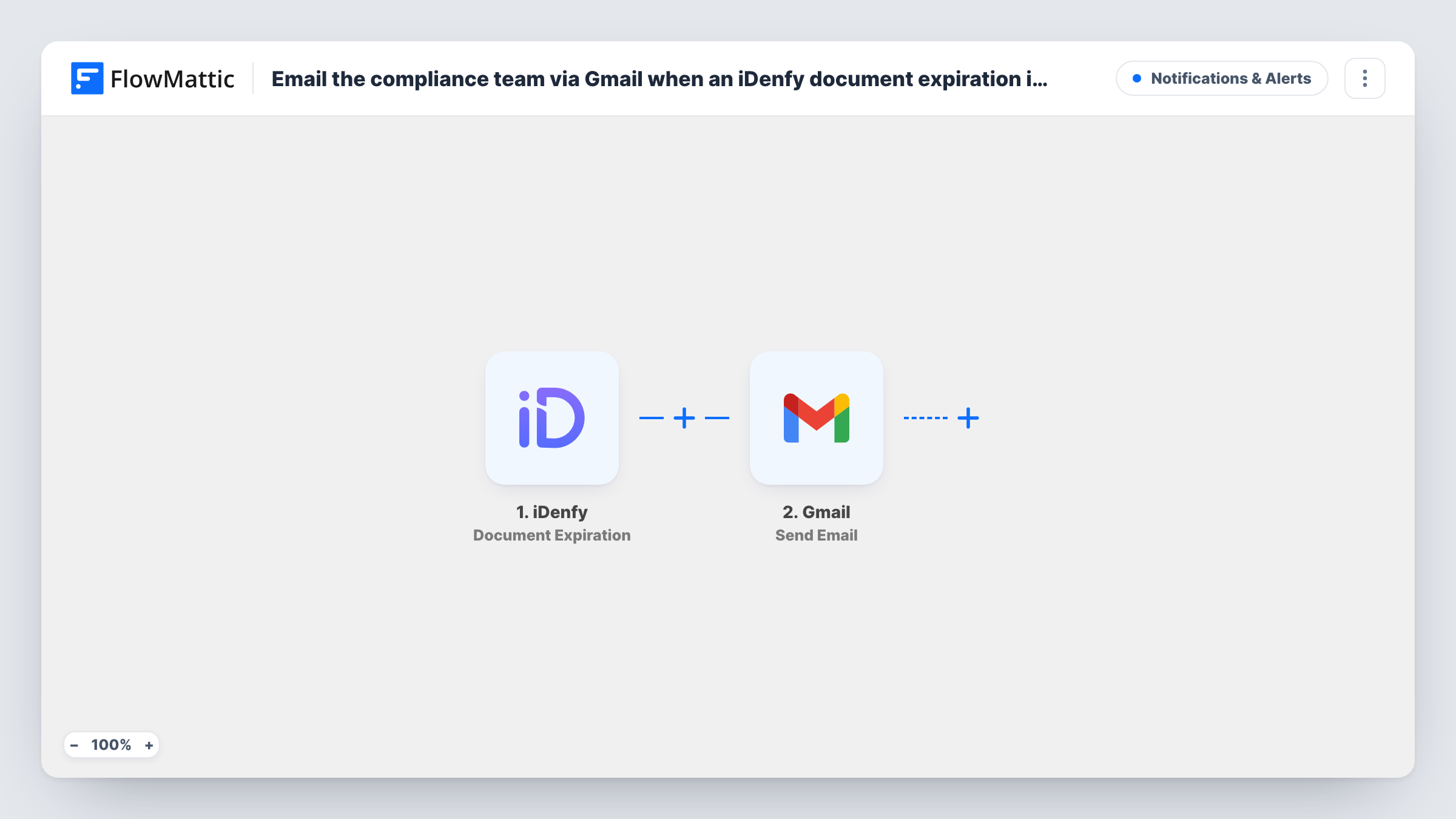
When iDenfy reports that a client’s identity document is near expiry or has expired, this workflow sends an email from your Gmail account to your compliance team with the details you map.
 iDenfy
 Gmail
Gmail2 steps Setup ~5 min Used on 1.9k sites Free to import
What this workflow does
Identity documents expire, and a customer verified last year may now hold a passport or ID card that is out of date. iDenfy can tell you when that happens, but the alert only helps if the right people see it. This workflow forwards it to your compliance team's inbox.
The iDenfy trigger fires when a client's verification document is near expiration or expires. FlowMattic receives the event data and passes it to Gmail, which sends an email from your connected account. You set the recipient, such as a shared compliance address, and write the subject and body with iDenfy fields mapped in.
Each expiration event sends one email. The trigger covers both an upcoming and an actual expiry, so the same client can produce more than one email over time. Run a test after import to see which client and document fields the event carries, then add them to the message. Task History shows every run and what Gmail returned.
Renewal requests at a payments company
The compliance inbox gets an email when a client's ID nears expiry, and an analyst contacts the client to re-verify before the document lapses.
Periodic KYC reviews for a lender
Each expiry email is a cue for the review team to open the client's file and decide whether to restrict the account until a new document is checked.
Audit trail in a shared mailbox
A small fintech keeps every expiry alert in one Gmail-connected mailbox, giving auditors a dated record of when the team was told.
How this workflow runs
What happens at each step once the workflow is on, and what you need before you import it.
 iDenfy Document Expiration
Runs when iDenfy reports that a client's identity verification document is near expiration or has expired. The event data is passed on to the email.
- Gmail Send Email
Sends the alert from the Gmail account you connect. Set the compliance team's address as the recipient and map the iDenfy client and document details into the subject and body.
What you need
- FlowMatticCore
- iDenfy AccountAccount
- Gmail AccountAccount
After importing, map your own data. To keep the template universal, not every step is pre-filled. Open each step in the builder and connect your accounts and fields (channels, lists, sheets, recipients) before you switch the workflow on.
Make it yours
Changes worth making after you import it.
- Put the client's iDenfy reference in the email subject, if the event carries one, so the team can search the inbox for every alert about one client.
- Add a Filter after the trigger on a status or expiry field, if the event has one, to email only for documents that have already expired, not ones that are close.
- Add a Google Sheets row after the email to keep a list of expiring documents the team can sort and mark as handled.
Questions about this workflow
Does iDenfy send this alert before or after the document expires?
Both can trigger the workflow. The iDenfy event fires when a document is near expiration or when it expires, so you may get an email at each point.
Can the Gmail email go to several people on the compliance team?
Yes, if the step's recipient field takes more than one address, or you can send to a shared group address that reaches everyone.
Does the client get an email too?
Not as imported. The email goes to whatever address you set. Add a second Gmail step with the client's email, if iDenfy includes it, to contact them as well.
Which Gmail account does the iDenfy alert come from?
Whichever Google account is connected to the Gmail step for this iDenfy flow. Messages appear in that account's Sent folder.
More Notifications & Alerts workflows
Other ready-to-import templates from the same category.





Import this workflow into your WordPress site
Download the JSON, import it from the Workflows screen and connect your accounts. Every run stays on your server, with no per-task fees.
30-day money-back guarantee Unlimited workflows and runs Self-hosted