

Add extracted data to a Google Sheets row when a Docsumo document status changes
Whenever a Docsumo document changes status, FlowMattic adds a row to your Google Sheets spreadsheet with the values that come with the event, so you keep a running log of documents as they move through processing.
 Docsumo
 Google Sheets
2 steps Setup ~5 min Used on 1.1k sites Free to import
What this workflow does
Docsumo reads invoices, receipts and other documents and pulls structured data out of them. Getting that data into a spreadsheet for review, reporting or a hand-off usually means an export after each batch. This workflow writes a row to Google Sheets each time a document's status changes, so the sheet fills as documents move along.
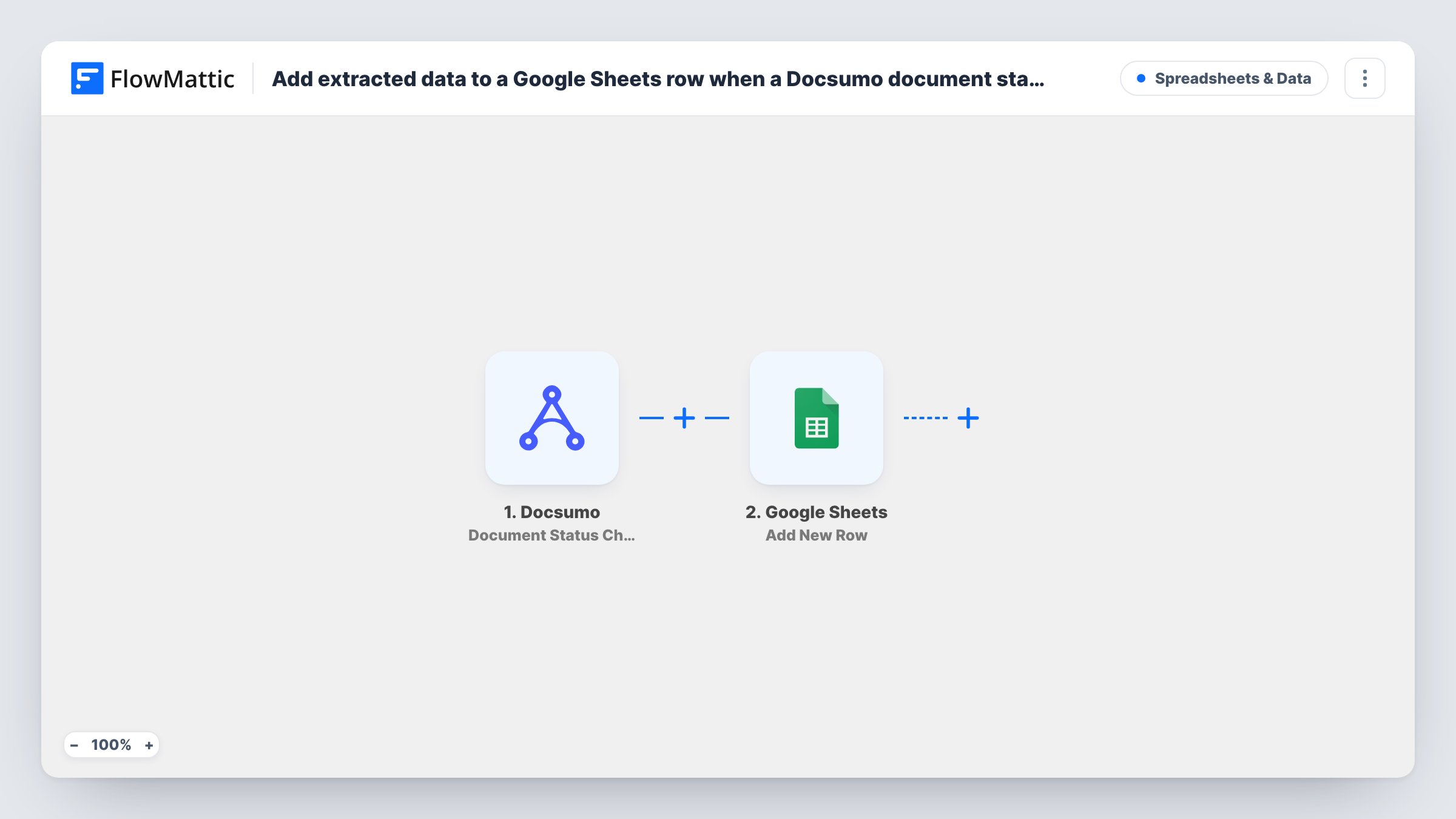
The Docsumo trigger, Document Status Change, fires when the status of a document is changed. The values in that event, such as the document's details and whatever extracted data Docsumo includes, are passed on. The Google Sheets step adds a new row and puts each mapped value in the column you assign.
The trigger fires on every status change, not only when a document is finished. A document that passes through several statuses adds a row for each one. If you only want rows for documents that reach a particular status, add a Filter on the status value, as the tips explain. Check a test run to see which extracted fields Docsumo sends with the event before you map the columns.
Supplier invoice log for bookkeeping
Invoices uploaded to Docsumo add rows to a shared sheet, where your bookkeeper checks totals and dates before entering them in the accounts.
Tracking where each document is
Because every status change writes a row, the sheet shows when each document moved from one stage to the next, giving you a simple audit trail.
Receipts from field staff
Expense receipts sent to Docsumo build a spreadsheet the finance team can sort by person or date at the end of the month.
How this workflow runs
What happens at each step once the workflow is on, and what you need before you import it.
 Docsumo Document Status Change
Fires each time a Docsumo document's status is changed. The values sent with that change, including document details and any extracted data, are passed on.
- Google Sheets Add New Row
Adds a new row to the spreadsheet and sheet you choose. Connect your Google account and map the Docsumo values you want to keep to the sheet's columns.
What you need
- FlowMatticCore
- Docsumo AccountAccount
- Google Sheets AccountAccount
After importing, map your own data. To keep the template universal, not every step is pre-filled. Open each step in the builder and connect your accounts and fields (channels, lists, sheets, recipients) before you switch the workflow on.
Make it yours
Changes worth making after you import it.
- Add a Filter after the trigger that continues only when the status equals the one you care about, such as the status Docsumo uses for a processed document. That gives one row per document instead of one per change.
- Put a column for the status in the sheet even if you add a Filter, so you can see at a glance what state each document was in when its row was written.
- Process one test document in Docsumo after import, so FlowMattic captures the event's fields before you map the Google Sheets columns.
Questions about this workflow
Will one Docsumo document create several rows in the sheet?
It can. The trigger fires on every status change, and each run adds a row. Add a Filter on the status if you want one row per document.
Does the Docsumo event include the extracted data?
Run a test document and look at the trigger data in Task History. Map whichever extracted values appear there. If a value you need is missing, it isn't in the event.
Can Docsumo rows update an existing line in Google Sheets?
Not as imported. The step only adds rows. To change an existing line instead, you would replace it with a Google Sheets update action and give it a way to find the row.
Are documents processed before import added to the sheet?
No. Only status changes that happen after the workflow is on start a run. Export earlier documents from Docsumo if you need them in the sheet.
More Spreadsheets & Data workflows
Other ready-to-import templates from the same category.




Import this workflow into your WordPress site
Download the JSON, import it from the Workflows screen and connect your accounts. Every run stays on your server, with no per-task fees.
30-day money-back guarantee Unlimited workflows and runs Self-hosted