

Notify the security team on Discord for every Halo Security webhook event
Each event Halo Security posts to this workflow’s webhook becomes a message in the Discord channel you pick, so your security team sees what was reported without watching another dashboard.
 Halo Security
 Discord
2 steps Setup ~5 min Used on 3.0k sites Free to import
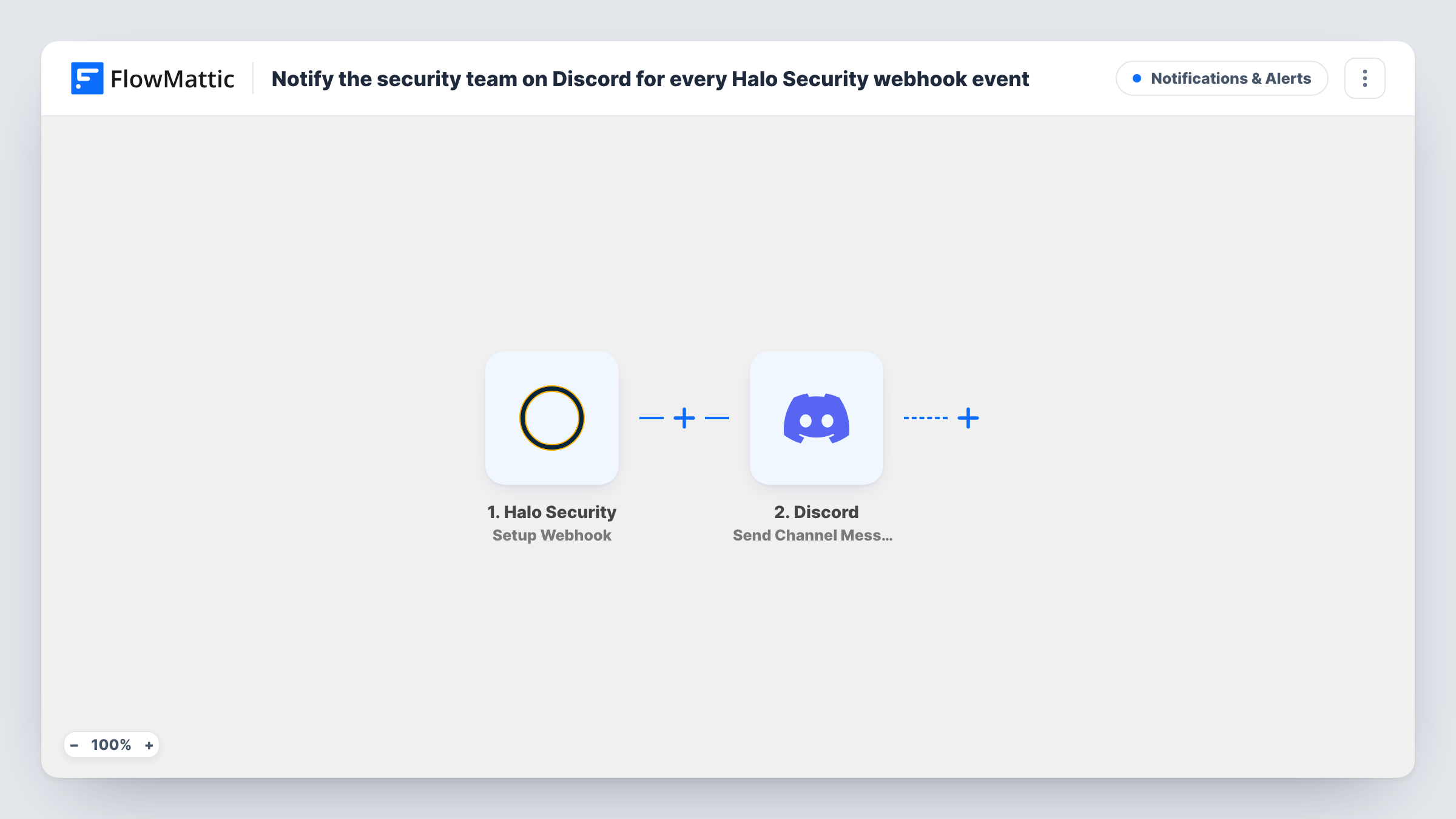
What this workflow does
Security teams that already talk in Discord don't want one more console to keep open. This workflow brings Halo Security's notifications into the channel where the team works, so someone can pick up an alert and discuss it in the same thread.
The Halo Security trigger supplies a webhook URL that you register in your Halo Security account. FlowMattic describes it as a trigger for all the events, and this template has no Filter, so every event Halo Security sends produces a Discord message. Busy accounts can mean a busy channel.
The Discord step posts the message to a channel you choose. Nothing in it is mapped yet: after import you connect Discord, select the server channel and write the message, mapping in the event details Halo Security sends. A first event, seen in Task History, shows which values are there to use.
Use a channel set aside for alerts, so these messages don't bury conversation, and keep the webhook URL private. Task History records each event and Discord's response.
Alert feed for a small security team
A startup's two-person security team watches a #halo-alerts Discord channel and claims each new event with a reaction before investigating.
Managed service provider updates
An MSP that runs its operations in Discord posts its Halo Security events into the ops channel its on-call engineer watches.
Visibility for developers
A web agency shares Halo Security events with its developers in Discord, so the person who owns an affected site sees the alert right away.
How this workflow runs
What happens at each step once the workflow is on, and what you need before you import it.
 Halo Security Setup Webhook
Gives you a webhook URL to add in Halo Security and starts a run for each event posted to it. The trigger covers every event type, and the event's data is passed to the Discord step.
- Discord Send Channel Message
Sends the alert into a Discord channel of your choosing. The template leaves the channel and message blank, so connect Discord and write the alert with the Halo Security event details mapped in.
What you need
- FlowMatticCore
- Halo Security AccountAccount
- Discord AccountAccount
After importing, map your own data. To keep the template universal, not every step is pre-filled. Open each step in the builder and connect your accounts and fields (channels, lists, sheets, recipients) before you switch the workflow on.
Make it yours
Changes worth making after you import it.
- Put a Filter between the Halo Security trigger and the Discord step that checks an event field from a test run, so only the event types your team needs to act on reach the channel.
- Start the message with the kind of event and the affected asset, if Halo Security sends them, so the team can judge urgency from the notification preview.
- Add a Google Sheets Add New Row step after the Discord step if you also want a permanent log of every event alongside the channel messages.
Questions about this workflow
Will every Halo Security event post to Discord?
Yes, as imported. The trigger receives all events and nothing filters them, so each one is posted. Add a Filter between the trigger and the Discord step to narrow it.
Which Discord channel do the Halo Security alerts go to?
The one you choose in the Send Channel Message step after connecting Discord. The template leaves it unset.
What does the Discord alert say?
Whatever you write. The message is empty in the template, so compose it after import and map in the Halo Security event details you want the team to read.
More Notifications & Alerts workflows
Other ready-to-import templates from the same category.





Import this workflow into your WordPress site
Download the JSON, import it from the Workflows screen and connect your accounts. Every run stays on your server, with no per-task fees.
30-day money-back guarantee Unlimited workflows and runs Self-hosted