

Notify the warehouse via Telegram on each Oracle Commerce inventory update
When Oracle Commerce reports that out-of-stock SKUs are back in stock, this workflow sends a Telegram text message to your warehouse chat with the details you choose from the event.
 Oracle Commerce
 Telegram
2 steps Setup ~5 min Used on 1.9k sites Free to import
What this workflow does
When items that were sold out come back in stock, your warehouse team may need to restock shelves, release held orders or prepare picks. If they only hear about it from the store's admin screens, the news arrives late. This workflow sends it to the Telegram chat they already use.
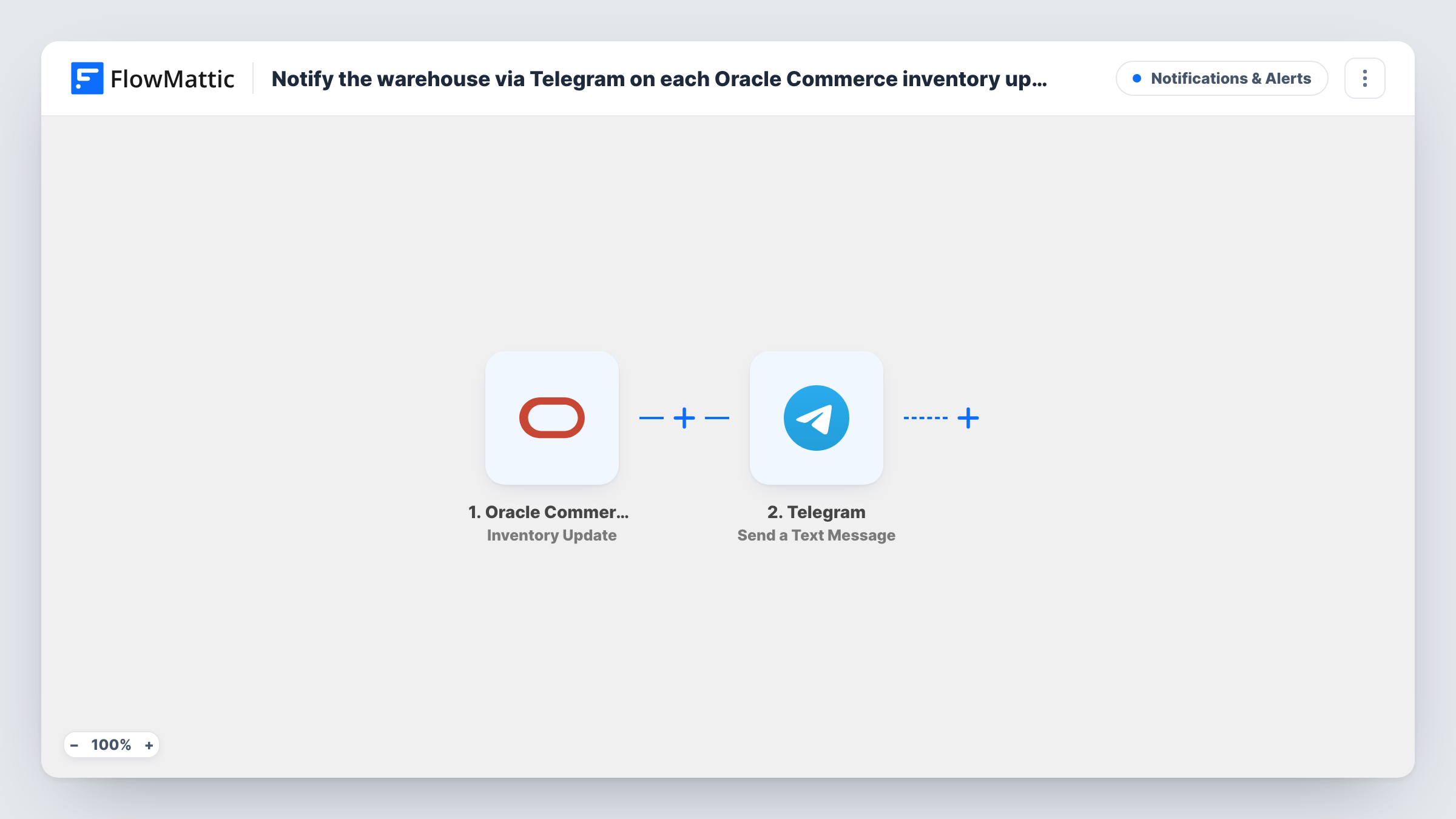
The Oracle Commerce trigger, Inventory Update, fires when out-of-stock SKUs are back in stock. It doesn't fire on every stock change, so sales that lower stock or deliveries for items that never ran out won't send a message. FlowMattic passes the event data to Telegram.
Send a Text Message then posts your message to the chat you set, with values from the event such as the SKUs. It supports markup, so you can make the SKU bold or put each item on its own line. Every back-in-stock event sends a message, since there is no Filter.
Restocking the pick face
A popular SKU comes back in stock in Oracle Commerce. The warehouse Telegram group gets a message so staff move stock to the picking area.
Releasing held orders
Orders waiting on a sold-out item can ship once it's back. The Telegram alert tells the fulfillment lead to check for held orders.
Store and warehouse in different places
Your online team updates stock in Oracle Commerce from the office, and the warehouse crew on site learns about returning SKUs through Telegram.
How this workflow runs
What happens at each step once the workflow is on, and what you need before you import it.
 Oracle Commerce Inventory Update
Fires when Oracle Commerce reports that out-of-stock SKUs are back in stock. The event data, including the SKUs it names, is passed to Telegram.
- Telegram Send a Text Message
Sends a text message to the Telegram chat you set, with markup support. Insert the SKUs and other values from the Oracle Commerce event, then test to see which fields arrive.
What you need
- FlowMatticCore
- Oracle Commerce AccountAccount
- Telegram AccountAccount
After importing, map your own data. To keep the template universal, not every step is pre-filled. Open each step in the builder and connect your accounts and fields (channels, lists, sheets, recipients) before you switch the workflow on.
Make it yours
Changes worth making after you import it.
- Add your Telegram bot to the warehouse group chat first, then use that group as the destination so the whole team sees each message.
- Add a Filter after the trigger that continues only for SKUs your warehouse handles, if some items ship from elsewhere.
- Use the message markup to put each SKU on its own line, which makes the alert quicker to read on a phone.
Questions about this workflow
Does this send a Telegram message for every Oracle Commerce stock change?
No. Inventory Update fires when out-of-stock SKUs are back in stock. Stock going down, or rising on items that never sold out, doesn't start a run.
Can several SKUs come back in stock in one Telegram message?
That depends on how Oracle Commerce groups the event. Run a test restock with two SKUs and check Task History to see whether one run or two followed.
Do I need a Telegram bot for the warehouse alerts?
Telegram sends these messages through a bot you connect in FlowMattic. Add the bot to the warehouse chat so it can post there.
Can the warehouse also get photos or documents in Telegram?
This step sends text only. Telegram also has Send Photo and Send a Document actions in FlowMattic if you want to add one after it.
More Notifications & Alerts workflows
Other ready-to-import templates from the same category.






Import this workflow into your WordPress site
Download the JSON, import it from the Workflows screen and connect your accounts. Every run stays on your server, with no per-task fees.
30-day money-back guarantee Unlimited workflows and runs Self-hosted