

Send a Slack alert to recruiters when a new Greenhouse job is created
When a new job is created in Greenhouse, this workflow posts a message about it to the Slack channel your recruiters use, so they hear about the opening without checking Greenhouse.
 Greenhouse
 Slack
2 steps Setup ~5 min Used on 2.3k sites Free to import
What this workflow does
Recruiters can only start sourcing once they know a role exists. In many teams that news travels by word of mouth, or someone notices the job in Greenhouse a day later. This workflow posts each new Greenhouse job in Slack, in the channel where your recruiting team already talks.
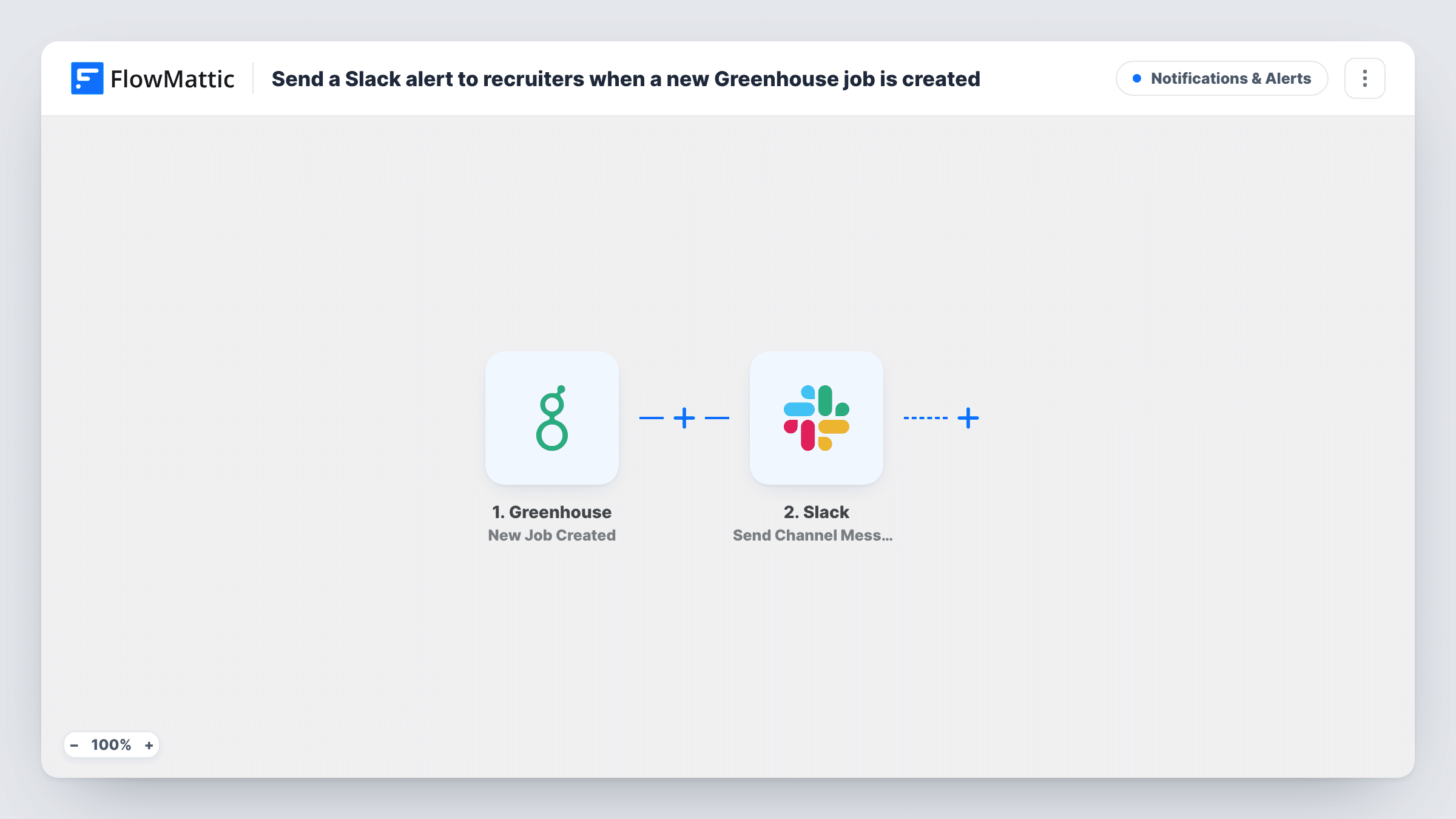
The Greenhouse trigger fires on the New Job Created event and passes the job data to FlowMattic. The Send Channel Message step in Slack then posts a message to the channel you set. You write the message text and drop in job details, such as the title or department, from the Greenhouse data.
The message goes to a channel, so everyone in it sees the same post and can reply in a thread to claim the role or ask questions. Nothing is changed in Greenhouse. Task History keeps each run, so you can see which job produced which Slack post.
Recruiting team channel
Your recruiters share a #recruiting channel. Each new Greenhouse job appears there, and one recruiter replies in the thread to take it on.
Agency recruiters covering several clients
An in-house team works with outside recruiters in a shared Slack channel. They see each new role as soon as it is set up in Greenhouse.
Hiring managers kept in the loop
Post to a channel that includes hiring managers, so they can confirm the job details are right before sourcing begins.
How this workflow runs
What happens at each step once the workflow is on, and what you need before you import it.
 Greenhouse New Job Created
Starts when a new job is created in your Greenhouse account. The job data Greenhouse sends with the event becomes available to use in the Slack message.
- Slack Send Channel Message
Sends your message into a Slack channel picked for recruiters. Connect your Slack workspace, write the text, and insert Greenhouse job values such as the job name where you want them.
What you need
- FlowMatticCore
- Greenhouse AccountAccount
- Slack AccountAccount
After importing, map your own data. To keep the template universal, not every step is pre-filled. Open each step in the builder and connect your accounts and fields (channels, lists, sheets, recipients) before you switch the workflow on.
Make it yours
Changes worth making after you import it.
- Create a test job in Greenhouse after import, or wait for the next one, so FlowMattic captures the job data you can place in the Slack message.
- If your recruiting teams are split by department or office, add a Router after the trigger with a route per value seen in your test data, each posting to that team's channel.
- Mention a Slack user group for your recruiters in the message text so its members get a notification for each new job.
Questions about this workflow
Which Greenhouse jobs trigger a Slack post?
Every job created while the workflow is switched on. Add a Filter after the trigger if you want only some departments or offices posted.
Does the Slack post update when the Greenhouse job changes?
No. The workflow posts once, when the job is created. Later edits, openings or closings in Greenhouse do not start a run.
Can the Greenhouse alert go to a private Slack channel?
The connected Slack app usually has to be a member of a private channel before it can post there. Invite it to the channel, then test the step.
More Notifications & Alerts workflows
Other ready-to-import templates from the same category.




Import this workflow into your WordPress site
Download the JSON, import it from the Workflows screen and connect your accounts. Every run stays on your server, with no per-task fees.
30-day money-back guarantee Unlimited workflows and runs Self-hosted