

Track coupon usage events from WooCommerce Smart Coupons in Discord channels
Each time a customer applies store credit from WooCommerce Smart Coupons on an order, this workflow posts a message in the Discord channel you choose, so your team sees credit being spent as it happens.
 WooCommerce Smart Coupons
 Discord
2 steps Setup ~5 min Used on 1.4k sites Free to import
What this workflow does
Store credit and gift cards are money you have already taken, so it helps to know when customers spend them. WooCommerce Smart Coupons records each use, but someone has to open the store's admin to see it. This workflow puts a note in your team's Discord instead.
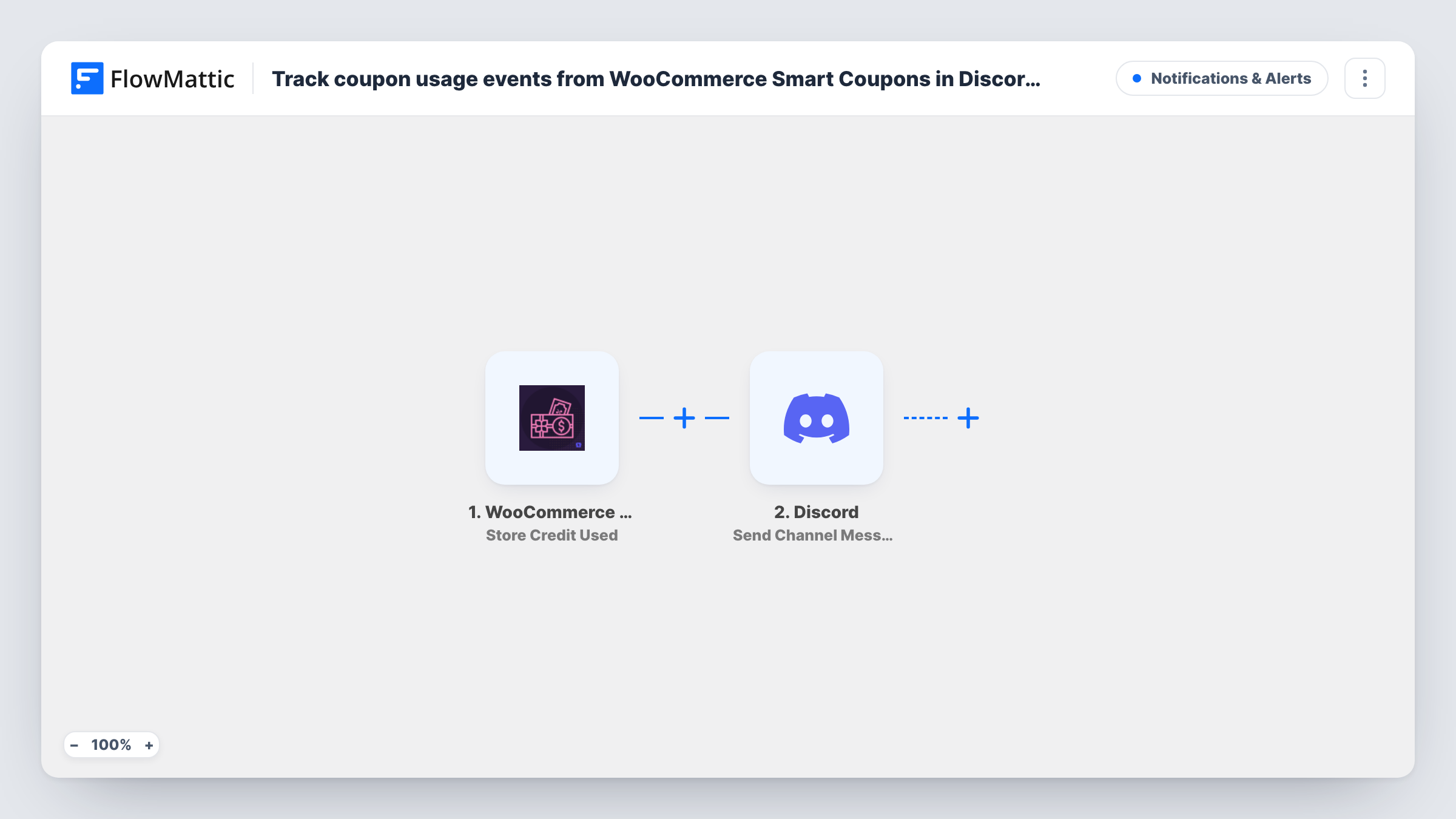
The WooCommerce Smart Coupons trigger fires when store credit is applied on an order. That is the only coupon-use event the plugin offers in FlowMattic, so ordinary discount codes don't start a run. FlowMattic then runs Send Channel Message in Discord, posting to the channel you pick. You write the message and drop in details from the event, such as the coupon code or the order, as far as the trigger includes them.
Every store credit use posts a message, with no conditions in between. Task History lists each run with the data the trigger received and Discord's reply.
Gift card redemptions in a small shop
A boutique sells gift cards through Smart Coupons. Staff see a Discord message each time a card's credit is spent at checkout.
Refund credit follow-up
A store that gives store credit instead of cash refunds posts each use to a support channel, so the team knows when a customer has come back to spend it.
Watching credit from a promotion
After issuing store credit to loyal customers, a marketing team follows each redemption in a Discord channel set up for the campaign.
How this workflow runs
What happens at each step once the workflow is on, and what you need before you import it.
 WooCommerce Smart Coupons Store Credit Used
Fires when a customer applies store credit from WooCommerce Smart Coupons to an order. Details from that event become available for the Discord message.
- Discord Send Channel Message
Sends a post to a Discord channel of your choosing. Write the text and map in values from the store credit event, then connect your Discord account when you import.
What you need
- FlowMatticCore
- WooCommerce Smart Coupons PluginPlugin
- Discord AccountAccount
After importing, map your own data. To keep the template universal, not every step is pre-filled. Open each step in the builder and connect your accounts and fields (channels, lists, sheets, recipients) before you switch the workflow on.
Make it yours
Changes worth making after you import it.
- Place a test order that uses a store credit coupon after import, then look in Task History to see which details the trigger passes before you write the Discord message.
- Only want large redemptions in the channel? If the trigger passes the amount used, add a Filter before Discord that continues when it is greater than a number you set. The Filter drops decimals, so a credit of 24.75 is compared as 24.
- To hear about refunds too, build a second workflow on the Store Credit Restored trigger, which fires when credit comes back after a refund or cancellation.
Questions about this workflow
Do regular WooCommerce coupon codes post to Discord?
No. The trigger is Store Credit Used, which fires only when store credit is applied on an order. Smart Coupons has no general coupon-used trigger in FlowMattic.
Which Discord channel gets the store credit messages?
Whichever channel you set when you configure the Discord step. Pick one your team already watches, or create a channel just for store credit activity.
Does this change the customer's store credit balance?
No. The workflow only reads the event and posts to Discord. Balances and orders in WooCommerce stay exactly as Smart Coupons left them.
Is a Discord message sent when store credit is refunded?
Not by this template. Refunded or cancelled credit fires Smart Coupons' separate Store Credit Restored trigger, which you can use in a second workflow.
More Notifications & Alerts workflows
Other ready-to-import templates from the same category.






Import this workflow into your WordPress site
Download the JSON, import it from the Workflows screen and connect your accounts. Every run stays on your server, with no per-task fees.
30-day money-back guarantee Unlimited workflows and runs Self-hosted