You Don’t Need to Build an MCP Server. You Already Have One.
Your AI assistant guesses about your calendar because it has reasoning and no hands. FlowMattic already ships an MCP server — the…


Every morning you want the same email: what happened yesterday, in two sentences, and what to do about it. So you point an AI at your abandoned carts table and ask it to summarise.
Back comes a paragraph. A perfectly nice paragraph — that you cannot put in a subject line, cannot count, cannot branch on, and cannot map into anything.
Two decisions fix that: what the model is allowed to see, and what shape it has to answer in.
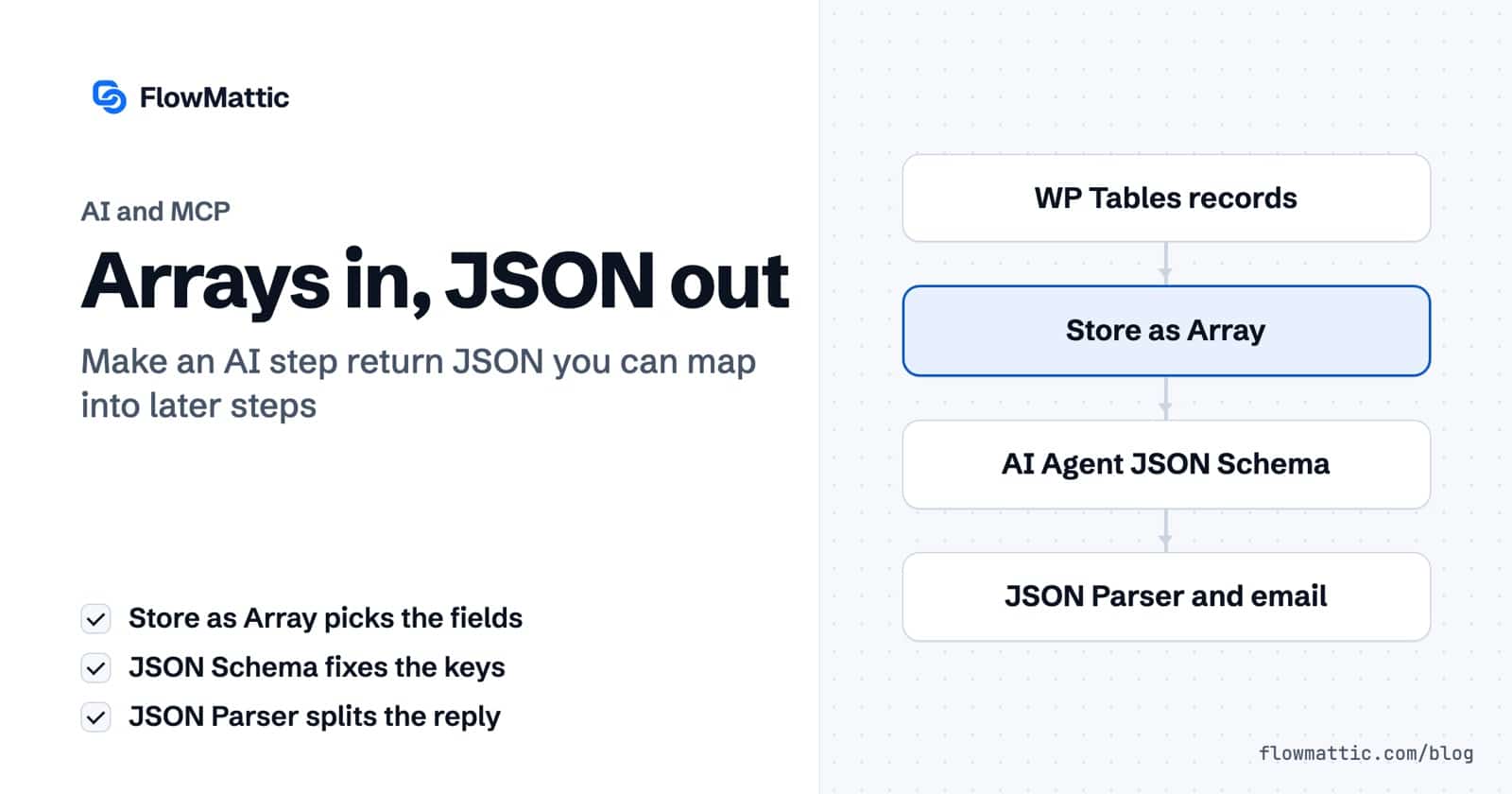
WP Tables → Find Multiple Records hands you rows. Whole rows. Every column you ever created — session hashes, internal ids, a raw payload blob. Fourteen columns, when the model needs four.
So you loop them, and inside the loop Iterator Storage → Store as Array is where you choose. Not a string this time: Data Parameters, a key and a value, one pair per field you actually want.
name          {iterator3.name}
email         {iterator3.email}
cart_total    {iterator3.cart_total}
abandoned_at  {iterator3.abandoned_at}
Four keys, chosen by you, built one pass at a time. Everything else never reaches the model — it can’t misread what it was never given, and you aren’t paying for it either.
After Iterator End, what comes out is one clean array: nine carts, four fields each.
In the AI Agent step, System Prompt is the job and User Input / Message is the array you just built — {iterator_storage4.data}. Structured data in, not a wall of table dump.
Then set Output Format to JSON, and a field appears that wasn’t there a second ago: JSON Schema. Its help text is the whole idea — “Define the JSON structure for consistent output. The AI will use these exact keys.”
{
  "headline": "string",
  "priority": "string",
  "recovered_value": "number"
}
That isn’t a hint to the model. FlowMattic appends it to the system prompt as “You must respond with valid JSON matching this exact structure”. It’s a contract.
The eight steps, both decisions, and a full run in four minutes:
You set the schema, the agent obeys it, and you still can’t drop headline into a subject line. Here’s why.
The agent step returns status, message, finish_reason, usage and iterations. Your JSON arrives inside message — as one string. There is no {ai_agent6.headline}, because the keys were never exploded into fields.
One step fixes it. JSON Parser → Parse JSON, pointed at {ai_agent6.message}, does exactly what it says on the tin: “Parse JSON data and extract all keys as individual fields.”
Now every key you defined is something you can use anywhere below it — {json_parser7.headline}, {json_parser7.priority}, {json_parser7.recovered_value}.
Email → Send Email. Subject line: the headline. Body: the summary, the priority, the number. Nothing clever left to do.
Boring is the goal. Boring is what runs every morning without you.
Get those two right and an AI step stops being a black box that returns prose, and starts being a component you can wire into anything else — same as every other step in the workflow. Which is the whole point.
New to FlowMattic? It’s the AI-native automation platform for WordPress — visual workflows, 900+ integrations, AI agents and a full builder suite, self-hosted inside your own dashboard. Get FlowMattic.
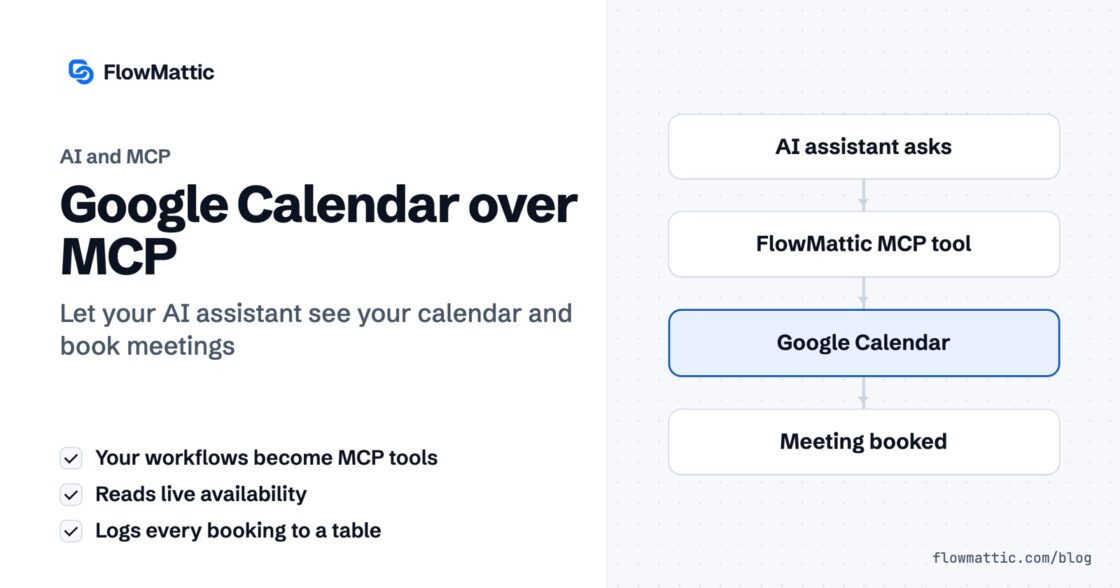
Your AI assistant guesses about your calendar because it has reasoning and no hands. FlowMattic already ships an MCP server — the…
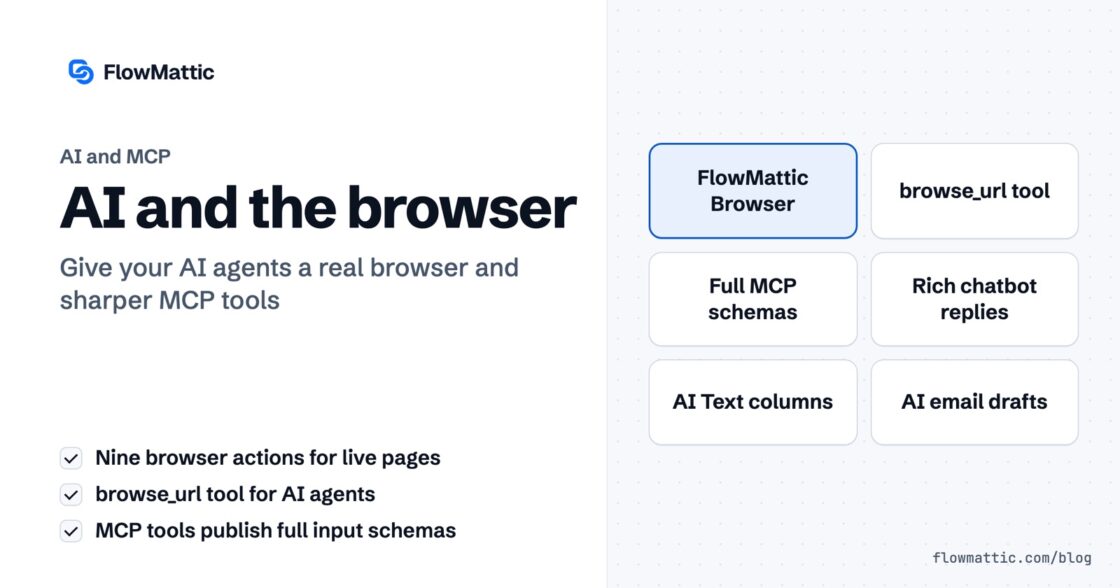
An AI agent is only as useful as what it can reach. In 7.0, FlowMattic's AI stack gains something agents have been…
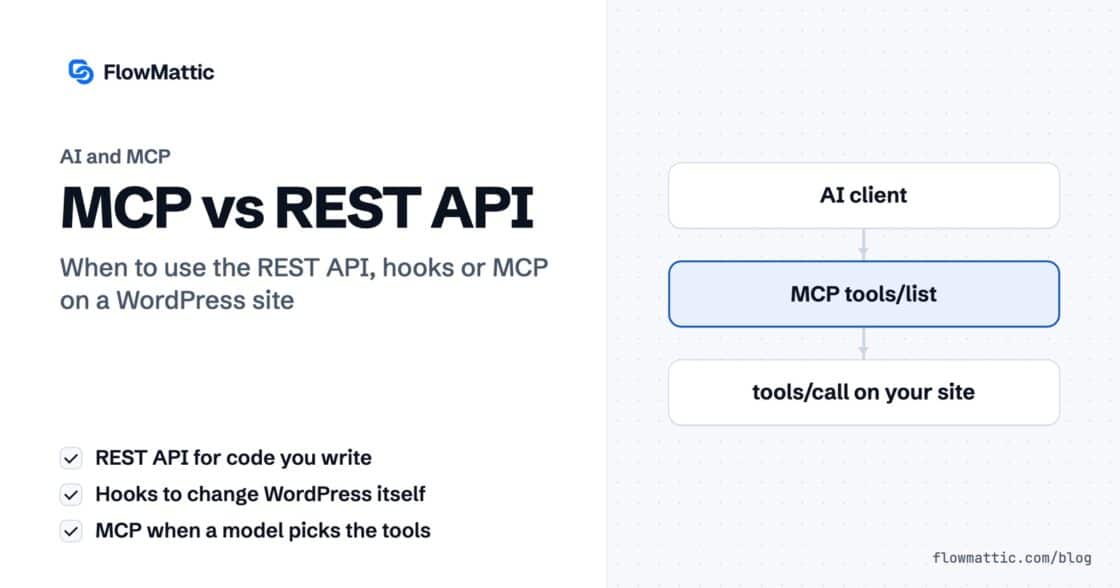
Updated October 2026. WordPress developers now have two very different ways to let software work with a site. The REST API, with…