FTP automation in WordPress: upload, download and watch folders
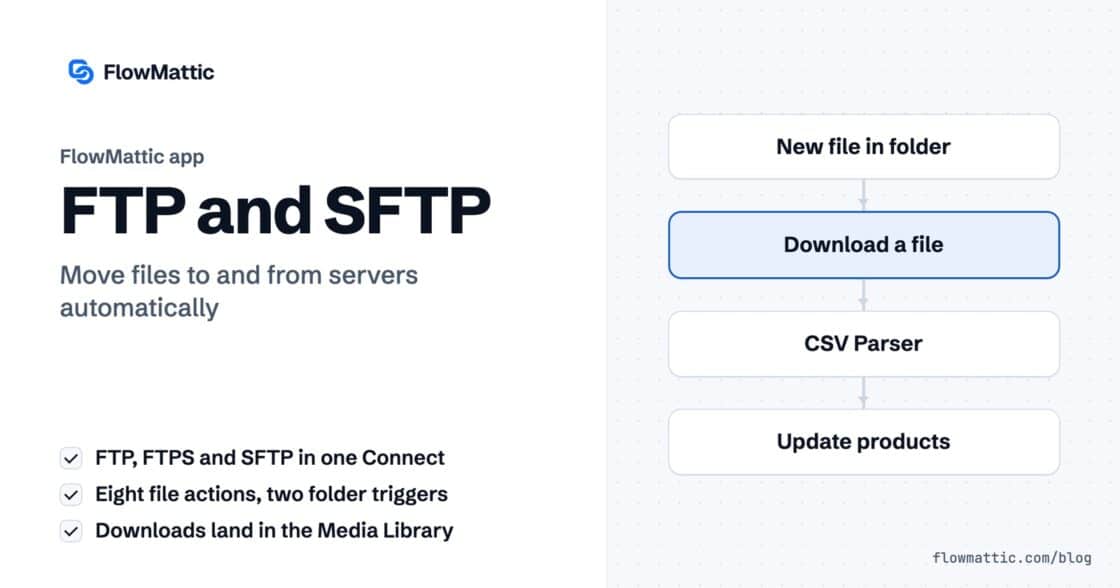
The FTP app uploads, downloads, moves and deletes files on FTP, FTPS and SFTP servers from any workflow, and starts workflows when…


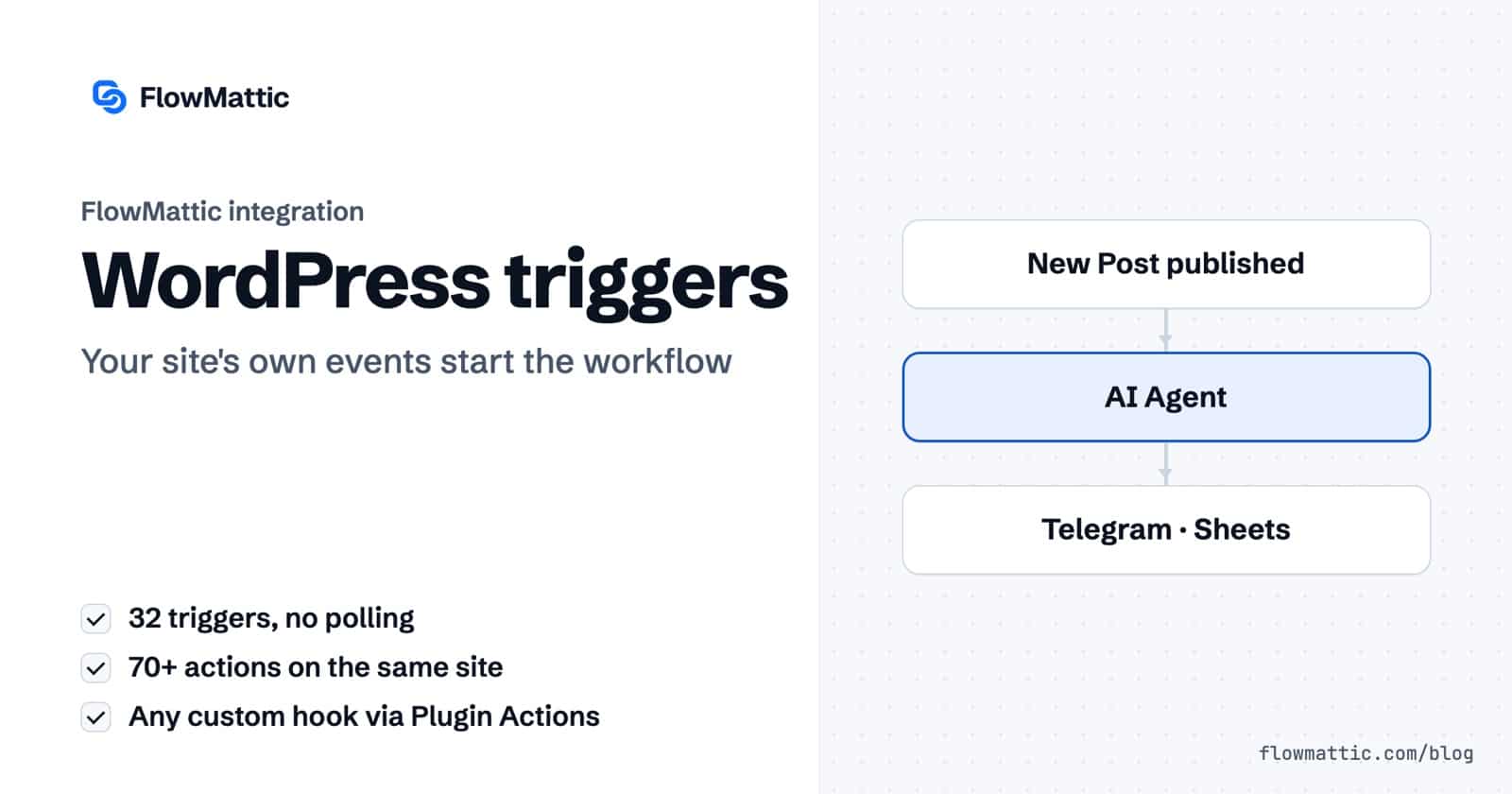
FlowMattic’s WordPress triggers and actions start workflows from WordPress itself. The built-in WordPress app has 32 triggers, from a new post or user to a plugin update or a GDPR request, and more than 70 actions that create, update and look up posts, users, media, comments, terms, meta and options on the same site.
Because FlowMattic is an automation plugin for WordPress, these triggers listen to WordPress hooks directly. There is no connector plugin to install and nothing to poll. This guide covers every trigger and action, the options that shape them, and the workflows site owners, agencies and editors build with them.
They come from two core apps you’ll find in the builder’s app picker:
Sites on a network also have a separate WordPress Multisite app with triggers such as Site Created and Site Deleted.
| Object | Triggers |
|---|---|
| Posts and pages | New Post, New Page, Update Post, Update Page, User Deletes a Post, Post Meta Updated, Post Meta Field Updated, User Visits a Page/Post |
| Media | New Media |
| Comments | New Comment, Comment Approved |
| Users | New User, User Login, User Profile Updated, User Profile Field Updated, User Resets Password, User Deleted |
| Roles | User Role Added, User Role Removed, User Role Changed, User Role Changed From Specific to Defined |
| Taxonomy | Category Created, Tag Created, Term Created |
| Plugins, themes, core | Plugin Activated, Plugin Deactivated, Plugin Updated, Plugin Deleted, Theme Switched, WordPress Core Updated |
| Privacy | GDPR Export Data Request Confirmed, GDPR Erase Data Request Confirmed |
| Object | Actions |
|---|---|
| Posts | New Post, Update Post, Delete Post, Duplicate Post, Set Post Status, Set Post Thumbnail, Remove Post Thumbnail, Get Post by ID, Get Posts by Post Type, Get Posts by Metadata, Search WordPress |
| Post terms | Add or Remove Tag, Category or Taxonomy to a Post, Get Post Taxonomies, Get Post Taxonomy Terms |
| Post meta | Add Post Meta, Update Post Meta, Delete Post Meta, Get Post Metadata |
| Media | New Media, Upload Base64 Image, Get Media by ID, Search Media by Title, Rename Media, Rename Media File URL, Delete Media, Create Media Folder, Move Media to Folder |
| Comments | New Comment, Update Comment, Delete Comment, Get Comments |
| Users | New User, Create User if Not Exists, Update User, Delete User, Get User by ID, Get User by Email, Get User by Username, Get All Users by Role, Get Users by Meta, Send Password Reset |
| User meta and roles | Update User Meta, Delete User Meta, Get User Metadata, Add Role to User, Change User Role, Remove User Role, Create Role |
| Taxonomy | Create, Update and Delete Category; Create, Update and Delete Tag; Create, Update and Delete Term; Get Taxonomy by Name |
| Options and plugins | Get Option, Update Option, Check Plugin Active, Activate Plugin |
| Privacy | GDPR Request Export Personal Data, GDPR Request Erase Personal Data, GDPR Execute Export Personal Data, GDPR Execute Erase Personal Data |
Two related actions live in the FlowMattic Tools app: Generate Magic Login Link for passwordless sign-in links and Redirect to URL.
When a plugin fires its own action hook, enter its name in Plugin or WP Action Hook Name. FlowMattic listens to that hook and passes along its arguments. With several arguments they arrive as arg-0, arg-1 and so on, with nested values flattened into keys such as arg-0_ID, the same shape in your captured sample as in a live run. Each workflow listens to one hook.
| Option | Where | What it does |
|---|---|---|
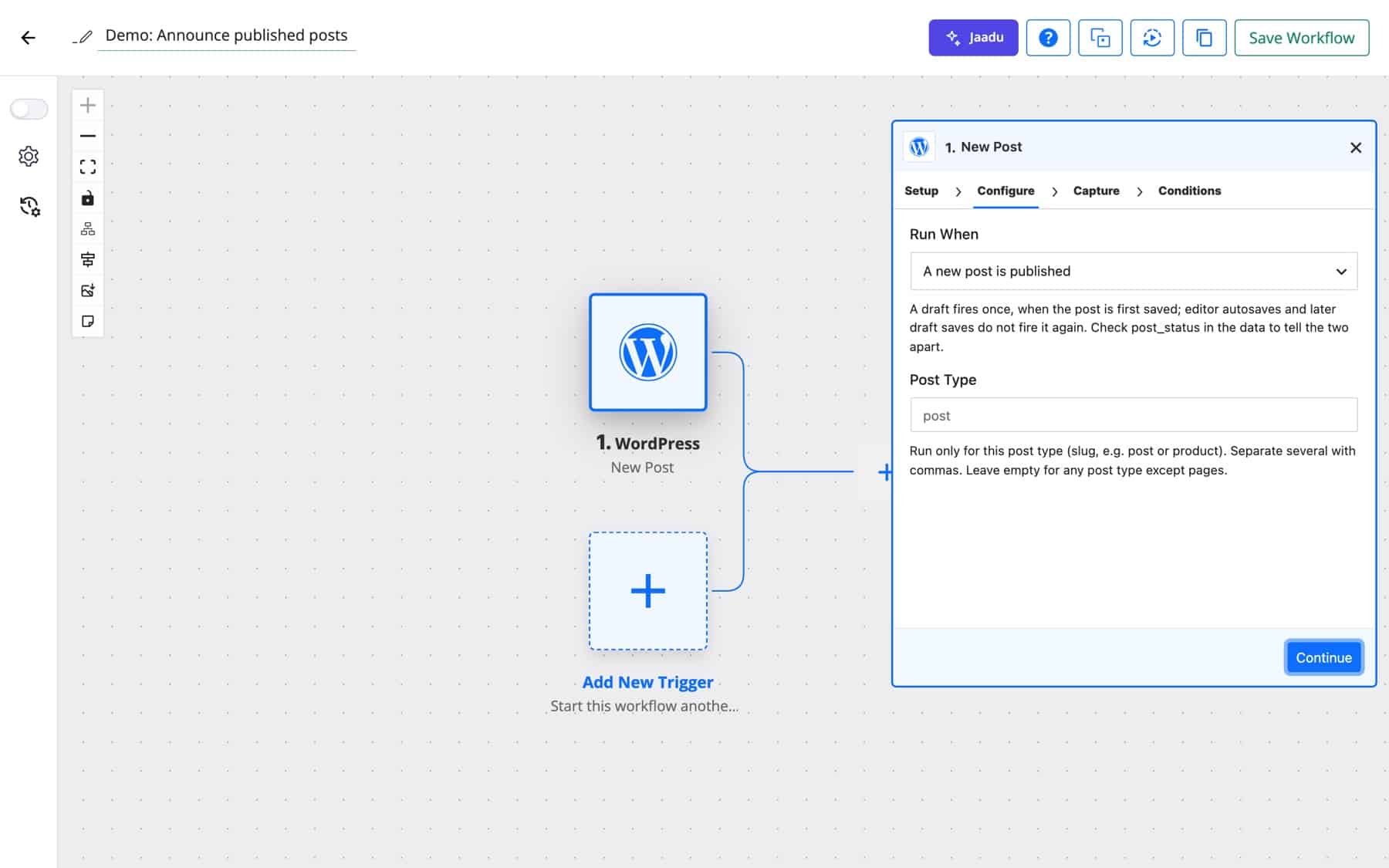
| Run When | New Post | “A new post is published”, “A new post is saved as a draft”, or “Either (once when drafted, again when published)”. |
| Post Type | New Post | Slugs such as post or product, comma-separated. Empty means any post type except pages. |
| Post Type, Post Status | Update Post | Run only for these types and statuses, for example publish, future. Empty means any, drafts included. |
| Page / Post ID, Post Type | User Visits a Page/Post | Limit the trigger to one item or one post type. Empty means any singular view. |
| Profile Field, Post Meta Field | Field-updated triggers | The single user or post meta key to watch. |
| User Role, Changed From, Changed To | Role triggers | Fire only for the role, or the exact role change, you name. |
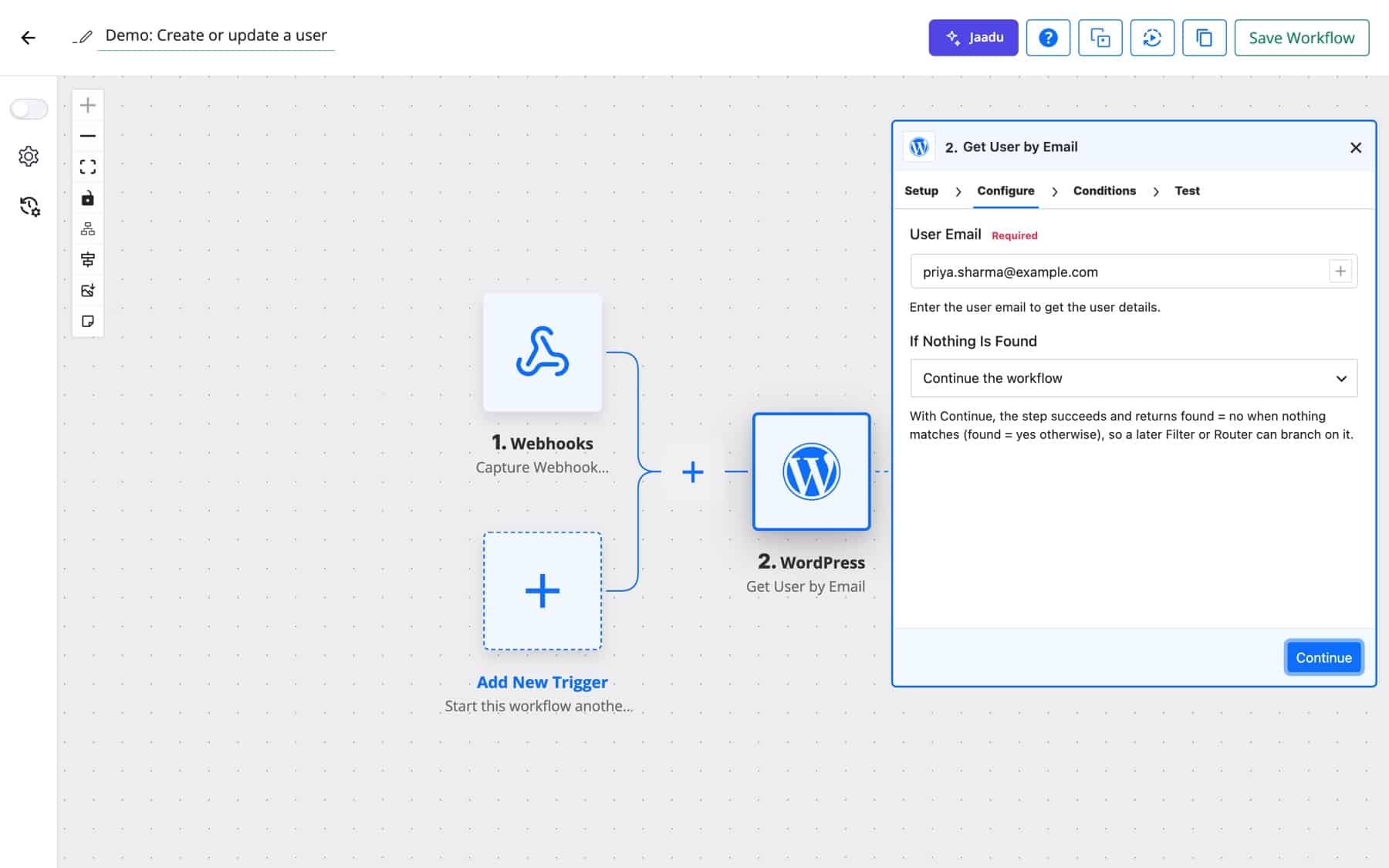
| If Nothing Is Found | Lookup actions | “Stop the workflow with an error” or “Continue the workflow” with found = no. |
| Post Trigger Links | Settings → General | Adds Trigger New Post and Trigger Update Post links to published posts in the posts list. Enabled by default. |
When a post goes live, an AI Agent writes a short social version from the title and excerpt, Telegram sends it to the team, and Google Sheets adds it to the content calendar.
New Post (published) → AI Agent → Telegram → Google Sheets
Set Run When to drafts and each new draft pings the editors’ channel once, with the author and an edit link. Autosaves and later draft saves stay quiet.
New Post (saved as a draft) → Slack
A membership site greets each new user with a designed email that carries a magic login link, so the first visit needs no password.
New User → Generate Magic Login Link → Send Template Email
An AI Agent scores each new comment. A Router approves the clean ones with Update Comment, sends doubtful ones to a person, and deletes obvious spam.
New Comment → AI Agent → Router → Update Comment · Slack · Delete Comment
Agencies want to know who changed what. Plugin Updated runs once per plugin with the version and the user, and together with Theme Switched and WordPress Core Updated it fills a WP Tables log and a Slack channel.
Plugin Updated · Theme Switched · WordPress Core Updated → WP Tables → Slack
When a subscriber becomes a customer, User Role Changed From Specific to Defined fires for exactly that move, and the CRM gets the new tag.
User Role Changed From Specific to Defined → FluentCRM: add tag
A SaaS app posts sign-ups to a webhook. Get User by Email, set to continue when nothing is found, feeds a Branch: new emails get a user, known ones get updated meta.
Webhook → Get User by Email → Branch → New User · Update User Meta
When a person confirms an erasure request, the workflow notifies the data owner and logs the request, so it is never left in the queue.
GDPR Erase Data Request Confirmed → Email → WP Tables
post_status in the data to tell the two runs apart.publish in Post Status if you only care about changes to live posts.found.For an overview of what a site can do on its own events, see WordPress automation.
Add the WordPress app as the trigger, choose New Post and set Run When to “A new post is published”. Limit it to the post types you want, capture a test post, and map its fields into the next steps.
Yes. The Plugin Actions app listens to any action hook you name, from WordPress core or another plugin, and passes its arguments into the workflow as fields.
Yes. New Post and Update Post take one or more post type slugs, and the post actions let you pick any registered type, including ones that only appear in wp-admin.
No. Neither New Post nor Update Post fires on an editor autosave, and a draft starts New Post only once, when it is first saved.
Yes. Network sites can also use the separate WordPress Multisite app, whose triggers include Site Created, Site Deleted, Site Updated and Site Activated.
Let your site react to itself. Try FlowMattic and build your first WordPress workflow on a live demo site.
The FTP app uploads, downloads, moves and deletes files on FTP, FTPS and SFTP servers from any workflow, and starts workflows when…
Share Secrets turns a password or API key into a link that expires after a set time, a set number of views,…
Generate Magic Login Link creates single-use sign-in links from any workflow, valid from 1 minute to 30 days, with a confirmation page…