Workflow logs in WordPress: Task History, re-execute and debug
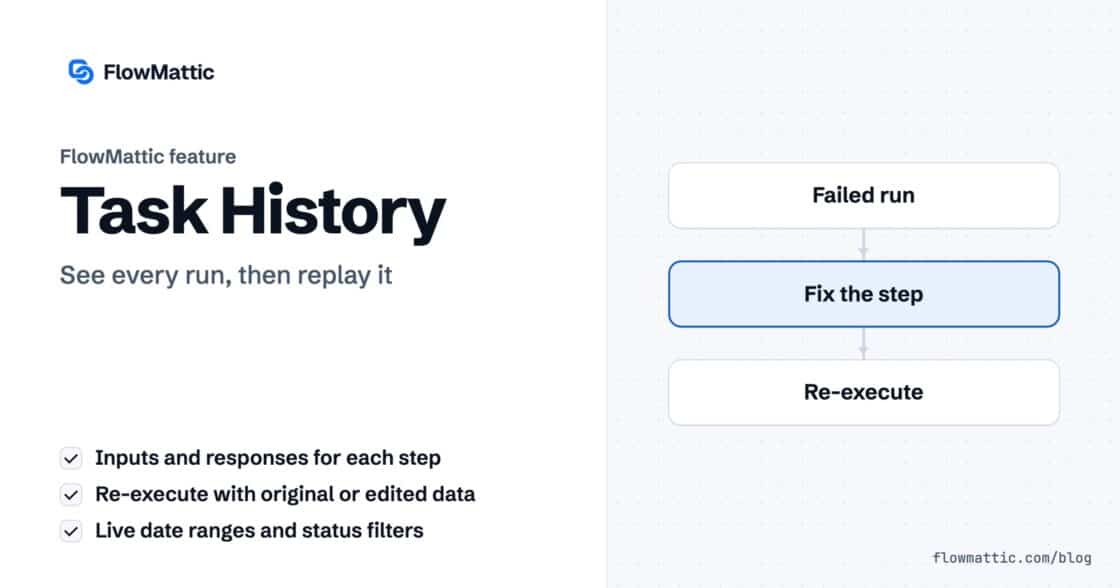
Task History records every run and every step, with inputs and responses, and lets you re-execute a run, a single step or…


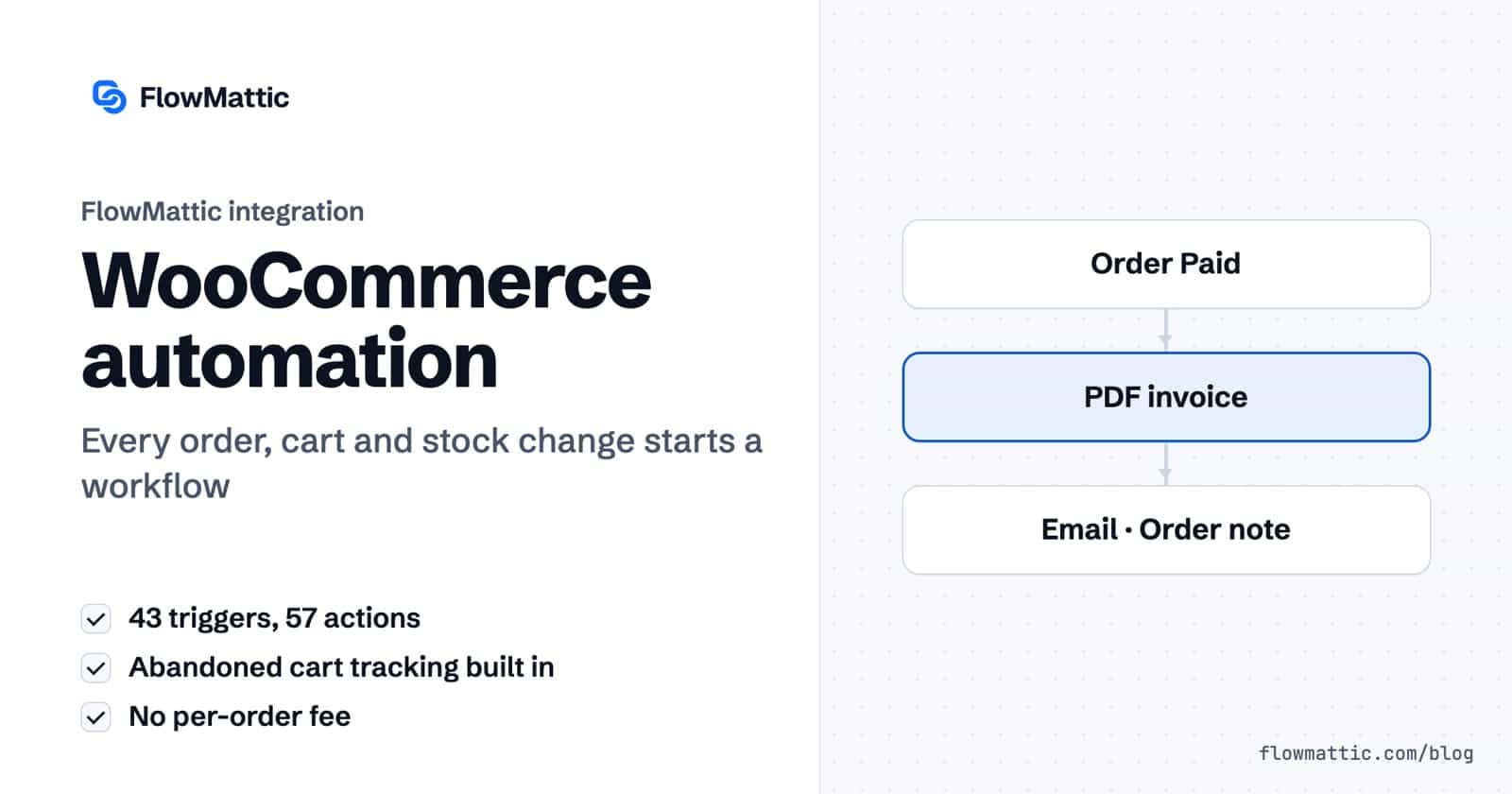
FlowMattic’s WooCommerce triggers and actions turn store events into workflows that run on your own server. The WooCommerce integration has 43 triggers and 57 actions covering orders, products, stock, customers, carts, coupons and reports, plus a built-in abandoned cart tracker that starts a workflow when a shopper leaves without paying.
Store owners use it to send invoices and review requests, agencies to keep client shops in step with their CRM, and operations teams to hear about low stock before it runs out. Since the workflow runs inside WordPress, each order is handled where it was placed, with no per-order fee.
WooCommerce is an integration app rather than part of the core plugin, so you install it once from FlowMattic → Integrations. After that, WooCommerce appears in the builder’s app picker for triggers and actions. Four extension apps cover popular WooCommerce add-ons: WooCommerce Subscriptions, WooCommerce Smart Coupons, WooCommerce PDF Invoices & Packing Slips and WooCommerce Booking.
| Object | Triggers |
|---|---|
| Orders | New Order Created, Order Paid, Order Updated, Order Note Added, Order Deleted, Restore Order, and Order Status Set to Pending, Failed, On-hold, Processing, Completed, Refunded or Cancelled |
| Products | New Product Created, Product Updated, Product Deleted, Restore Product, Product Viewed, Product Purchased, Variable Product Purchased, Product Category Purchased, Product Reviewed, Product Refunded |
| Stock | Product Low Stock, Product Goes Out of Stock, Product Back in Stock, Product Variation Goes Out of Stock, Product Variation Back in Stock |
| Customers | New Customer Created, Customer Updated, Customer Deleted, Customer Order Count Threshold, Customer Total Spend Threshold |
| Cart | Product Added to Cart, Product Removed from Cart, New Cart Abandonment |
| Coupons | New Coupon Created, Coupon Updated, Coupon Deleted, Coupon Restored |
| Subscriptions | WooCommerce Subscription Created, WooCommerce Subscription Status Updated, Variable Subscription Purchased |
| Object | Actions |
|---|---|
| Orders | Create New Order, Change Order Status, Add Order Note, List All Order Notes, Get Order by ID, Get Orders by Email, Get Orders of User, List All Orders, Retrieve a List of Refunds, Add/Update Custom Fields |
| Products | Create New Product, Create Variable Product, Create Product Variation, Update Product, Update Product Variation, Update Product Price, Update Product Stock Quantity, Get Product by ID, Get Product by SKU, Retrieve Product by Name/Slug, Get All Products, Get Product Variation, Get Product Sales Count |
| Catalogue | Create Attribute, Add Attribute Terms, Add Product Attributes, Update Product Attributes, Create Product Category, Create Product Tag, Delete Product Tag, Create Product Review |
| Customers | Create a Customer, Update Customer, Delete Customer, Get Customer by ID, Get Customer by Email, Get All Customers, Get Customer Total Spent, Get Customer Order Count, Get Customer Last Order |
| Cart | Add Product to Cart, Remove Product from Cart, Check Cart Status, Send Abandoned Cart Email |
| Coupons | Create Coupon, Update Coupon, Delete Coupon, Apply Coupon, Add Email(s) to Coupon, Fetch Coupon Details |
| Reports | Retrieve Sales Report, Retrieve Top Sellers Report, and the Orders, Products, Customers, Coupons and Reviews Totals |
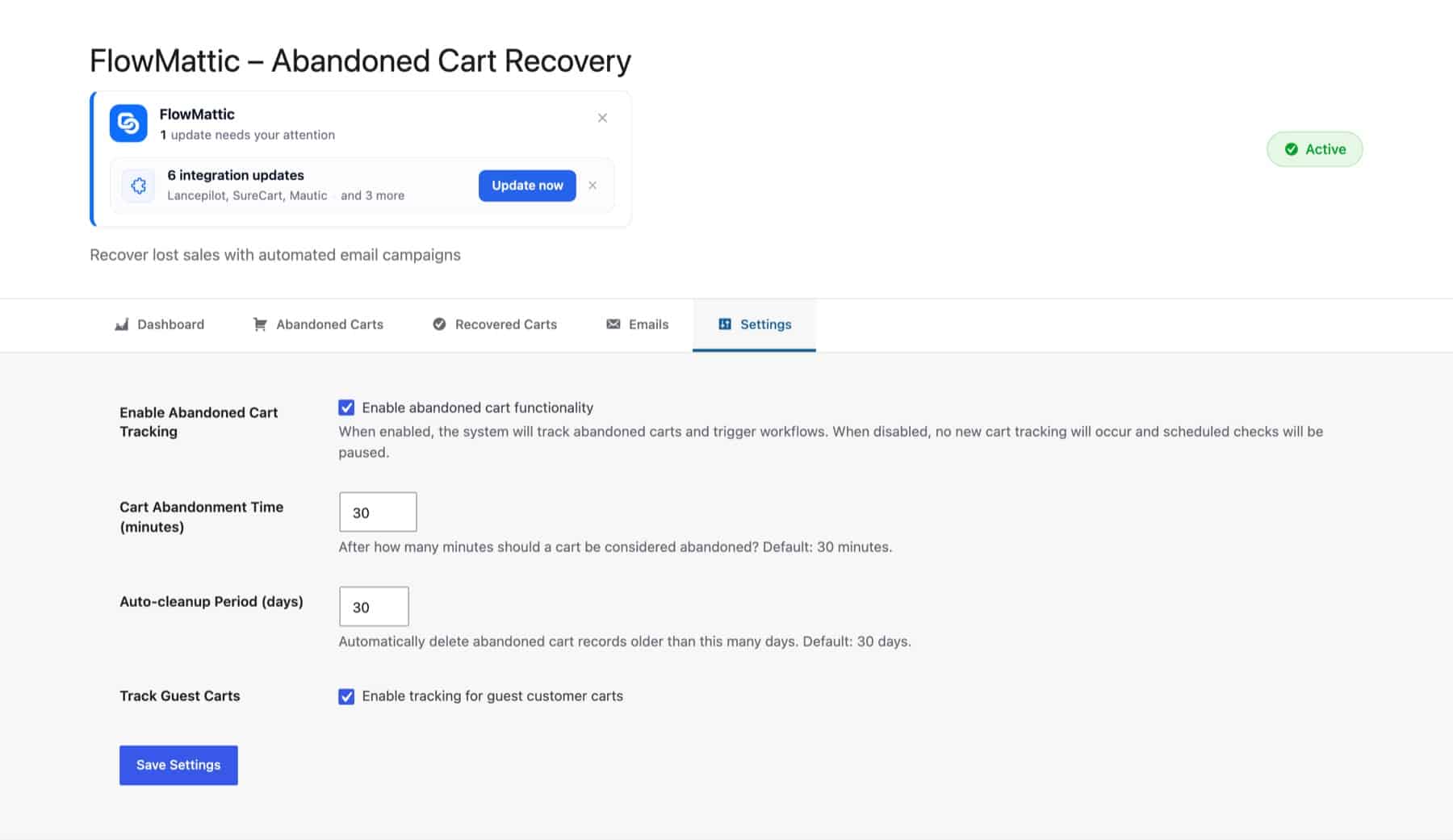
The integration adds WooCommerce → Abandoned Carts to wp-admin, with Dashboard, Abandoned Carts, Recovered Carts, Emails and Settings tabs. Tracking is off until you turn it on in Settings:
The tracker checks for abandoned carts every 30 minutes and fires New Cart Abandonment for each one. It never sends email by itself: your workflow decides what happens. Check Cart Status confirms a cart is still open, and Send Abandoned Cart Email sends custom content, one of the three default templates (Recovery, Coupon Discount, Final Reminder, edited on the Emails tab), or a design from FlowMattic’s Email Template Builder.
When payment completes, a PDF invoice is rendered from your own template, emailed to the customer, and recorded on the order as a note.
Order Paid → Generate PDF from Template → Send Template Email → Add Order Note
Completed orders wait seven days, a Filter skips anything refunded since, and the customer gets a review request.
Order Status Set to Completed → Delay For 7 days → Filter → Send Template Email
An hour after abandonment, the workflow checks the cart is still open, creates a coupon, restricts it to that shopper’s email, and sends it.
New Cart Abandonment → Delay For 1 hour → Check Cart Status → Filter → Create Coupon → Add Email(s) to Coupon → Send Abandoned Cart Email
An AI Agent reads each new order and labels it rush, standard or needs a look. A Router sends rush orders to Slack and the rest to the usual confirmation.
New Order Created → AI Agent → Router → Slack · Email
Customer Total Spend Threshold fires when a customer passes the amount you set, say 500. Amelia Okafor gets a VIP tag in FluentCRM and a thank-you from the founder.
Customer Total Spend Threshold → FluentCRM: add tag → Send Email
When a product reaches its low stock threshold, the buyer gets a Telegram message and a row is added to the reorder table.
Product Low Stock → Telegram → WP Tables: add row
Every Monday, the top sellers report goes to an AI Agent that writes a short summary for the team channel.
Schedule (weekly) → Retrieve Top Sellers Report → AI Agent → Slack
Small settings make a big difference to WooCommerce automation in a live store:
See every store workflow in one place on the WooCommerce automation page.
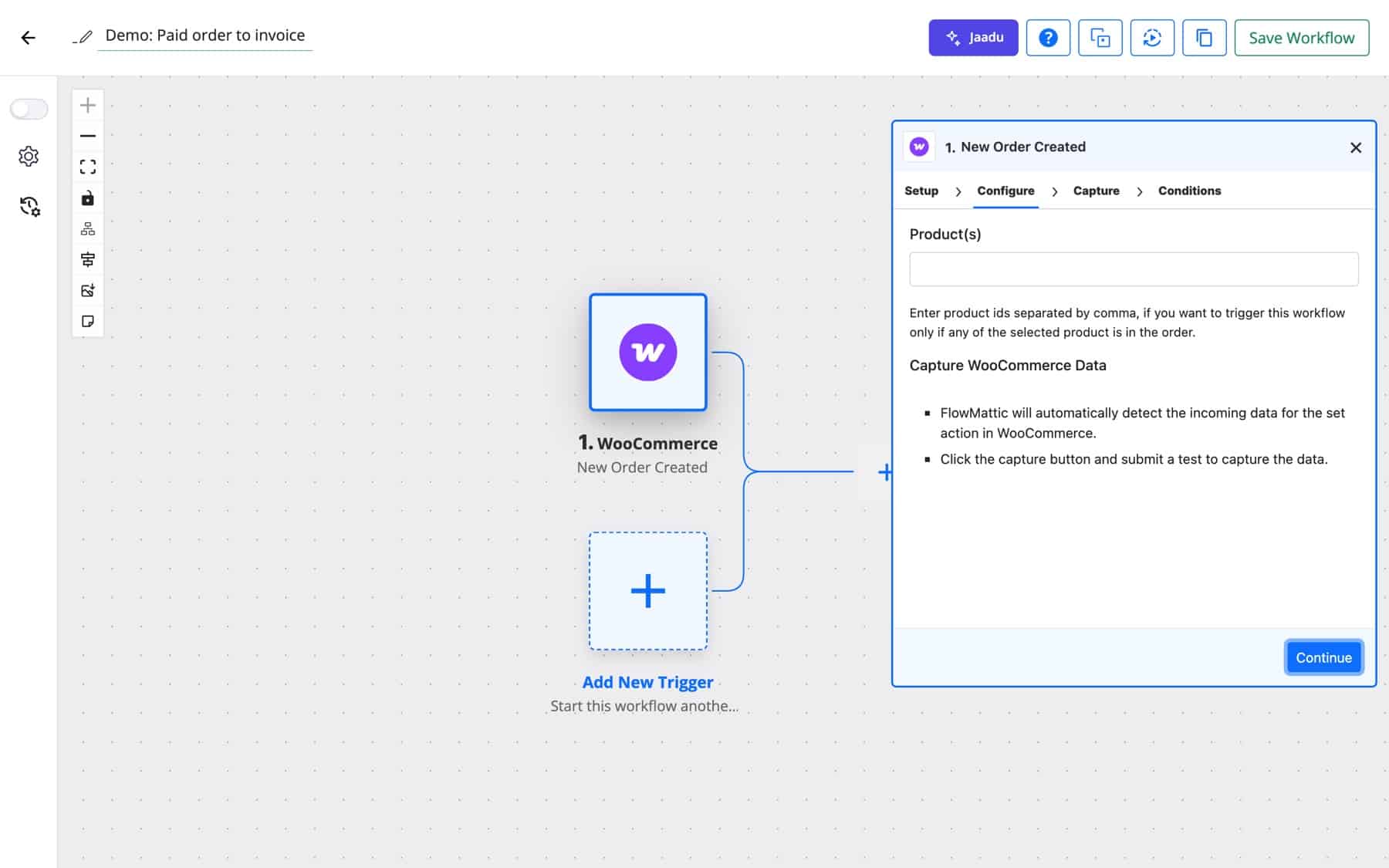
Install the WooCommerce integration from FlowMattic → Integrations, start a workflow with New Order Created or Order Paid, capture a test order and map its fields into the steps you need. Each new order then runs the workflow on your own server.
Yes. Turn on tracking under WooCommerce → Abandoned Carts → Settings, then build a workflow on New Cart Abandonment. Check Cart Status and Send Abandoned Cart Email let you wait, confirm and send on your own timing.
Yes. New Order Created takes a list of product IDs, Product Purchased one product ID, and Product Category Purchased a category ID. For anything finer, add a Filter on any order field.
Yes. The WooCommerce app has subscription created and status updated triggers, and the separate WooCommerce Subscriptions app adds renewal, trial and payment triggers plus actions to cancel, extend or reactivate a subscription.
No. Workflows run on your WordPress server, so the number of orders or steps doesn’t change what you pay. The plans are on the pricing page.
Ready to automate your store from inside your store? See FlowMattic pricing and build your first order workflow today.
Task History records every run and every step, with inputs and responses, and lets you re-execute a run, a single step or…
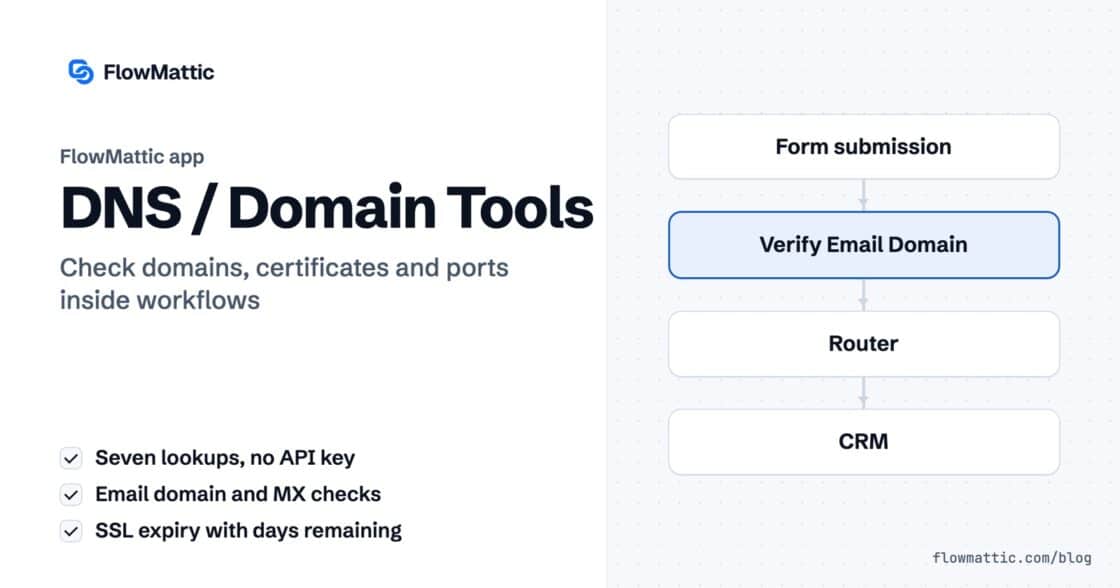
DNS / Domain Tools adds seven checks to any workflow: DNS, reverse DNS, MX, email domain, SSL certificate, HTTP headers and open…
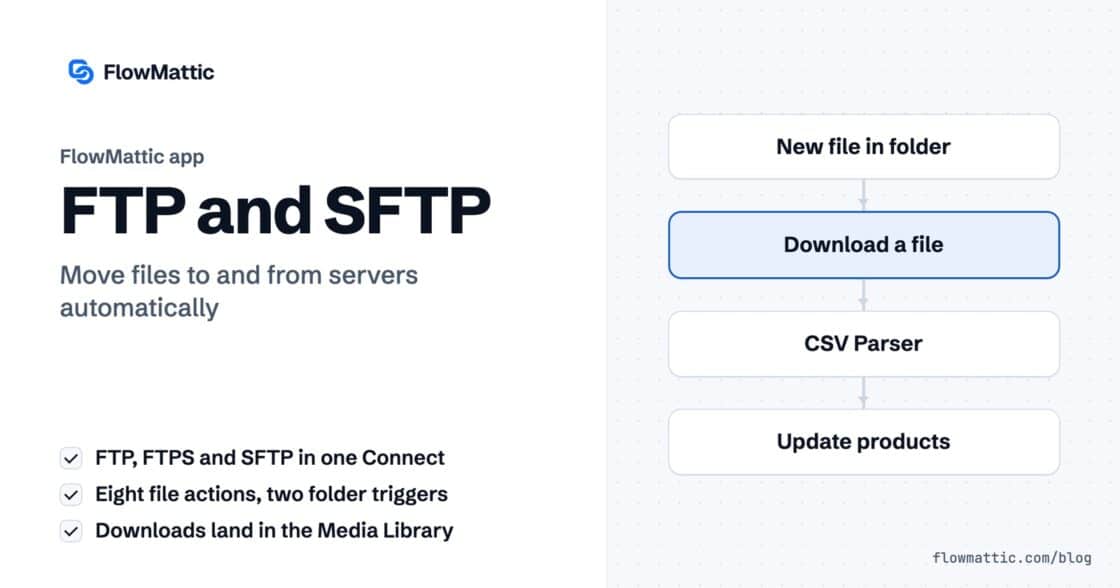
The FTP app uploads, downloads, moves and deletes files on FTP, FTPS and SFTP servers from any workflow, and starts workflows when…