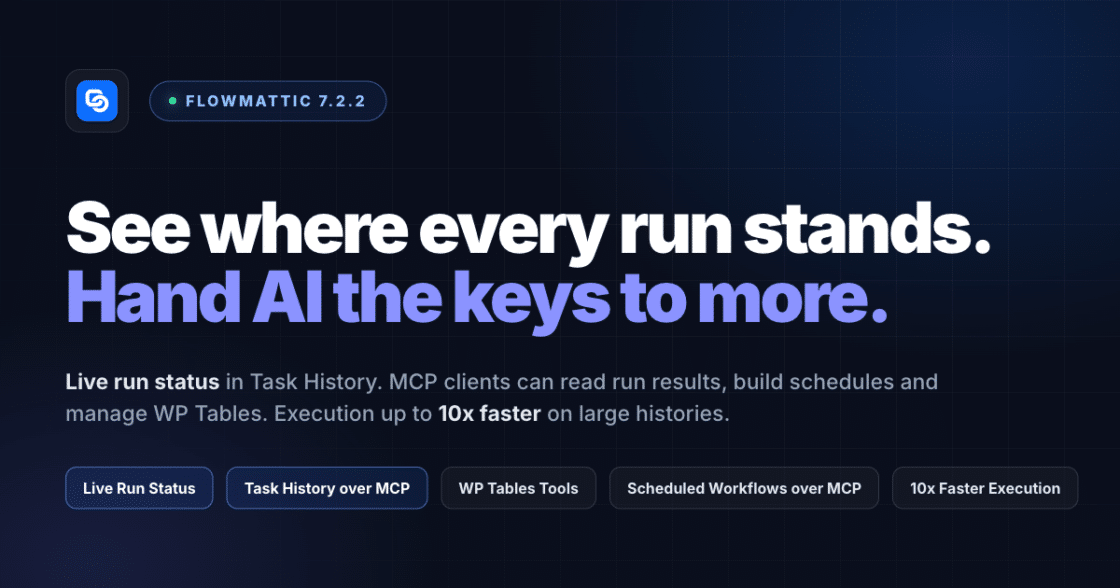
FlowMattic 7.2.2: See Where Every Run Stands
Live run status in Task History — Ongoing, Waiting, Interrupted — plus MCP clients that can read run results and manage WP…


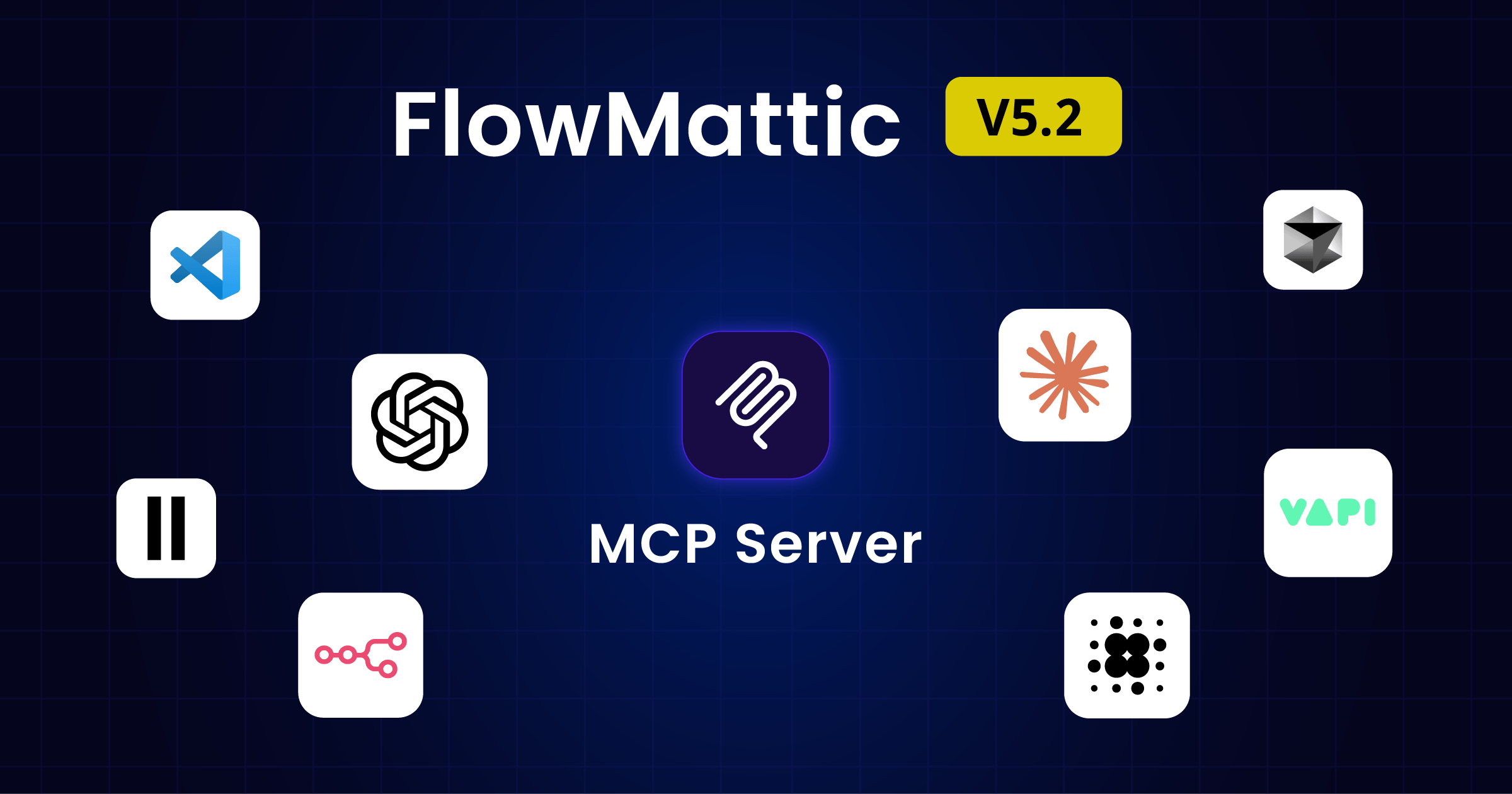
We are thrilled to announce the release of FlowMattic 5.2.0, our most significant update yet! This version brings groundbreaking Model Context Protocol (MCP) integration, comprehensive UI redesigns, and numerous improvements that make workflow automation more powerful and intuitive than ever before.
First and foremost, we want to express our heartfelt gratitude to our incredible user community. Your patience, valuable feedback, and unwavering support during our development journey have been the driving force behind this major release. Thank you for believing in our vision and helping us shape FlowMattic into the robust automation platform it is today.
The highlight of FlowMattic 5.2.0 is our comprehensive Model Context Protocol (MCP) integration, an open standard that enables seamless connections between AI assistants and external data sources. This integration positions FlowMattic at the forefront of AI-powered automation technology.
Getting your FlowMattic site ready for MCP connectivity is now incredibly simple. With our new MCP Server feature, you can make your site MCP-compatible in just a few clicks. This standardised approach eliminates the need for custom implementations for each data source, replacing fragmented integrations with a single protocol.
The MCP Server automatically exposes your FlowMattic workflows, data sources, and automation capabilities to MCP-compatible AI clients like Claude Desktop, enabling intelligent agents to interact with your automation infrastructure seamlessly.
The new FlowMattic MCP module transforms how your workflows handle AI-triggered events. This powerful module allows you to:
This means your FlowMattic workflows can now participate in complex AI-driven processes, responding intelligently to AI requests while maintaining full control over execution and permissions.
Complementing our MCP capabilities, the new Data Transformer core module provides robust data transformation capabilities. Whether you’re converting between JSON, XML, CSV formats, or transforming data structures for different APIs, this module ensures seamless data flow across your automation ecosystem.
FlowMattic 5.2.0 features a comprehensive visual overhaul designed to enhance productivity and user experience across the platform.
The redesigned dashboard presents a sleek, modern interface that provides immediate insights into your automation performance. Key improvements include:
The workflow admin screen has been completely reimagined with:
The System Status screen now provides deeper insights into your FlowMattic installation:
The Connects admin page features a completely new design:
The FlowMattic settings page has been redesigned for improved usability:
External database connections now support SSL methods, providing:
Several WordPress-specific improvements enhance content management workflows:
The Text formatter Extract Pattern with Regex action now supports multiple pattern methods, enabling more sophisticated text processing and data extraction capabilities.
FlowMattic 5.2.0 addresses numerous issues that improve platform stability and reliability:
FlowMattic 5.2.0 represents a significant milestone in our journey towards making workflow automation more intelligent, efficient, and accessible. The MCP integration positions FlowMattic to leverage the growing ecosystem of AI-powered tools and services, while our comprehensive UI improvements ensure that both new and experienced users can harness these powerful capabilities with ease.
Our commitment to continuous improvement remains unwavering. We’re already working on exciting new features and enhancements based on your feedback and the evolving landscape of automation technology.
Update to FlowMattic 5.2.0 today to experience these powerful new capabilities. Whether you’re looking to integrate AI-powered workflows, improve your user experience with the redesigned interface, or benefit from enhanced stability and performance, this update delivers significant value for automation professionals.
We encourage you to explore the new MCP capabilities, experiment with the Data Transformer module, and take advantage of the improved user interface. As always, our support team is available to help you make the most of these new features.
Thank you once again for your continued trust in FlowMattic. Together, we’re building the future of intelligent workflow automation.
Ready to experience FlowMattic 5.2.0? Update your installation today and discover the power of MCP-enabled workflow automation. For detailed documentation on the new MCP features, visit our knowledge base.
Live run status in Task History — Ongoing, Waiting, Interrupted — plus MCP clients that can read run results and manage WP…
The Join step merges a Router's routes or a Branch's Yes/No back into one chain, so the steps after it run once.…
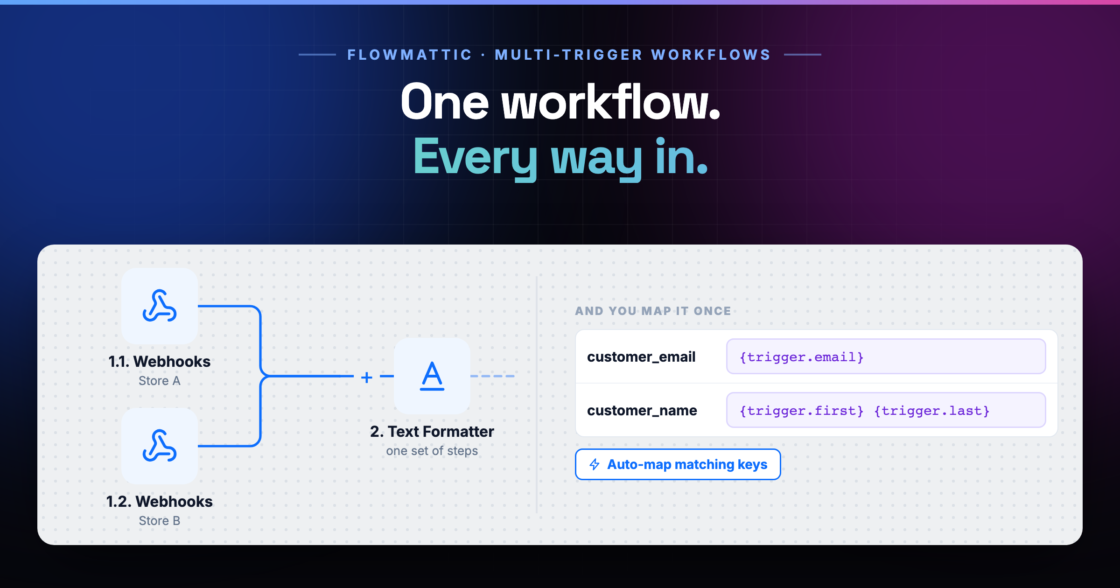
A workflow can now start from several triggers — a second webhook, a schedule, a form — all running the same steps.…