FlowMattic 7.3: On-Time Schedules, Cloud Webhooks and More
FlowMattic 7.3 runs schedules on time with FlowMattic Cloud, keeps webhooks from getting lost, and adds Tables views and templates, booking questions,…


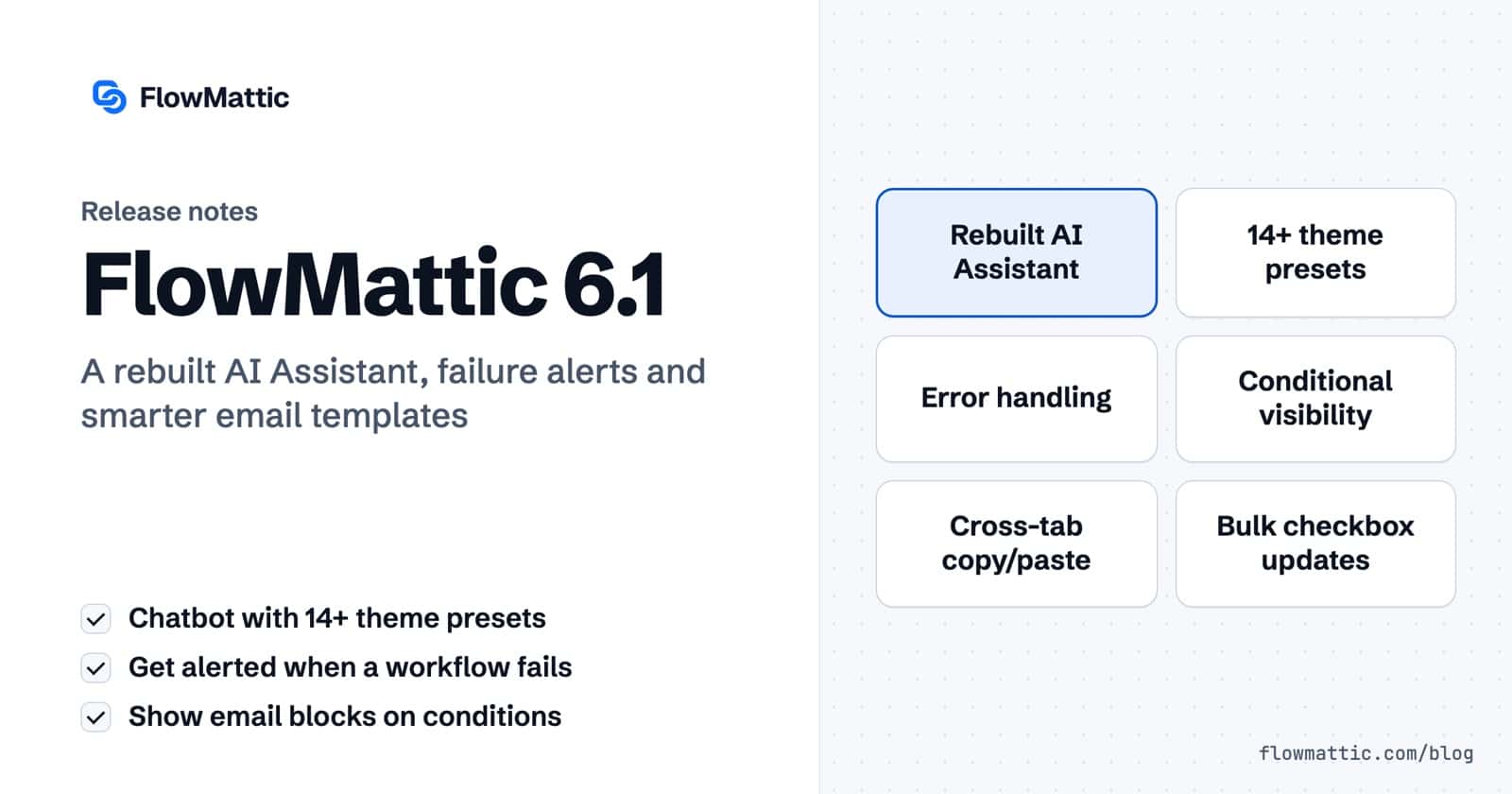
FlowMattic 6.1.0 is here with one of the biggest updates yet. A completely rebuilt AI Assistant chatbot, automated workflow error handling, major Email Template Builder upgrades, cross-tab copy/paste for workflow steps, and a long list of improvements and fixes across the board.
Let’s walk through everything that’s new.
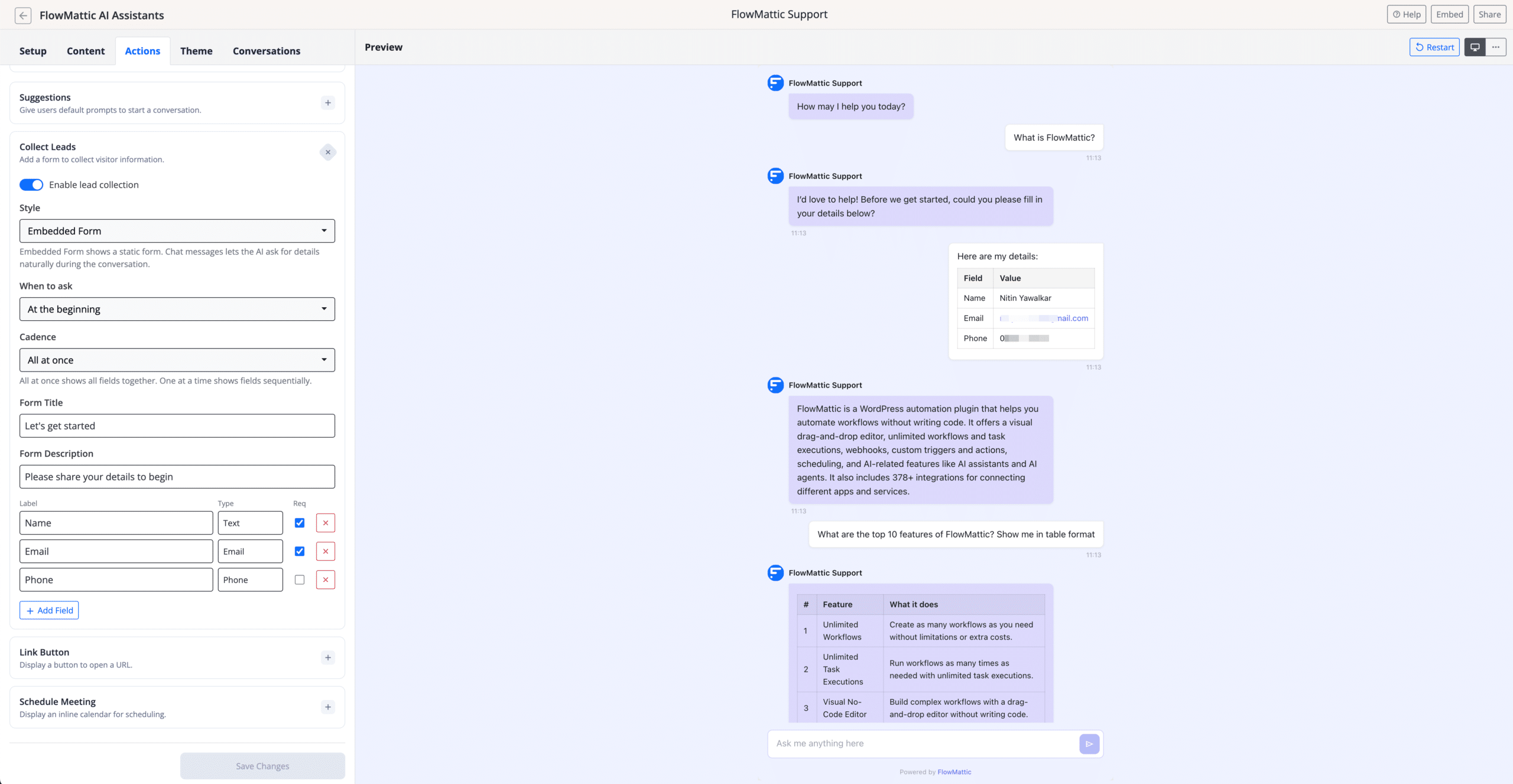
The AI Assistant chatbot has been completely rewritten from scratch. The new engine is built on the latest OpenAI Responses API, delivering faster and more reliable conversations with a much-improved user interface.
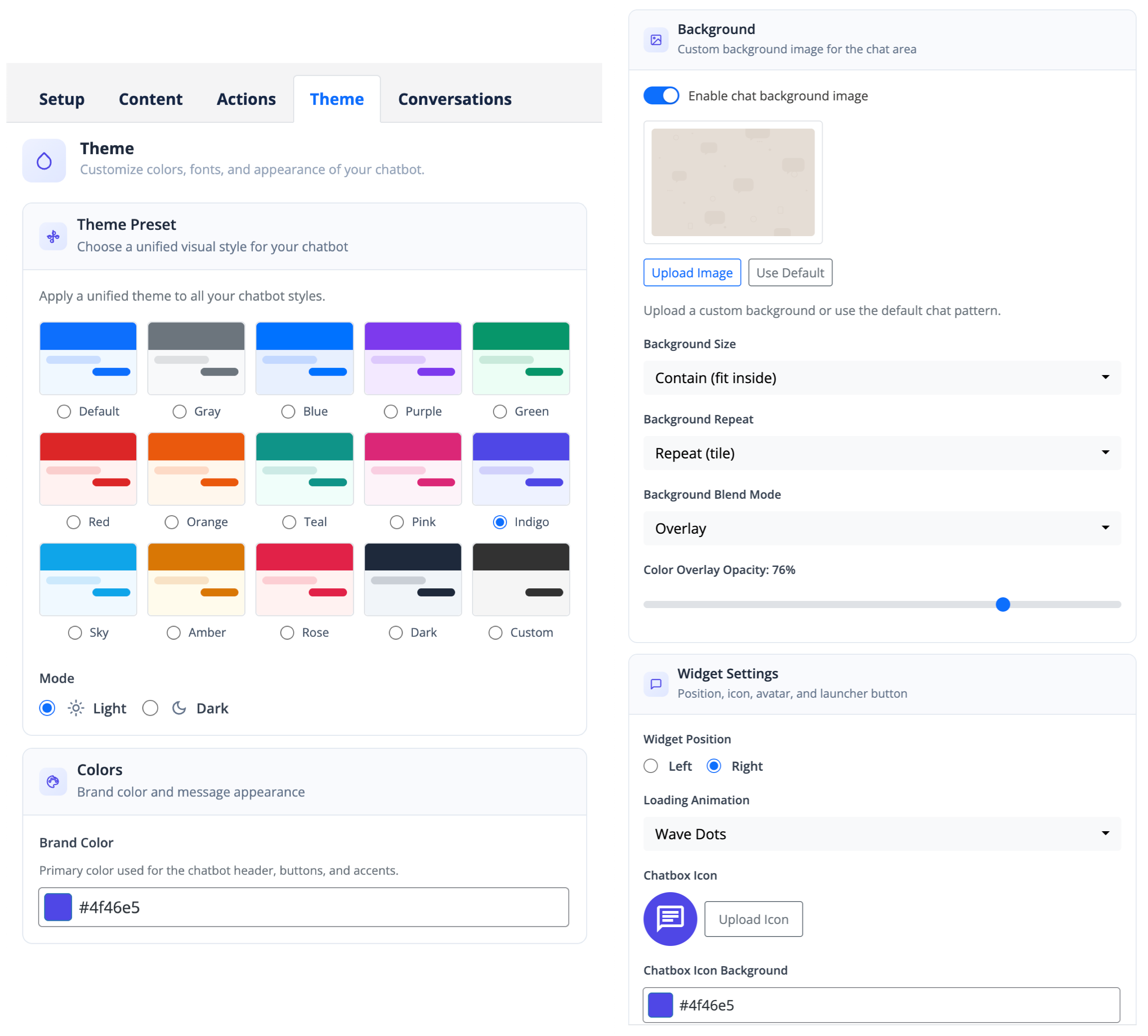
The new AI Assistant comes with over 14 theme presets to match any website design. Beyond presets, you get fine-grained control over colors, layout, fonts, and behavior — making it easy to create a chatbot that feels native to your brand.
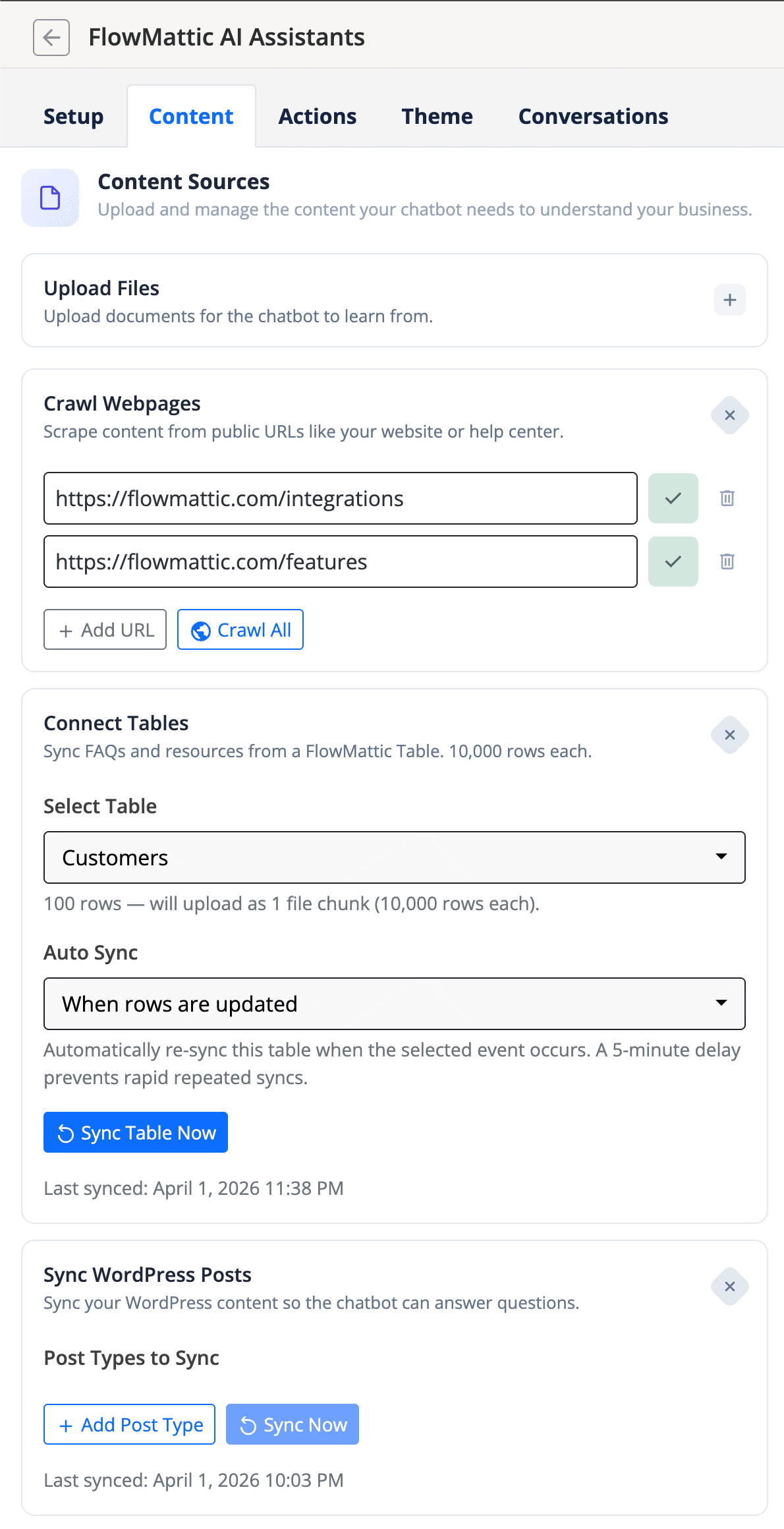
You can now connect your custom database tables, custom post types, and custom links as content sources for the AI Assistant. This means your chatbot can draw from your exact data — not just pages and posts — to give accurate, context-aware answers to your visitors.
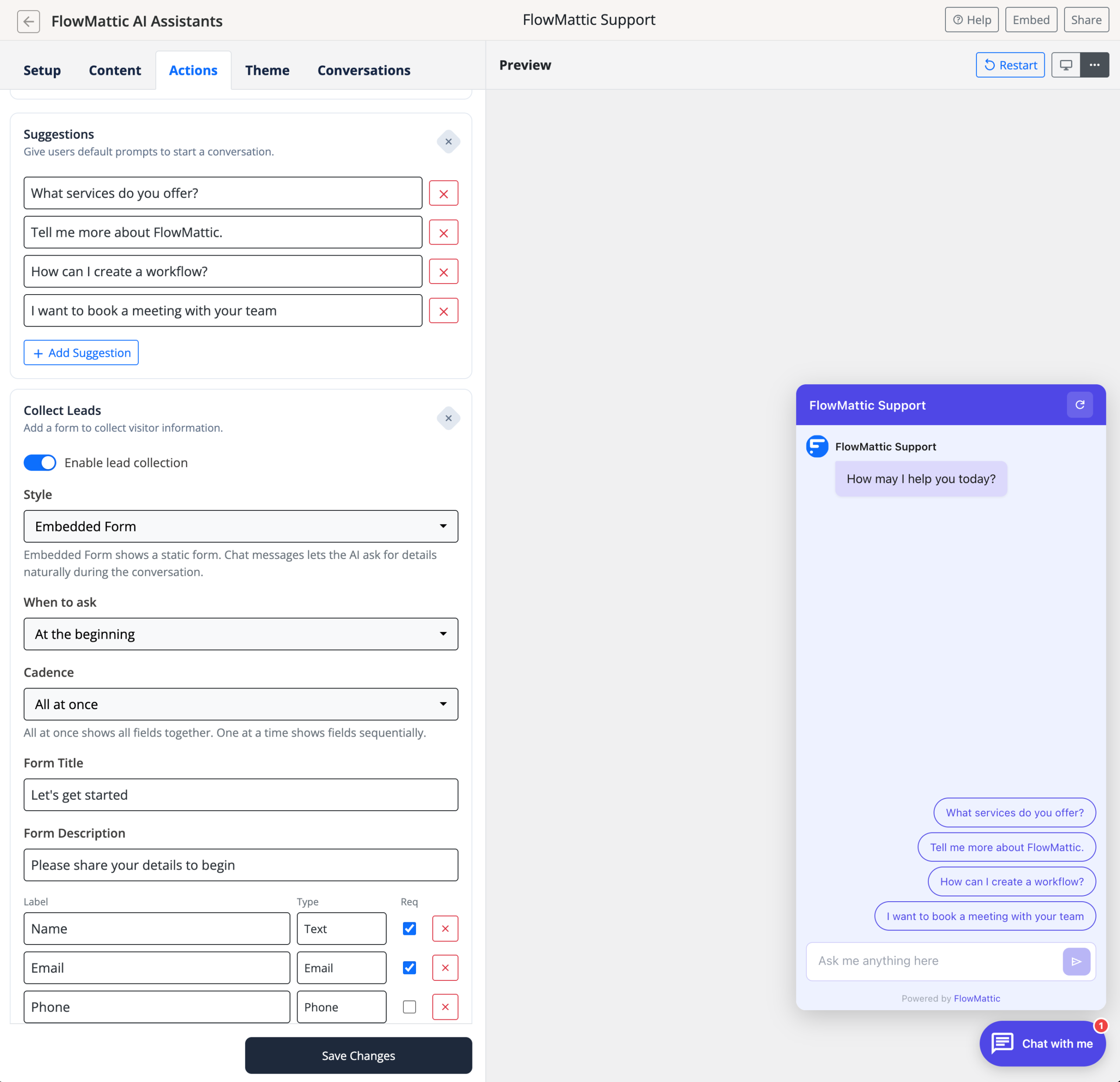
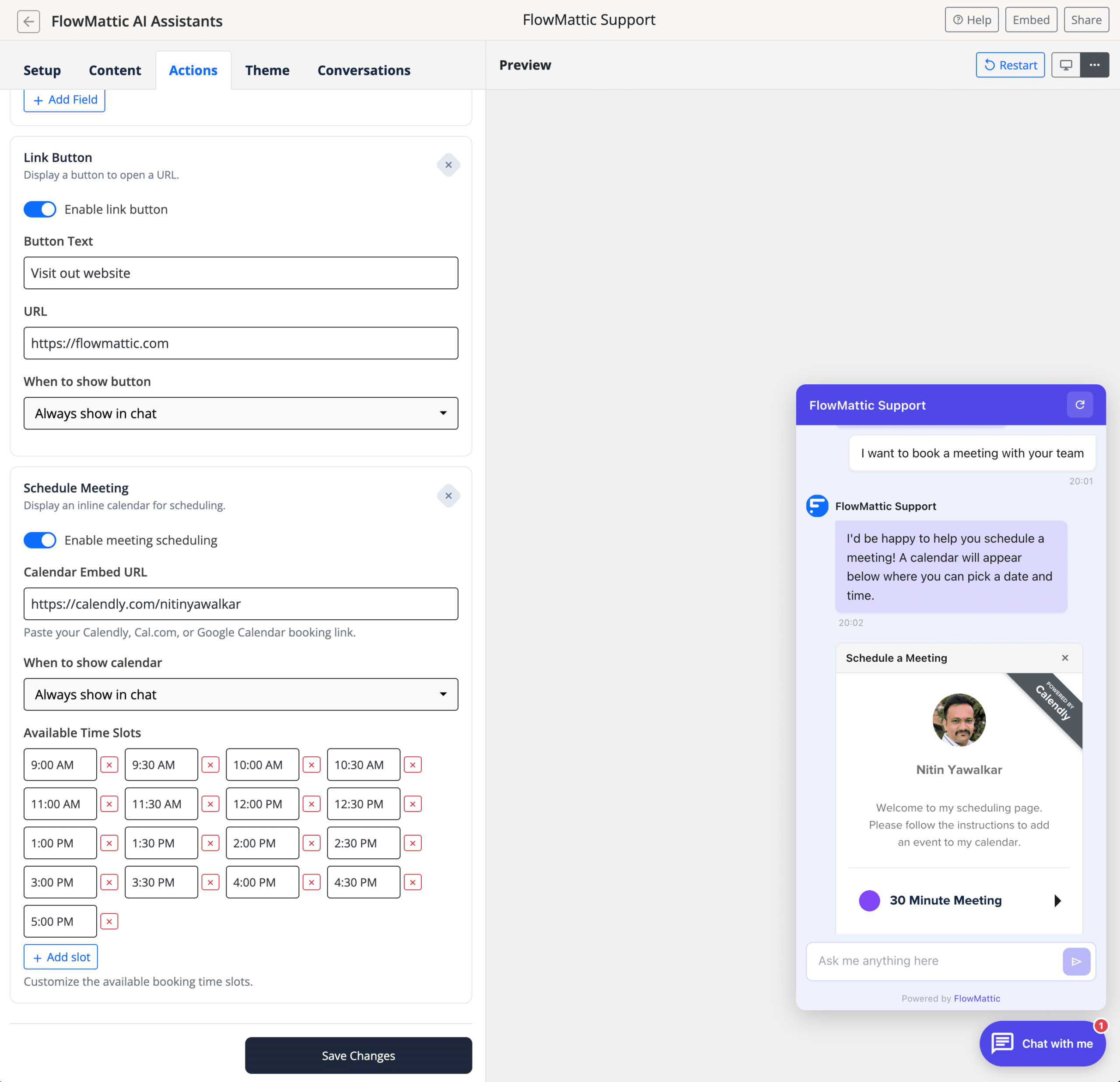
The AI Assistant now supports powerful new actions within the chat experience:
One of the most requested features is here. FlowMattic 6.1.0 introduces built-in workflow error handling with two new capabilities that ensure you’re always aware when something goes wrong.
A brand-new trigger that fires automatically when any workflow encounters an error. You can use this to build failover notification workflows that alert you on Slack, Discord, Microsoft Teams, Pushover, or any webhook-compatible service the moment something breaks.
Set a single webhook URL in FlowMattic settings to receive all workflow failure payloads as JSON POST requests. This works independently of your email/SMTP setup, making it ideal for routing failure alerts to Slack, Discord, Teams, PagerDuty, or any endpoint that accepts webhooks.
The Email Template Builder receives four key upgrades in this release:
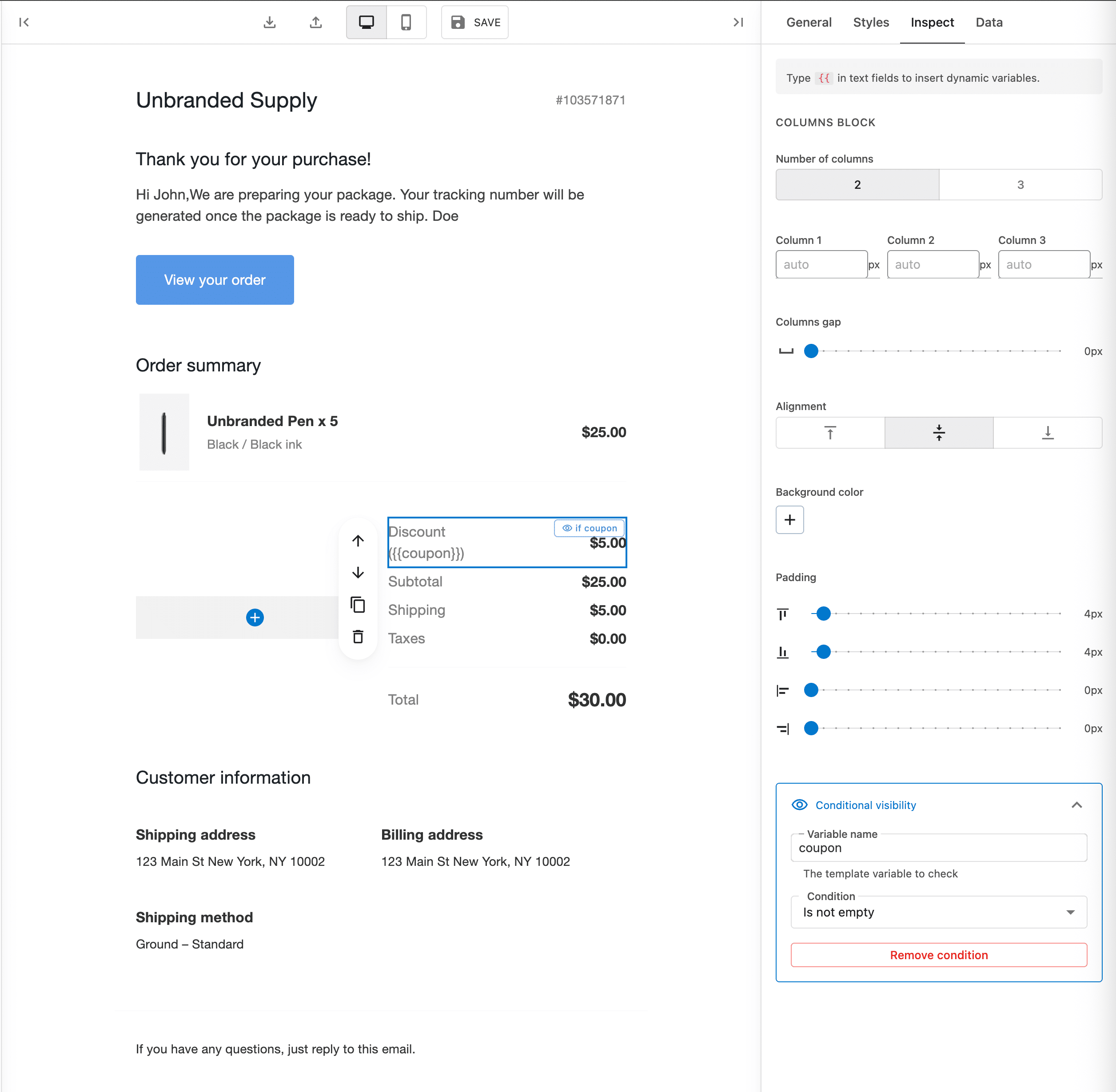
{{ in any text field to trigger autocomplete for inserting dynamic variables. No more remembering variable names.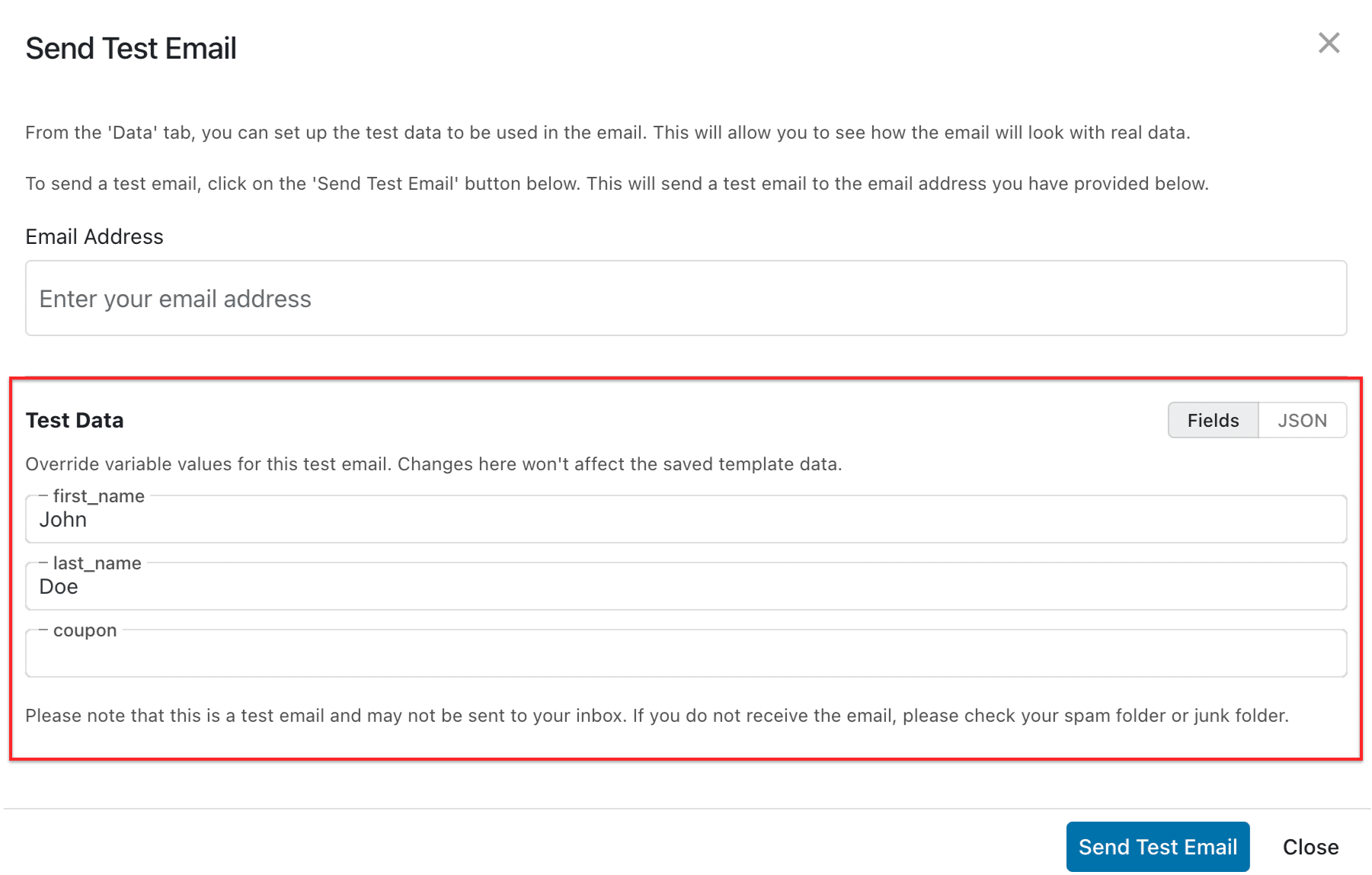
You can now copy and paste workflow steps between different browser tabs. Working on two workflows simultaneously? Just copy a step from one and paste it into another. This cross-tab support makes it significantly faster to build workflows that share similar logic.
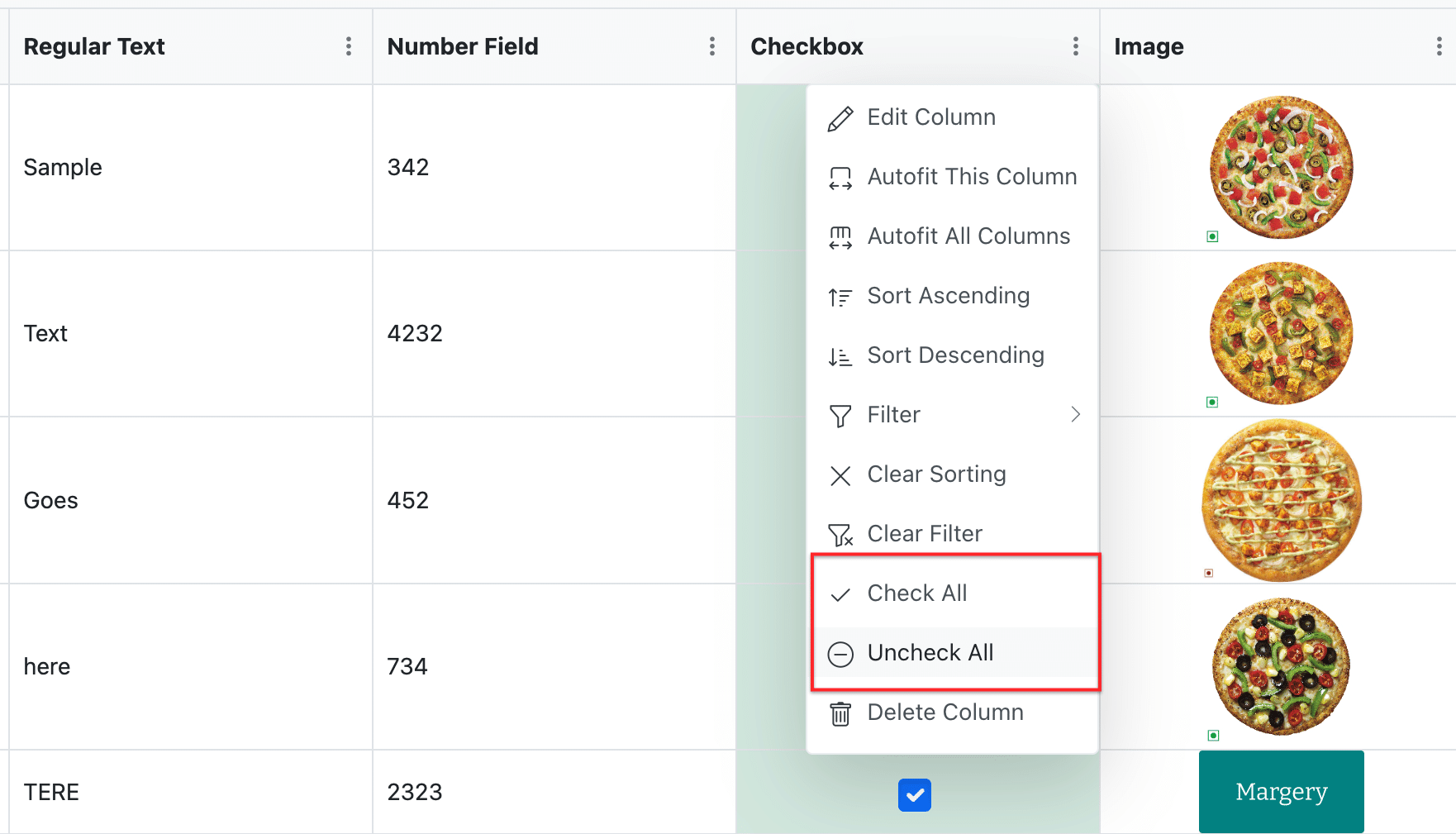
Checkbox columns in FlowMattic Tables now include Check All and Uncheck All options in the column header menu. Select all checkboxes on the current page with a single click — no more toggling rows one by one.
This release includes a comprehensive set of bug fixes across multiple modules:
FlowMattic 6.1.0 is available now. Head to your WordPress dashboard and update to get all the new features, improvements, and fixes. As always, we recommend backing up your site before updating.
Have questions or feedback? Reach out to us through our support page — we’d love to hear from you.
FlowMattic 7.3 runs schedules on time with FlowMattic Cloud, keeps webhooks from getting lost, and adds Tables views and templates, booking questions,…
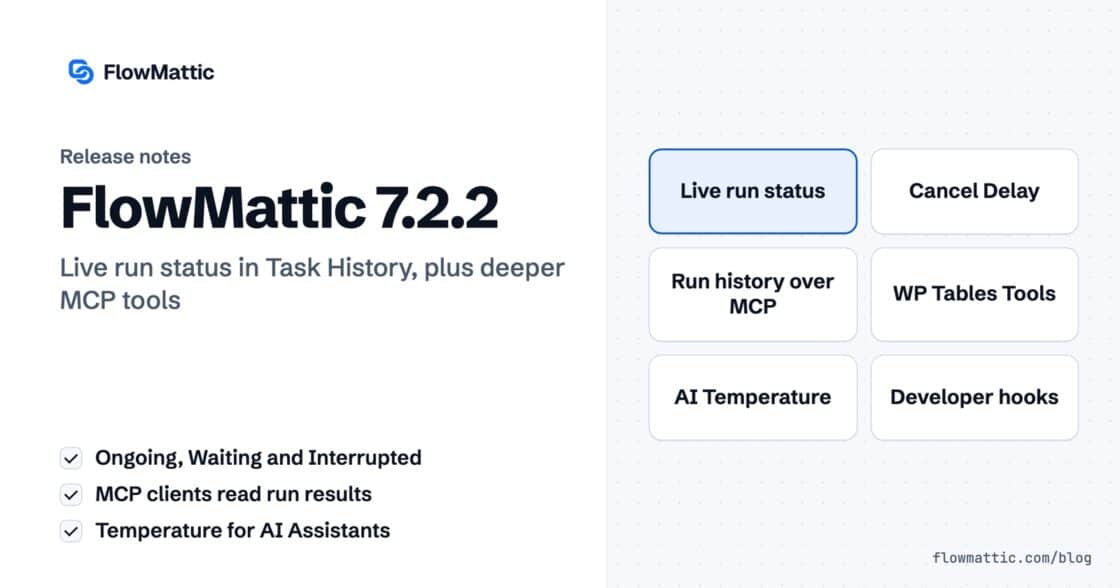
Live run status in Task History — Ongoing, Waiting, Interrupted — plus MCP clients that can read run results and manage WP…
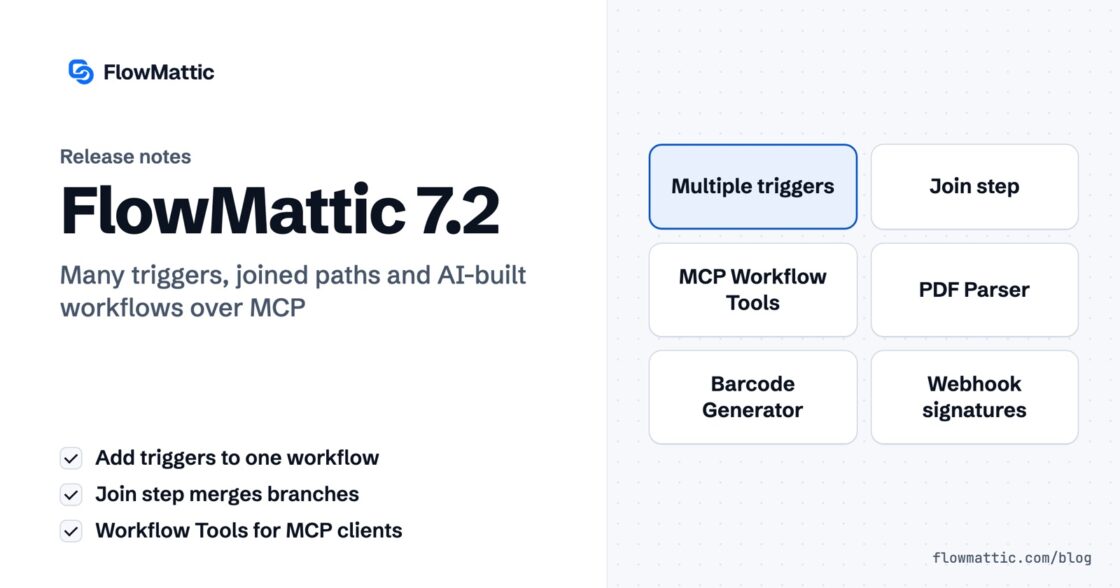
Multi-trigger workflows, the new Join step, AI that builds workflows over MCP — plus PDF Parser, webhook signature verification, barcodes and HTML-to-PDF,…