

Post each new row in a social queue sheet to Telegram and Discord
Add a row to your social queue in Google Sheets and its message goes out twice: as a Telegram text to your chat or channel and as a post in the Discord channel you pick.
 Google Sheets
 Telegram
 Discord
3 steps Setup ~5 min Used on 1.4k sites Content Ops Free to import
What this workflow does
Posting the same update in several communities means copying and pasting it into each app. If you plan updates in a spreadsheet, this workflow turns the sheet into your publishing button: write the message in a new row and it is sent to Telegram and Discord.
A run starts whenever a row lands in your Google Sheets queue. The workflow reads the value from a column called message.
That message is sent first by Telegram as a text, with HTML formatting turned on, so tags like bold and links work. Then it is posted to a Discord channel. After import, connect your Telegram bot and choose the chat, group or channel it posts to, and pick the Discord channel.
The message goes out as soon as the row is added; there is no review step or scheduled time. Write the row only when the message is ready, or add a Delay. Rows already in the sheet when you turn the workflow on aren't sent.
Release announcements for a product community
A plugin developer adds a row for each new release, and the note appears in the Telegram channel and the Discord announcements channel at once.
Event reminders for a gaming group
An organiser keeps a sheet of upcoming game nights and adds a row on the day, so both the Telegram group and the Discord server get the reminder.
Shared queue for a small team
Several people add update ideas to one sheet, and each finished message is posted to both communities without anyone needing access to the bot.
How this workflow runs
What happens at each step once the workflow is on, and what you need before you import it.
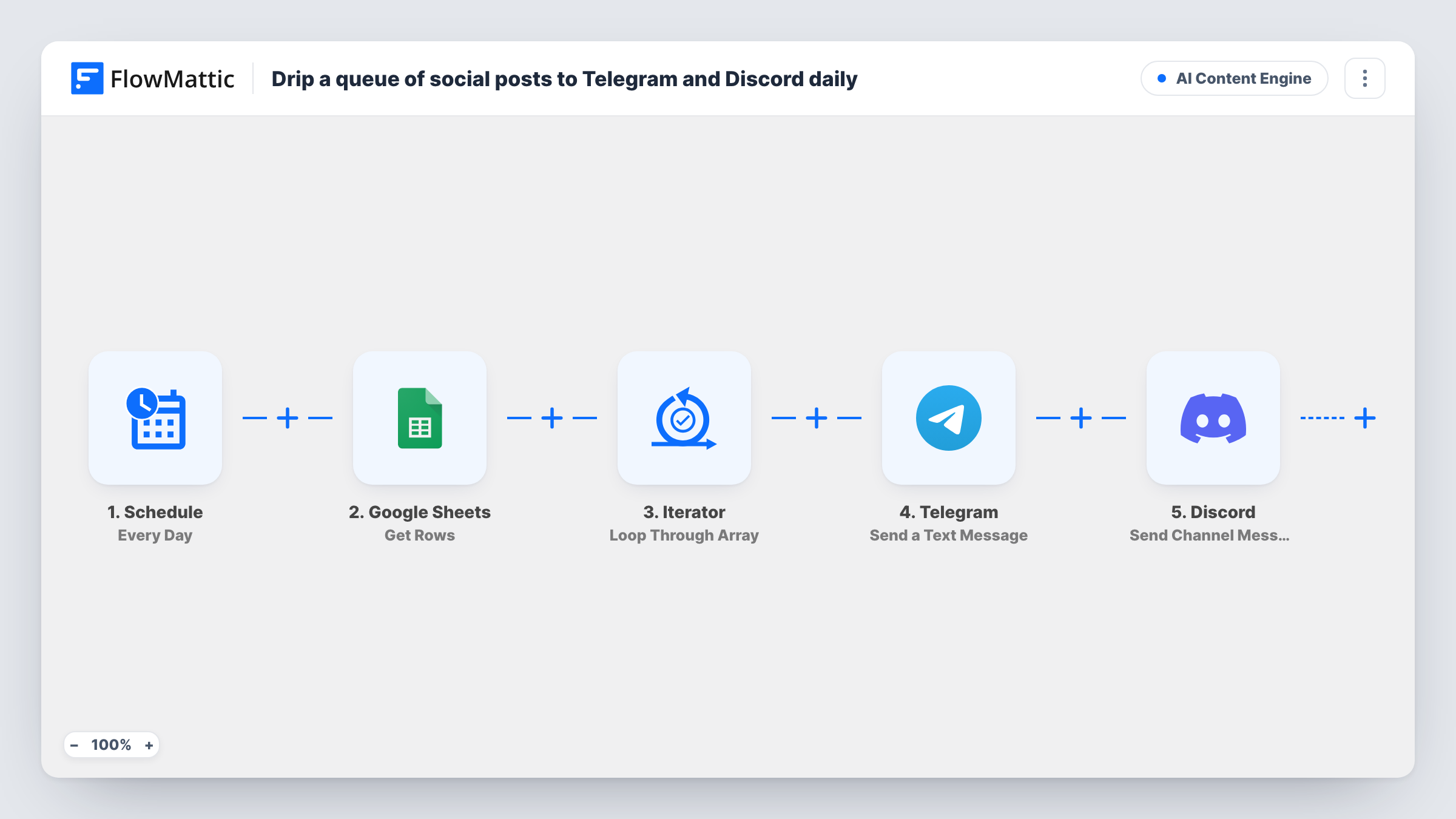
 Google Sheets New Spreadsheet Row
Fires when a new row is added to your social queue sheet. The row's columns, including the message column, become available to the next steps.
- Telegram Send a Text Message
Sends the row's message as a Telegram text with HTML formatting. Connect your bot and choose the chat or channel it posts to after import.
- Discord Send Channel Message
Posts the same message to the Discord channel you choose, so your Discord server sees the update right after Telegram.
What you need
- FlowMatticCore
- Google Sheets AccountAccount
- Telegram AccountAccount
- Discord AccountAccount
After importing, map your own data. To keep the template universal, not every step is pre-filled. Open each step in the builder and connect your accounts and fields (channels, lists, sheets, recipients) before you switch the workflow on.
Make it yours
Changes worth making after you import it.
- Name a column message in the sheet, or remap both steps to the column that holds your text, so the posts aren't empty.
- Put a Filter between the Google Sheets trigger and the Telegram step that continues only when the message column isn't empty. A blank row then stops before Telegram and Discord instead of posting nothing.
- Add a Delay between the trigger and the Telegram step if you want a few minutes to fix a typo before the message goes out.
- Keep Telegram's HTML tags out of the Discord copy by adding a second column with a plain version and mapping that into the Discord step.
Questions about this workflow
Can I schedule a Google Sheets row to post to Telegram and Discord later?
Not as imported. Each row posts as soon as it is added. Add a Delay step between the trigger and the Telegram step if you need a wait, and set it to the time you want.
Which Telegram chats can the bot post to?
Any chat, group or channel where your bot can send messages. Add the bot to the group or make it an admin of the channel, then pick that chat in the step.
Does editing a row post the message again?
No. The trigger fires when a new row is added to the spreadsheet, so changes to existing rows don't start a run.
Will the Telegram formatting show in Discord?
Telegram reads HTML tags, but Discord uses its own Markdown-style formatting, so tags may appear as plain text there. Keep the message plain or use a separate Discord column.
More AI Content Engine workflows
Other ready-to-import templates from the same category.





Import this workflow into your WordPress site
Download the JSON, import it from the Workflows screen and connect your accounts. Every run stays on your server, with no per-task fees.
30-day money-back guarantee Unlimited workflows and runs Self-hosted