

Create a New Contact in Brevo from a New Lead on Facebook Lead Ads
Add every person who fills in your Facebook lead ad form to Brevo as a new contact, with their email and the answers you choose to map, ready for your email campaigns.
 Facebook Lead Ads
 Brevo ( Sendinblue )
2 steps 1 downloads Setup ~5 min Used on 2.0k sites Free to import
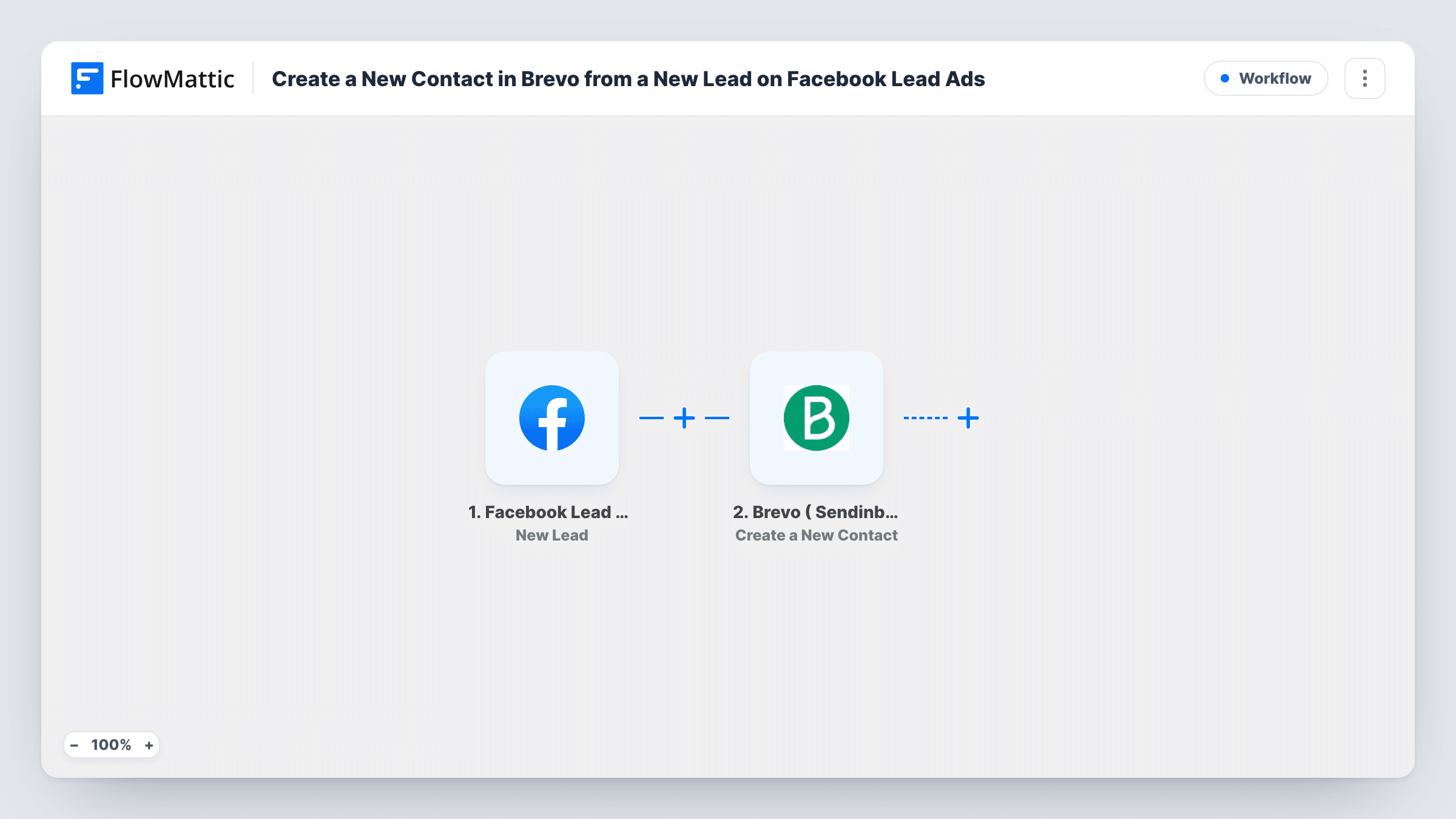
What this workflow does
Leads from a Facebook ad cool off quickly. If they wait in Meta until someone exports them, your welcome email goes out days late. This workflow moves each lead into Brevo, formerly Sendinblue, as soon as the form is submitted, so your email follow-up can start straight away.
The Facebook Lead Ads trigger runs each time someone completes the instant form on your ad. Every answer on that form becomes a field FlowMattic can pass on.
The Brevo step creates a new contact. Map the lead's email address as the contact email, then add first name, last name or phone to the attributes you keep in Brevo. Once the contact exists in Brevo, your lists, campaigns and automations there can reach it like any other contact.
Welcome emails for ad sign-ups
People who ask for your free guide on Facebook appear in Brevo as contacts, ready for the welcome email you send, without you exporting a file first.
Tell campaigns apart
Import the workflow once per ad form and fill a custom attribute with the ad's name, so in Brevo you can see which campaign brought in each contact.
Local business offers
A gym runs a lead ad for a trial week. Each sign-up becomes a Brevo contact who receives the trial details and later membership offers.
How this workflow runs
What happens at each step once the workflow is on, and what you need before you import it.
 Facebook Lead Ads New Lead
Starts when a person submits the lead form on your Facebook ad. After you link Facebook and select the Page and its form, each answer can be used in the Brevo step.
- Brevo ( Sendinblue ) Create a New Contact
Creates a contact in Brevo from the lead. Map the email address, then add name, phone or other answers to the matching contact attributes you use in Brevo.
What you need
- FlowMatticCore
- Facebook Lead Ads AccountAccount
- Brevo ( Sendinblue ) AccountAccount
After importing, map your own data. To keep the template universal, not every step is pre-filled. Open each step in the builder and connect your accounts and fields (channels, lists, sheets, recipients) before you switch the workflow on.
Make it yours
Changes worth making after you import it.
- Create the Brevo attributes you want to fill, such as FIRSTNAME or a custom one for the ad name, before you map them in the step.
- Add a Filter after the trigger that continues only when the lead ticked your marketing consent question, if your form has one.
- Add a Delay before the Brevo step if you want the contact created later, for example after your sales team has had time to call first.
Questions about this workflow
What if the lead is already a Brevo contact?
The step creates a new contact. Brevo does not allow two contacts with the same email, so check Task History for its response when someone signs up twice.
Does it work with any lead form?
Yes, as long as the form asks for an email address. Pick the Page and form in the trigger, and map the email answer in the Brevo step.
Does Brevo send an email when the contact is added?
The workflow only creates the contact. Any email they receive comes from campaigns or automations you set up in Brevo.
Which accounts are required?
A Facebook account with access to the Page running the ads, and a Brevo account. You connect both when you import the workflow.
More Lead Capture & CRM workflows
Other ready-to-import templates from the same category.








Import this workflow into your WordPress site
Download the JSON, import it from the Workflows screen and connect your accounts. Every run stays on your server, with no per-task fees.
30-day money-back guarantee Unlimited workflows and runs Self-hosted