

Send new form submissions to Telegram instantly
Each WPForms submission sends a Telegram text message with a bold heading and the sender’s name, email and message, so you can read new enquiries in Telegram without opening WordPress.
 WPForms
 Telegram
2 steps Setup ~5 min Used on 1.7k sites Ops Free to import
What this workflow does
Form notification emails pile up next to newsletters and receipts, and a new enquiry can sit unread for hours. If you and your team already talk in Telegram, that is the place to see form submissions too. This workflow sends each WPForms entry there as a short, readable message.
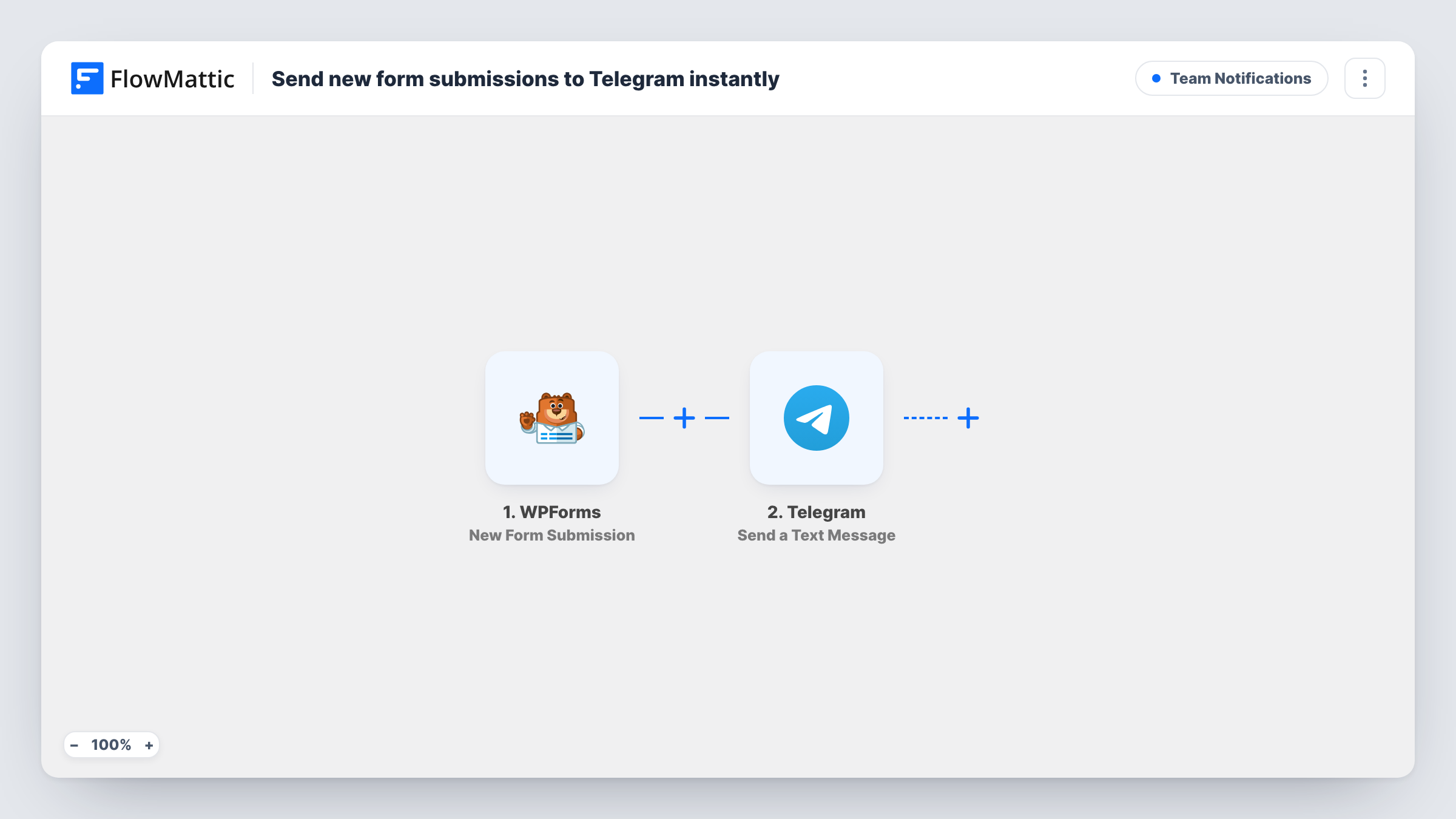
The WPForms trigger fires when a visitor submits a form on your WordPress site. FlowMattic then runs Send a Text Message in Telegram. The text uses HTML parse mode: a bold line reading New form submission, then lines for Name, Email and Message filled from the form.
Those three lines read fields named name, email and message. WPForms forms differ, so send a test entry after import and check that each line fills in; remap any that come through empty. Nothing filters the entries, so every submission produces a message. WPForms keeps its own entry handling and notification emails as they were.
Freelancer quote form
A designer's quote form sends each request to Telegram with the client's name, email and brief, so it can be read on a phone between meetings.
Restaurant booking enquiries
Booking questions from a WPForms form appear in the Telegram group the front-of-house staff already use for shift chat.
Small team contact form
Every message from the site's contact page shows up in a shared Telegram conversation, so whoever is free can see it and reply by email.
How this workflow runs
What happens at each step once the workflow is on, and what you need before you import it.
 WPForms New Form Submission
Starts the workflow when a WPForms form is submitted on your site. The entry's fields, including name, email and message, become available to the Telegram step.
- Telegram Send a Text Message
Sends a Telegram text message in HTML mode: a bold New form submission heading, then the sender's name, email and message on separate lines. Connect Telegram on import and send a test entry to see where it arrives.
What you need
- FlowMatticCore
- WPForms PluginPlugin
- Telegram AccountAccount
After importing, map your own data. To keep the template universal, not every step is pre-filled. Open each step in the builder and connect your accounts and fields (channels, lists, sheets, recipients) before you switch the workflow on.
Make it yours
Changes worth making after you import it.
- Add more lines to the Telegram text for other WPForms fields, such as a phone number or a service dropdown, using the same Label: field pattern.
- If several forms share the site, add a Filter after the trigger so only entries from your enquiry form send a Telegram message.
- Keep the HTML parse mode in mind when editing the text. Tags like b and i format the message, so avoid stray angle brackets in the labels you add.
Questions about this workflow
Which WPForms fields appear in the Telegram message?
As imported, the name, email and message fields. You can edit the message text and insert any other field the WPForms trigger provides.
What if the Name or Email line in Telegram arrives empty?
Your form's fields probably use different keys. Open the Telegram step after a test entry and map your own name, email and message fields into the text.
Do I still get the WPForms notification email?
Yes. The workflow reads the submission and sends a Telegram message. It doesn't change the form's notification settings.
Can I reply to the visitor from Telegram?
Not through this workflow. It only sends you the message. Use the email address in the Telegram text to reply.
More Team Notifications workflows
Other ready-to-import templates from the same category.




Import this workflow into your WordPress site
Download the JSON, import it from the Workflows screen and connect your accounts. Every run stays on your server, with no per-task fees.
30-day money-back guarantee Unlimited workflows and runs Self-hosted