

Add a ClickUp task to review the candidate when a Hireflix interview status changes
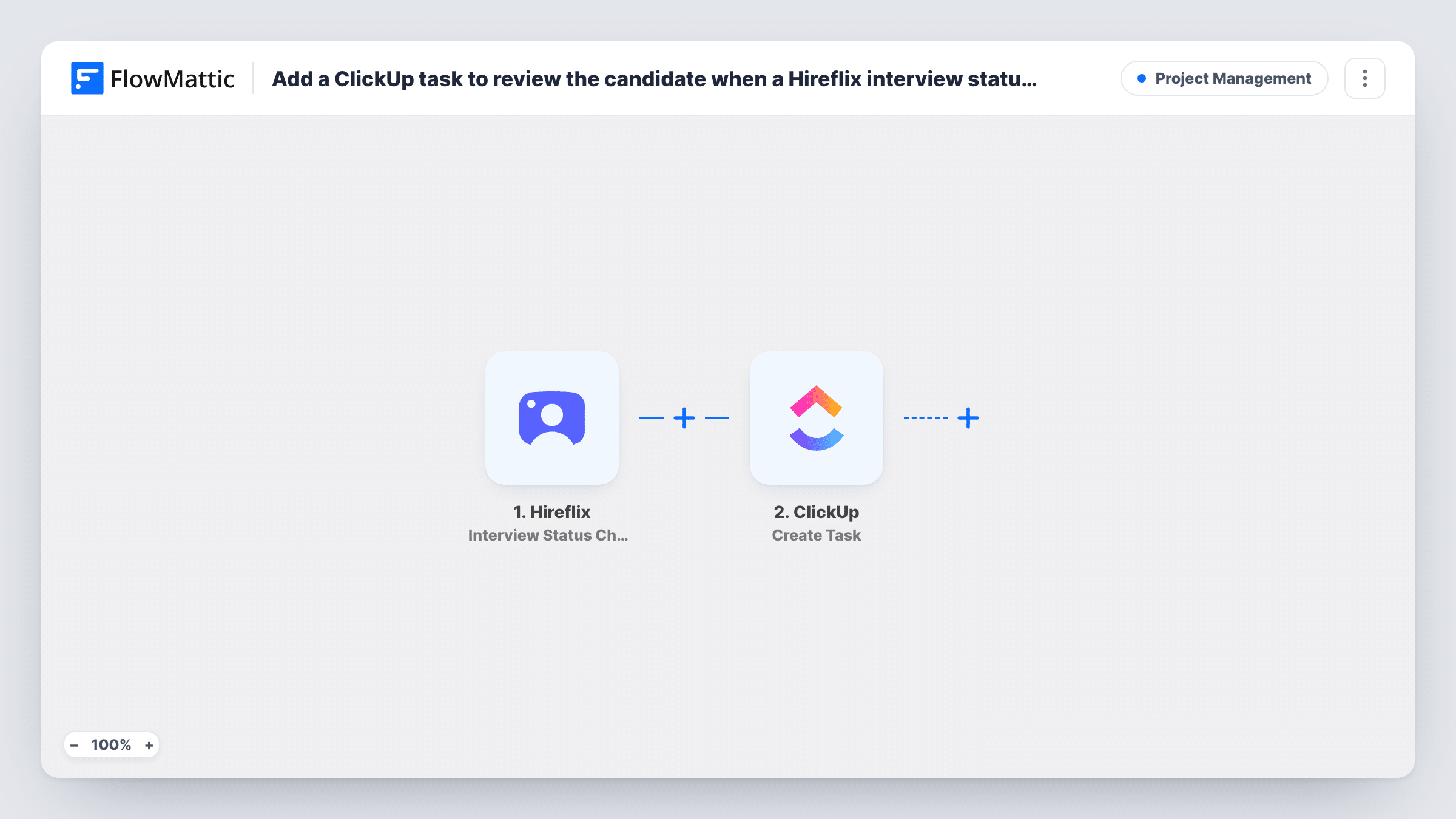
Whenever a Hireflix interview changes status, this workflow creates a ClickUp task to review that candidate, so your hiring team plans the next step in the same place it tracks the rest of its work.
 Hireflix
 ClickUp
2 steps Setup ~5 min Used on 788 sites Productivity Free to import
What this workflow does
One-way video interviews in Hireflix move through stages, and someone on the team has to notice each change and act on it. If your recruiters work from ClickUp, a review task is the easiest way to make sure that happens. This workflow creates that task when a Hireflix interview's status changes.
The Hireflix trigger is Interview Status Changed, which fires whenever an interview's status changes. FlowMattic receives the interview data Hireflix sends. The ClickUp step then creates a new task, and you map details from that event into its name and description.
Because the trigger isn't limited to one status, every change creates a task. A candidate who moves through several stages gets one task per change. Adding a Filter on the status keeps only the changes you care about. Task History shows each run with the Hireflix data and ClickUp's response.
Review once the candidate has answered
Add a Filter for the status Hireflix uses when a candidate completes the interview, so the hiring manager gets a ClickUp task only when there is a recording to watch.
One shared recruiting list
The hiring panel works from a single ClickUp list. Every Hireflix status change adds a task there with the candidate's details, so the panel sees who needs attention.
Keeping an agency's clients informed
A recruitment agency runs Hireflix interviews for clients and tracks each search in ClickUp. Status changes show up as tasks the account manager can act on.
How this workflow runs
What happens at each step once the workflow is on, and what you need before you import it.
 Hireflix Interview Status Changed
Fires whenever a Hireflix interview's status changes. The interview and candidate data in the event are passed to the ClickUp step for mapping.
- ClickUp Create Task
Creates a task in ClickUp for the candidate. Connect your ClickUp account, choose the location for the task, and map Hireflix details into the task's name and description.
What you need
- FlowMatticCore
- Hireflix AccountAccount
- ClickUp AccountAccount
After importing, map your own data. To keep the template universal, not every step is pre-filled. Open each step in the builder and connect your accounts and fields (channels, lists, sheets, recipients) before you switch the workflow on.
Make it yours
Changes worth making after you import it.
- Add a Filter after the trigger that continues only for the status that should prompt a review. Run a test first to see the status values Hireflix sends.
- Put the new status in the ClickUp task name, so a list with several tasks for one candidate still shows what each one is about.
- If you only care about finished interviews, Hireflix also has an Interview Finish trigger in FlowMattic. Swap it in to create a task only when an interview is finished.
Questions about this workflow
Will a Hireflix candidate get several ClickUp tasks?
They can. As imported, each status change creates a new task, so a candidate whose interview changes status three times gets three tasks. A Filter on the status prevents that.
Does this send anything to the candidate?
No. The workflow only reads the status change from Hireflix and creates a task in ClickUp for your team. Candidates see nothing new.
Can I assign the ClickUp task to a recruiter?
Open the ClickUp step after import and see what it offers. Map or pick an assignee there if the step has that option, then confirm with a test run.
Is there a Hireflix trigger for new interviews instead?
Yes. FlowMattic's Hireflix triggers include Interview Create, Interview Finish, Interview Delete and Interview Score Updated alongside Interview Status Changed.
More Project Management workflows
Other ready-to-import templates from the same category.




Import this workflow into your WordPress site
Download the JSON, import it from the Workflows screen and connect your accounts. Every run stays on your server, with no per-task fees.
30-day money-back guarantee Unlimited workflows and runs Self-hosted